
I’m going to be honest with you, AI scared me at first. Questions like “Will it sound robotic and turn donors off?” or “Do I really have time to learn another tool?” kept popping up.
But after testing it across a dozen campaigns – from donor thank-yous to grant drafts – AI became the quiet helper that slashed my admin time by half. It handles the grunt work so you pour energy into what only you can do: tell your story with heart and connect one-on-one.
The truth? AI won’t replace your expertise; it amplifies it when you use it smartly.
No coding required, just simple prompts with your real data.
I would recommend that anyone getting started with AI – start small. Make sure you edit everything for your voice, and watch open rates climb, or forms convert better.
I’ve spent a significant amount of time signing up for AI tools and testing them, pushing them to their limits.
In this guide, I’m sharing my 10 favorite tools that make fundraising faster and easier without the hype.
Understanding AI: What It Can and Cannot Do
Before jumping into tools, let’s get clear on AI’s real strengths and limits. This helps you use it without frustration or wasted time.
AI excels at handling repetitive tasks fast. It drafts emails from donor data, spots patterns in spreadsheets, or generates content ideas in seconds. This can mean generating personalized thank-yous to send out to donors. Or it can be campaign outlines without starting from scratch every time.
Here’s the rundown:
📊 AI analyzes large amounts of data quickly. Feed it your donor exports, and it flags top givers or predicts lapses faster than manual review. You make smarter calls on who to contact next.
🧍🏼What AI cannot do well is replace human judgment or emotion. It lacks your story, donor history nuances, or mission passion. Outputs often sound generic or repeat phrases until you edit them heavily.
⚠️ AI sometimes hallucinates facts or misses context. Always fact-check against your real reports. It pulls from patterns, not perfect memory, so verify dates, amounts, or specifics.
🎯 AI needs good prompts to shine. Vague questions get vague answers. “Give me a thank you letter” does not work well simply because the AI tool cannot read your mind. Specific details yield better results like “Write a thank-you letter for a $50 animal shelter donor who gave last year. Let them know that because of their donation, we were able to help 25 more dogs. Invite them to support us again.”
🤝 AI works better as a smart assistant, not a replacement. It speeds up the rough work so you focus on the human touch that builds loyalty. Start with clear expectations, and it becomes your best helper.
The trick is to understand where AI can really help and where it can’t – at least not yet.
For a more indepth understanding, read our Ultimate Guide to AI for Non Profits (Strategies, Tools, Free Courses)
See How AI is changing SEO for non-profits – what we’re observing and what to do about it »
Prefer a video over a read? Then check out our YouTube channel or watch here.👇🏼
Watch How Nonprofits and Charities Can Start Using AI Practically
Reviewing The Best AI Tools For Non-Profits
These tools solve the exact pain points I faced in real campaigns – endless donor emails that took hours, donor lists where patterns hid in plain sight, and campaign pages that needed constant tweaks.
You benefit most from time back for what matters: building relationships, refining your message, and hitting those stretch goals. No more staring at blank screens or spreadsheets.
Instead, AI drafts the rough work while you add the heart that donors trust. Campaigns launch quicker, grants land easier, and your team feels less burned out.
Note: Where available, I’ve included direct links to these tools’ nonprofit discount pages. Many offer generous deals like free Pro access or deep discounts for verified 501(c)(3)s and equivalent orgs worldwide. These savings let you unlock premium features to amplify your mission without straining your budget. Just click through to apply and verify eligibility. Looking for exclusive deals for non-profits? Check out 👉🏼 Best Deals, Discounts & Free Software For Non-Profits.
General AI Assistants 💬
1. ChatGPT
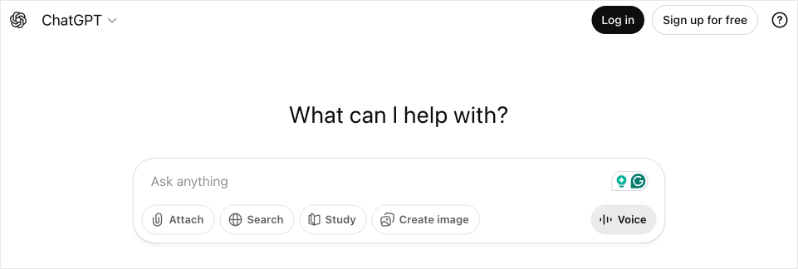
ChatGPT became my go-to when I realized how much time I was losing on repetitive donor communications. The scenario that changed everything: I had 47 donors to thank after a campaign, each with different giving histories and connection points. What would have taken me an entire afternoon took about 30 minutes.
Here’s an example of how you can actually use it: Paste in donor details from Charitable exports – name, gift amount, giving history, any notes about their connection to our cause – and ask it to draft a personalized thank-you. The key is being specific. Instead of “write a thank-you,” I’d say “write a warm thank-you for Sarah who gave $250 to our food bank, her third gift this year, mentioning she volunteers on Saturdays.”
The draft it gives you isn’t perfect, but it’s 80% there. You add your personal touches, maybe a specific memory from an event or a detail about impact, and suddenly you have genuine communications going out in a fraction of the time.
The free tier handles most everyday tasks well. If your team collaborates on fundraising, ChatGPT Team at $25/user/month gives you shared workspaces so everyone works from the same prompts and styles.
OpenAI offers nonprofit discounts – See ChatGPT for Non Profits.
2. Claude.ai
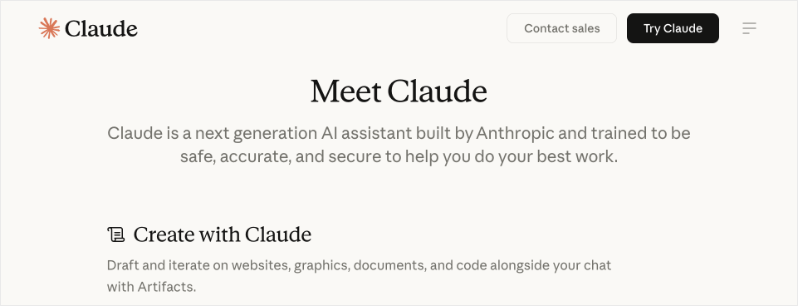
Claude became my secret weapon for grant writing. Other AI tools would start strong but lose focus halfway through a 10-page proposal. Claude keeps the thread.
What you can do: Upload your organization’s mission statement, our strategic plan, past successful grants, and the specific funder’s guidelines. Then ask Claude to help outline the proposal section by section. It remembers everything – outcomes data, language preferences, even how you phrase your theory of change.
The biggest win was getting blog posts about every event up in no time. I simply fed it the details I had, and it gave me a report that I could quickly edit and publish.
The free version handles most grant drafting work. Pro at $20/month is worth it if you’re submitting multiple grants monthly.
3. Google Gemini
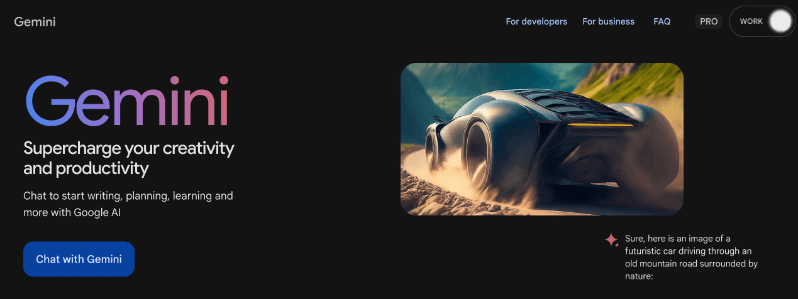
Gemini shines with data analysis without the headache of complex formulas. Export your Charitable reports, upload them, and ask direct questions. “Which donors gave last December but not this year?” “Who has the potential to move up a giving level?” “What’s our average gift from email campaigns versus social?”
It won’t replace a proper CRM’s reporting, but it fills the gap when you need quick insights and don’t have time to learn pivot tables.
Free access covers most analysis needs. Gemini Advanced at $20/month goes deeper if you’re working with larger datasets.
Google for Nonprofits unlocks free premium access plus discounts on Workspace – a no-brainer if you already use Gmail or Sheets.
See Google Workspace for Nonprofits with Gemini »
4. Perplexity.ai
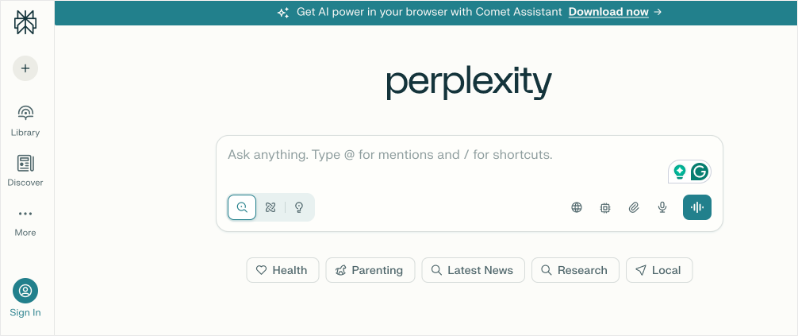
I’ve used Perplexity for a variety of things. To be honest, I don’t prefer the output style but it works great for trend research. Before writing a grant narrative, ask about current research or statistics related to your cause. It pulls recent studies and reports you can cite in proposals.
Free plan gives unlimited quick searches. Pro at $20/month handles more complex research queries.
Nonprofits get discounts – Check our Perplexity for Non Profits »
Among these four tools, I would recommend testing all of them and seeing which one suits you best. Claude’s results give me the best style and tone that I need. But Gemini gives me more accurate output. So after months of using all four, I combine Claude and Gemini because it works best for me.
WordPress AI Tools 🛠️
5. WPForms AI
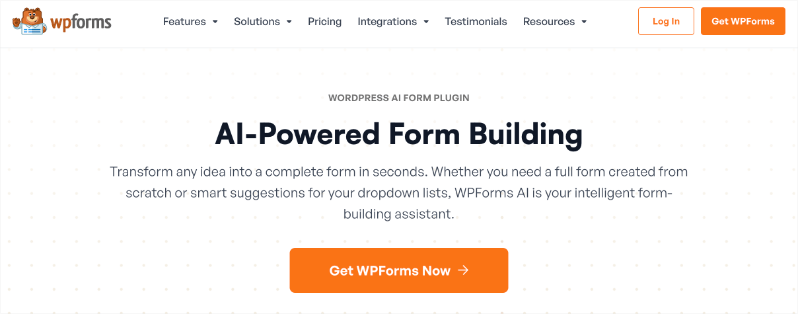
WPForms has been on every website I’ve built for years – over 6 million users can’t be wrong. But the AI form builder took it to another level.
Here’s what actually happens: you describe what you need in plain English. I typed “donation form with monthly recurring option, custom amount field, and a dropdown asking how the donor heard about us.” The AI built the complete form in seconds.
What impressed me most was handling conditional logic. I said “show a tribute section only when donation is marked as ‘in honor of’ or ‘in memory of’” – something that used to require careful manual configuration. The rules were added instantly.
For teams without a technical person, this removes the barrier completely. You describe what you want, adjust the preview, and publish. The 14-day money-back guarantee means you can test it on a real campaign with zero risk.
Non profits get a discount! Know more »
6. SeedProd AI
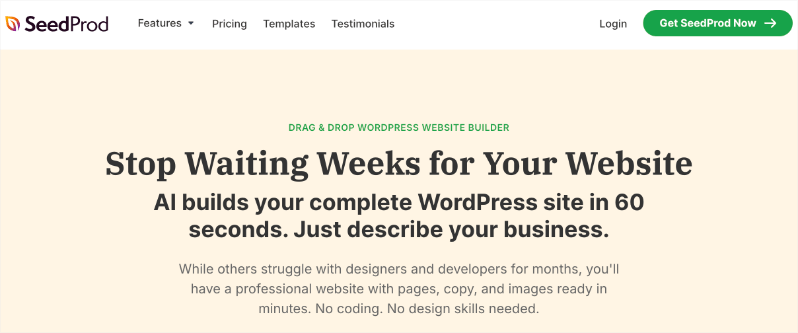
SeedProd solves the blank-page problem for campaign landing pages. I’ve used it for Giving Tuesday pages, Black Friday campaigns, emergency appeals, and event registrations.
Sign up for the AI website builder – you just have to enter your email address. Then you can enter your Site title and description. You can let SeedProd choose the colors for you. Then it will generate a website for you.
You can either view the site or download it as a SeedProd template.
The website comes with the standard pages – home, about, contact, blog. It also has placeholder images, content, calls to action like buttons, donation options – all of which you can quickly edit. (To customize it, you’ll need to be using the SeedProd Pro plugin for that)
It creates a great base that you can use as a foundation for your website.
The honest downside: AI features tie to higher plans, and if you’re building a lot of pages, you’ll burn through credits. Budget for that.
If you haven’t created your non-profit website yet, check out our step by step tutorial that’s easy for anyone to do: How to Create a Nonprofit Charity Website using WordPress (7 Easy Steps) »
7. Divi AI
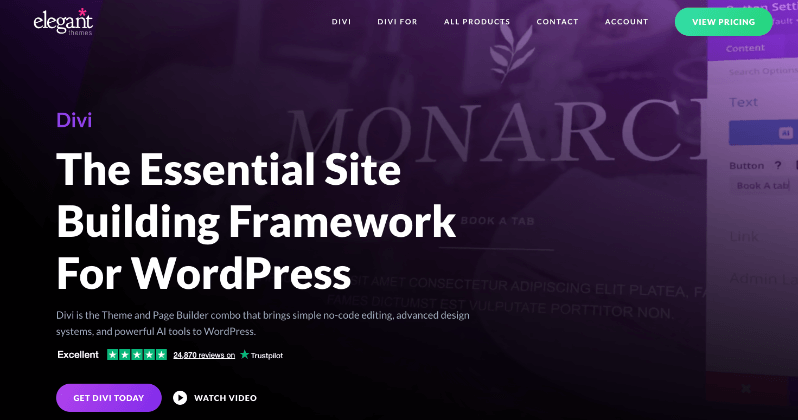
If you’re already using the Divi theme, adding Divi AI feels like upgrading your toolkit overnight.
What sets it apart: it learns from your existing site content. When I ask it to write a donation page headline, it pulls from my organization’s language, mission keywords, and tone. The suggestions actually sound like us, not generic marketing speak.
The image editing rivals basic Photoshop work. You can extend images, remove backgrounds, or adjust visuals without opening another application. For nonprofits without design staff, this is huge.
The code generation works great for custom touches – small CSS tweaks to make donation buttons stand out or adjust mobile layouts. It writes code specifically for Divi’s framework, so it actually works.
Unlimited generations mean no credit anxiety during busy campaign seasons.
8. Elementor AI
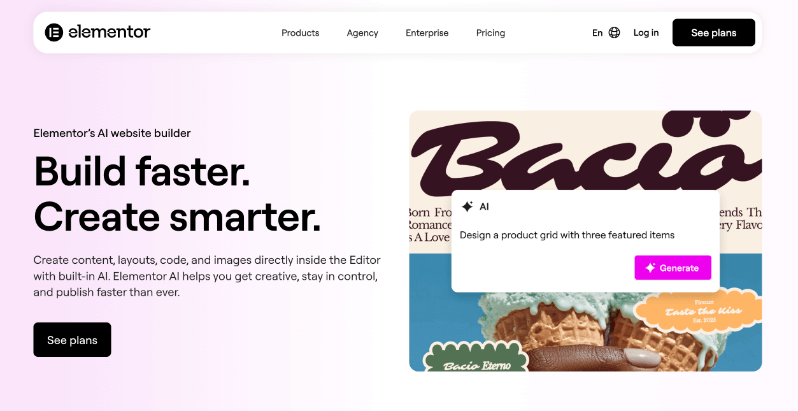
Elementor AI works directly inside the Elementor editor, which means no context switching. You’re building your page and need better copy for a section? Highlight it, ask the AI, and suggestions appear right there.
The AI Context feature made a real difference. I gave it examples of our best-performing email headlines and donation page copy. Now its suggestions actually match our voice instead of generic marketing language.
For custom code needs, the Code Assistant generates CSS or HTML with the correct Elementor selectors – a detail that sounds small but saves real debugging time.
Credits are generous for a year of use. There’s a free trial with any Elementor site, so you can test before committing.
Get started with Elementor AI »
See how Charitable integrates with Elementor »
9. AIOSEO AI
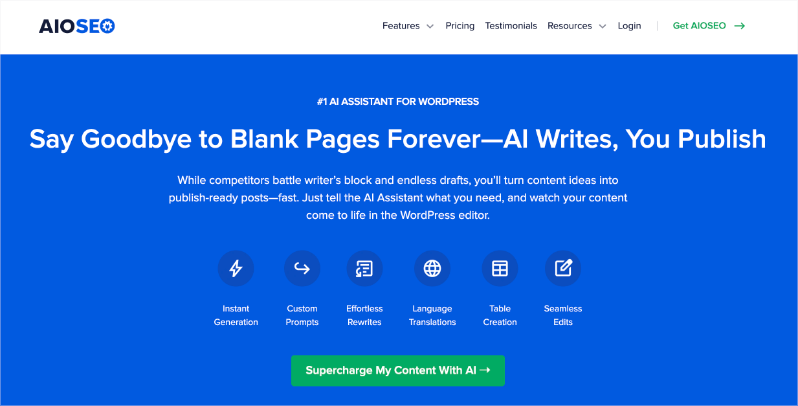
AIOSEO has been a constant on my WordPress sites for years – over 100 million downloads speaks to how essential good SEO is. The AI Assistant in AIOSEO is specifically designed to help with SEO content optimization. Here’s what it actually does:
AI Title & Description Generator
- Generates optimized titles and meta descriptions with one click
- Creates 5 suggestions at a time based on your page content
- Uses AI to incorporate relevant keywords naturally
- Saves you from the tedious work of manually crafting meta tags for every page
AI Content Tools
- Post titles – generates SEO-friendly headlines
- Meta descriptions – writes compelling snippets for search results
- Social media titles and descriptions – optimizes your Open Graph content for sharing on Facebook, Twitter, etc.
The Title/Description Generator solves a real bottleneck. During a campaign launch, I’m creating multiple pages and posts quickly. Stopping to craft optimized meta descriptions for each one breaks my flow. Now I click one button, get five options, pick the best one, and move on.
The Link Assistant found opportunities I’d missed for years. It scanned my site and identified 20+ blog posts with no internal links to their donation pages. We fixed them in an afternoon, and those posts started driving actual donations instead of just traffic.
Rich snippets make your search results stand out with ratings, organization info, or event details – small advantages that add up over time.
There’s a 14-day money-back guarantee that lets you test it risk-free.
Non profits get a discount! Know more »
AI Writing Assistants ✍️
10. Jasper.ai
Jasper beccomes valuable when you want to produce content at scale – multiple blog posts, email sequences, and appeal letters all running simultaneously.
What it does well: you give it a brief, and it generates full drafts quickly. For a fundraising email series, I provided our campaign goal, key talking points, and audience details. It produced five emails in the sequence that I could then edit and personalize.
The tone controls help maintain professionalism while still sounding human. SEO suggestions built into the writing process mean your blog posts have a better chance of ranking.
It’s not cheap, but the 7-day free trial lets you test it on a real project. Best for organizations producing consistent content who need to move faster.
11. Grammarly AI
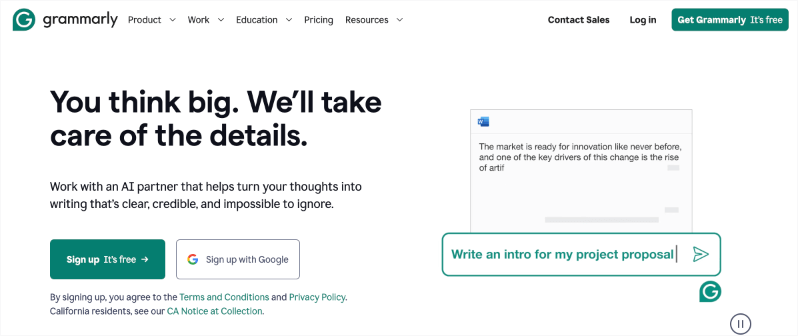
Grammarly does something none of the other tools quite nail: it makes AI-generated content sound human.
You can draft donor communications with ChatGPT or Claude, then run them through Grammarly. It catches the subtle signs of AI writing – repeated phrases, awkward transitions, overly formal language – and suggests natural alternatives.
Beyond AI editing, it improves everything you write. Email tone suggestions help you strike the right balance between professional and warm. It catches errors that make you look careless.
The free version handles most needs. Premium at $12/month adds more advanced suggestions.
Planning & Organization 📊
12. Notion AI
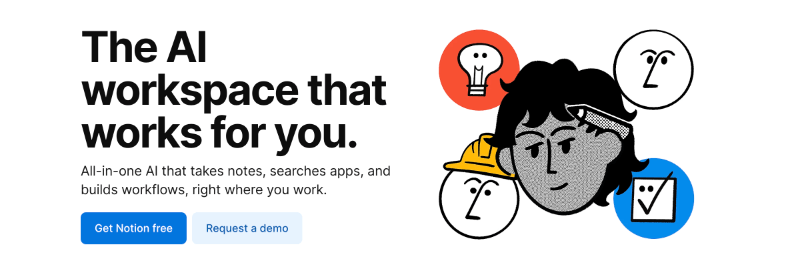
Notion became our campaign command center, and the AI features made it smarter.
Everything lives in one place: donor notes, campaign timelines, grant deadlines, volunteer schedules, and meeting notes. When you need to summarize a long board meeting for your newsletter, the AI does it in seconds. When you’re prepping for a donor call, it pulls together everything you know about that person across all your notes.
The export features work cleanly with WordPress, so campaign plans move smoothly to execution.
The free plan works for small teams. The Plus plan at $10/user/month adds AI features and more storage.
Chatbots 🤖
13. HelpJet
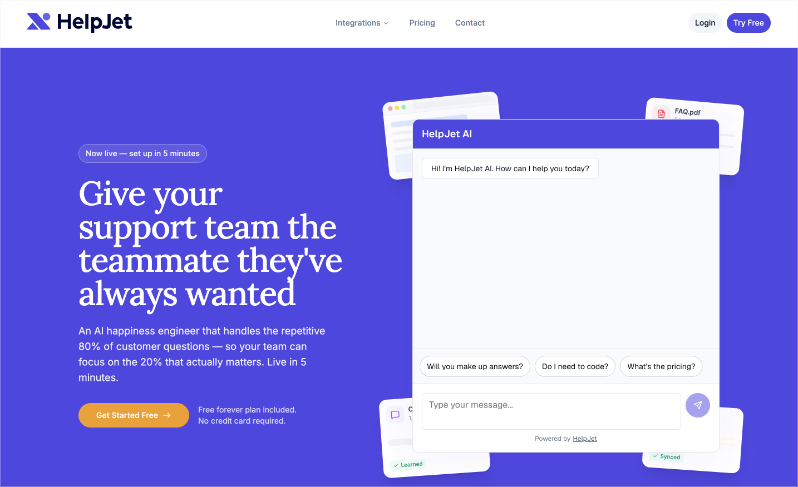
HelpJet is an AI support plugin, and for non-profits, this matters a lot. Your staff and volunteers are likely stretched thin. When donors, supporters, or volunteers land on your site with questions about your programs, donation process, or upcoming events, HelpJet steps in and handles the conversation instantly, at any hour of the day.
Setup takes about five minutes. Simply point HelpJet at your existing documentation – PDFs, help articles, your website – and it absorbs everything. From that point on, it can answer questions about your organization with real accuracy, not generic chatbot responses.
What makes it stand out is how it handles nuance. It reads between the lines, picks up on urgency, and responds with genuine empathy, making it feel far less like a bot and more like a knowledgeable team member. When a question is too complex or sensitive for automation, it escalates cleanly to a human.
It also gets smarter over time. Every conversation it has and every update you make to your materials feeds back into its knowledge base automatically.
For non-profits that field the same five donor questions every single week, HelpJet quietly handles that entire workload freeing your team to focus on the conversations that actually require a human touch.
14. LiveChat AI
LiveChat works similarly to Tidio but with stronger integration into CRM workflows. During our last campaign, it handled dozens of real-time questions about matching gifts and recurring donations while our small team focused on calls with major donors.
The conversation analysis helps you understand what questions people actually have – insights that improve your website copy and FAQ over time.
14-day free trial lets you test it during a campaign.
Getting Started
Each tool starts free or low-cost and fits into your existing WordPress workflow. My advice: pick the one that addresses your biggest time drain right now.
- Drowning in donor communications? Start with ChatGPT.
- Stuck on grant proposals? Try Claude.
- Need better donation pages fast? Test WPForms AI or SeedProd.
- Missing insights in your data? Upload to Gemini.
Start with one tool this week. Once you see hours come back into your schedule, you’ll find the right combination for your organization.
FAQs on AI Tools for Non-Profits❓
Does AI replace my nonprofit team?
No, AI handles repetitive tasks like drafting emails or analyzing data so your team focuses on relationships and strategy. It amplifies what you do best, like sharing your mission story that donors trust.
Is nonprofit data safe with these tools?
Yes, when used right. Export summaries from Charitable without full donor details. Delete chats in free tools and anonymize info first. Most comply with privacy standards.
How much time will AI save me weekly?
Teams save 10-20 hours on emails, forms, and content after a short learning curve. Start with one tool like ChatGPT for donor notes and track your own results.
Do I need tech skills to use these?
Not at all. They work like chatting with a helper. Describe what you need in plain words, edit the output, and go. Free courses teach prompts in under an hour.
Will donors spot AI in my emails or pages?
Not if you edit well. Add your real stories, read aloud, and run through Grammarly. The human touch makes all the difference donors connect with.
Which tool should I try first?
ChatGPT free tier for quick wins on emails or appeals.
That’s it. I hope you found this guide helpful. You may also want to see our other guides 30+ Proven Ways to Raise Money Online for Your Nonprofit Charity and Why Data-Driven Fundraising Beats Gut Instinct Every Time (+ How to Track Data).
Not using Charitable Pro yet?
Get powerful tools to raise funds online with ease. No coding or developer needed. It’s so easy to set up, you can do it yourself. You’ll get access to features like:
- Customizable Forms
- Templates + Visual Builder
- Donation Management
- Readymade Reports
- PDF Receipts
- Custom Emails
- Donor Dashboard
- Comments & Leaderboards
- Recurring Donations
- Fee Relief
- Email Integrations
- Peer-to-Peer & Crowdfunding
…and so much more! Ready to give Charitable Pro a try?
Sign up today and get up to 50% off on your plan. We’re confident you’ll love raising funds with Charitable. If for any reason Charitable is not the right fit for you, we’ll refund your purchase with our 14-day money back guarantee
Charitable Has 1+ Million Downloads!
Trusted by millions to power successful fundraising campaigns. Try Charitable risk-free today.
✅ 14-day money-back guarantee
✅ Transparent pricing
✅ Code-free setup
Using another platform and want to migrate to Charitable? Follow our guide here »
Stay Connected for More Nonprofit Resources
For more tutorials and videos tailored to nonprofits, subscribe to our YouTube channel. We regularly publish expert tips, step-by-step guides on online donations, fundraising strategies, and practical resources to help your organization succeed.
🗞️ Get weekly tips and exclusive guides in your inbox
Join our newsletter →
🎥 Watch step-by-step tutorials and success stories
Subscribe to our YouTube channel →
👩🏽💻 Connect with our community and get daily nonprofit insights
Follow us on LinkedIn →
🥳 Fun reels and non-profit insights
Follow us on Instagram →
👀 Insightful & fun videos to help you grow your cause
Follow us on TikTok→
🌎 Subscribe and follow for general fundraiser tips
Get Fundraiser Tips on TikTok →
Powerful Fundraising Resources
🤖 Use Charitable with Your AI Assistant
⬇️ Download proven strategies, campaign ideas, and expert tools
Get the Fundraising Kit →
💸 Get Free Fundraising Resources
Head to the Charitable Fundraising Hub →
🤔 Got questions about Charitable?
Charitable FAQs →
🏎️ Take Charitable for a spin
Create your Charitable Demo →
Understand non-profit terms and jargon
Non-Profit Glossary →
% Looking for non-profit deals and discounts?
Best Non-Profit Deals and Discounts →
Your feedback keeps Charitable moving forward. Thank you for being part of the Charitable community. We’re excited to continue building better tools with you!







Leave a Reply