ACCEPT DONATIONS WITH MOLLIE PAYMENTS

Streamline Your Fundraising with Mollie Payments

Take advantage of low fees with the leading local payment methods in Europe, including Apple Pay, credit card, PayPal, Klarna, iDEAL, SEPA, Sofort, and Bancontact.

charitable mollie integration

Basic

June 29, 2026

Payment

Seamless Transactions and Enhanced Donor Experience

Combining Mollie Payments with Charitable creates a powerful tool for your nonprofit’s fundraising efforts. With Mollie’s easy-to-use payment system and Charitable’s donation management, things are simpler for both you and your donors. Mollie lets you accept credit cards, debit cards, Klarna, Apple Pay, and many more, so your supporters can donate using whichever method they like best.

Similar Extensions

Use Cases

Secure checkout

Try It →

Multiple currencies

Try It →

Recurring donations

Try It →

Raise funds faster and with less stress

Join over 10,000+ non-profits that are raising funds faster.
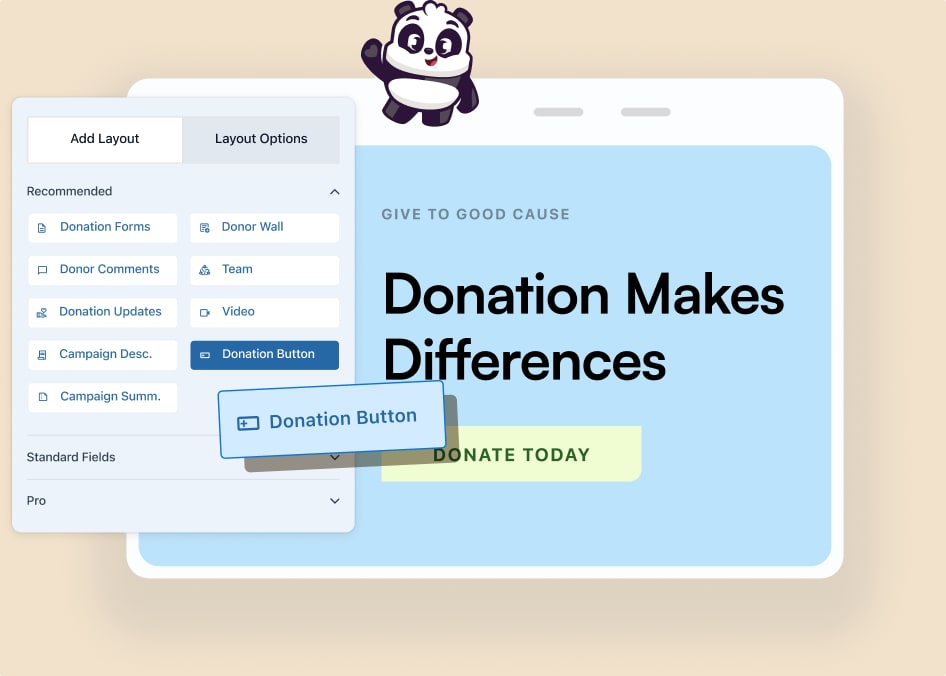
Why Integrate Mollie Payments with Charitable
Quick & Easy Integration

Set Up Mollie Donations in Minutes, Not Hours

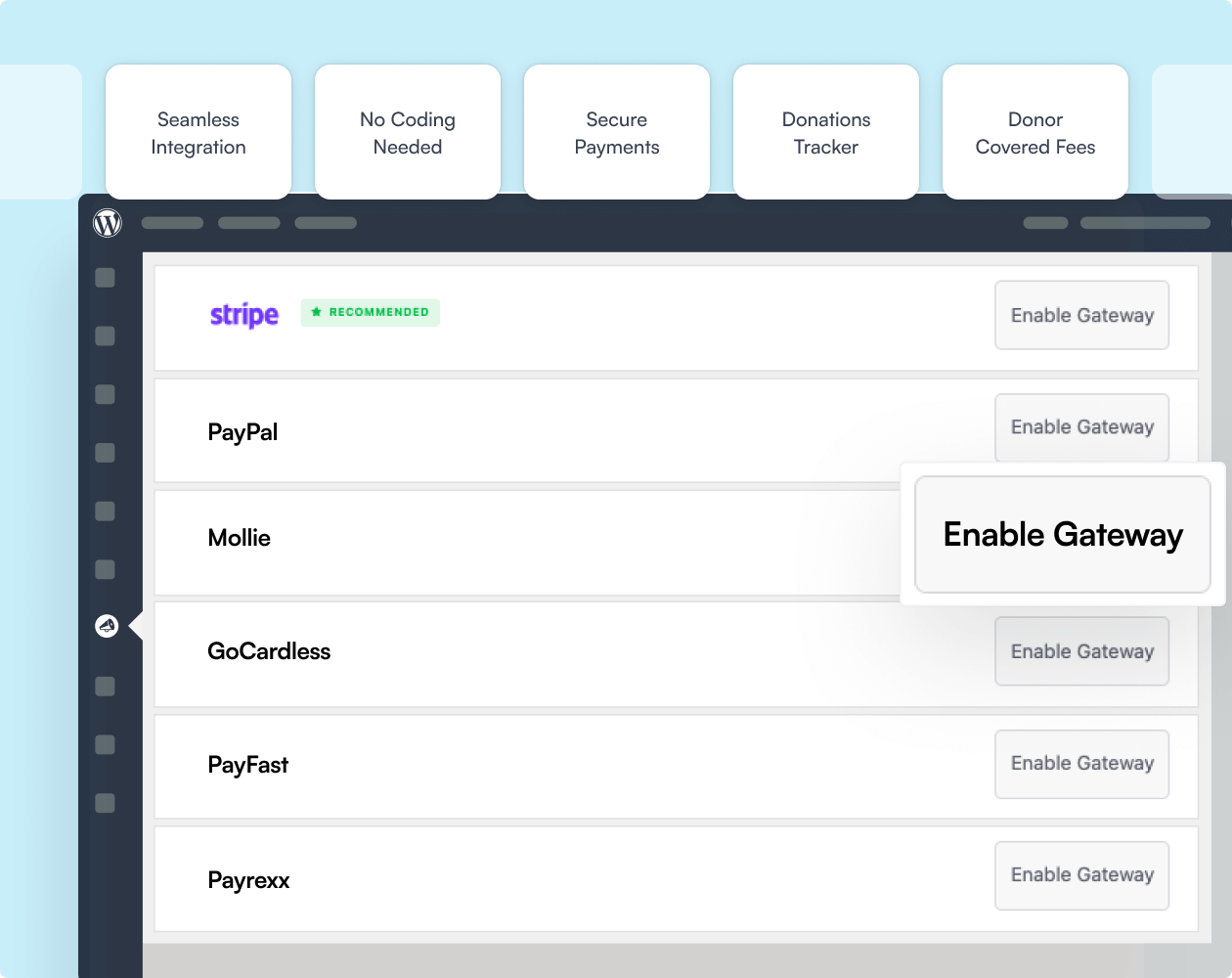
Getting started with Mollie is straightforward – you don’t need any technical skills. Just activate Mollie as a payment gateway in Charitable and input your Mollie API key. That’s it!

You can accept donations through this versatile European payment platform. The user-friendly interface walks you through each step, ensuring a smooth setup.

Once connected, Mollie integrates seamlessly with Charitable, automatically managing payment processing and security. You won’t have to worry about payment technicalities – everything runs smoothly in the background.

Easy code-free setup

Access to multiple payment methods

Automated payment process

enable mollie payments
mollie payment options

Multiple Payment Methods

Enhance Donor Experience with Flexible Payments

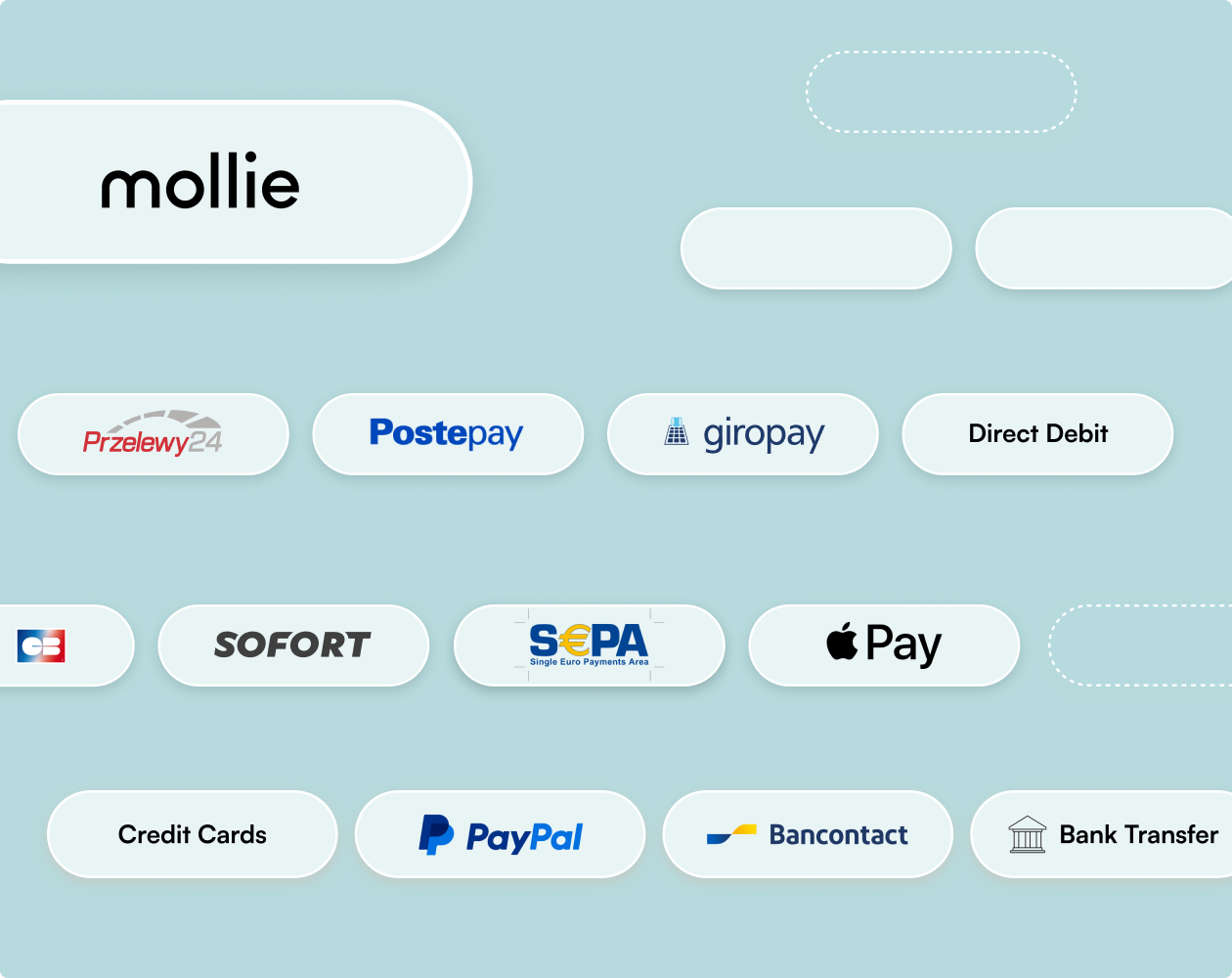
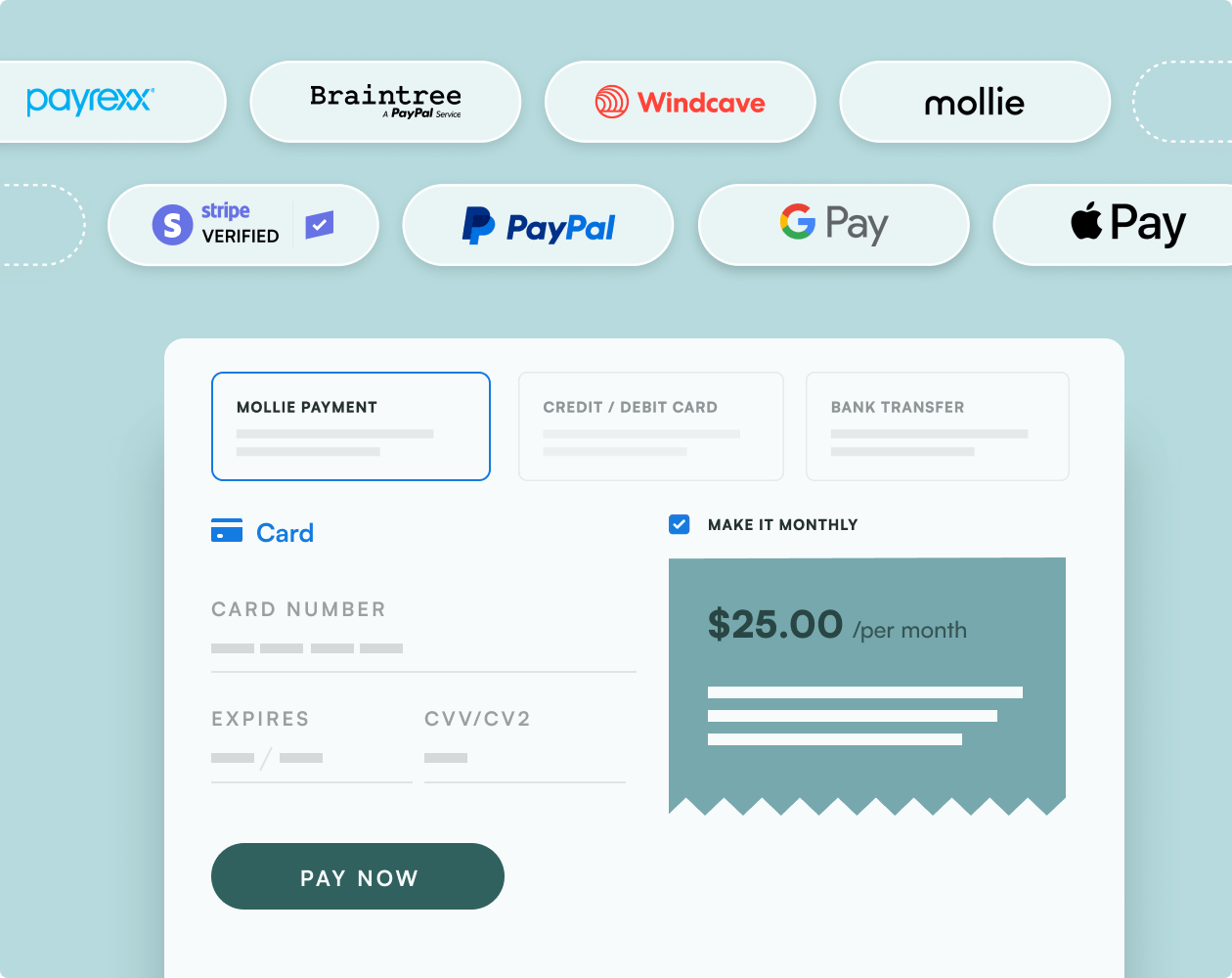
Mollie opens up a world of payment choices for your supporters. With support for credit cards, debit cards, and popular local payment methods across Europe, donors can contribute using their preferred option.

The checkout process is smooth and familiar, reducing any hesitation donors might have. Whether they prefer PayPal, Apple Pay, iDEAL, Bancontact, or other methods, Mollie has them covered.

This variety of options means you’re catering to a wider audience, potentially increasing your donation volumes.

Multiple payment methods supported

Caters to local preferences across Europe

Potential for increased donations

Simple International Donations

Boost Global Donations with Multi-Currency Options

Accept, settle, and receive payouts in multiple currencies including EUR, GBP, and up to seven additional currencies. This makes it possible to reach international donors more effectively, as they can contribute in their preferred currency.

Any payments made in currencies outside your chosen ones are automatically converted to your primary currency before payout.

This seamless currency management takes the hassle out of international fundraising, allowing you to focus on your global impact rather than currency logistics.

Simple international fundraising

Support for multiple currencies

Automatic currency conversion

mollie payment methods
Low costs with Mollie

Transparent Pricing

Lock In Low Fees With Mollie

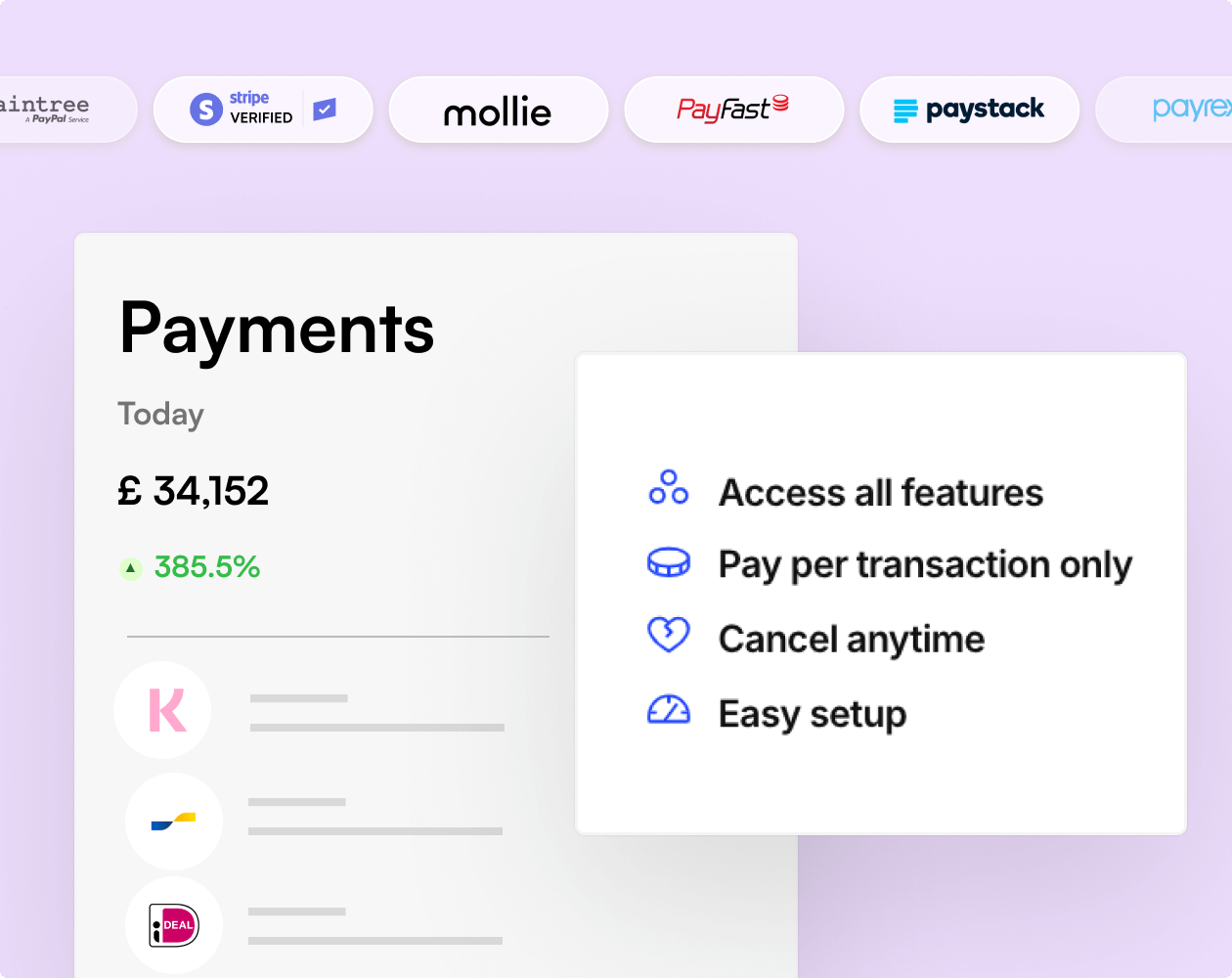
Mollie only charges you for successful transactions, with the rates varying depending on the payment method chosen by your donor. There are no monthly fees, minimum costs or any other hidden fees.

By eliminating fixed costs and focusing solely on successful transactions, Mollie allows you to scale your fundraising efforts without worrying about upfront expenses or ongoing commitments.

No monthly fee

No charge for failed transactions

Zero hidden costs or setup fees

Data Privacy & Security

Accept Secure Online Payments

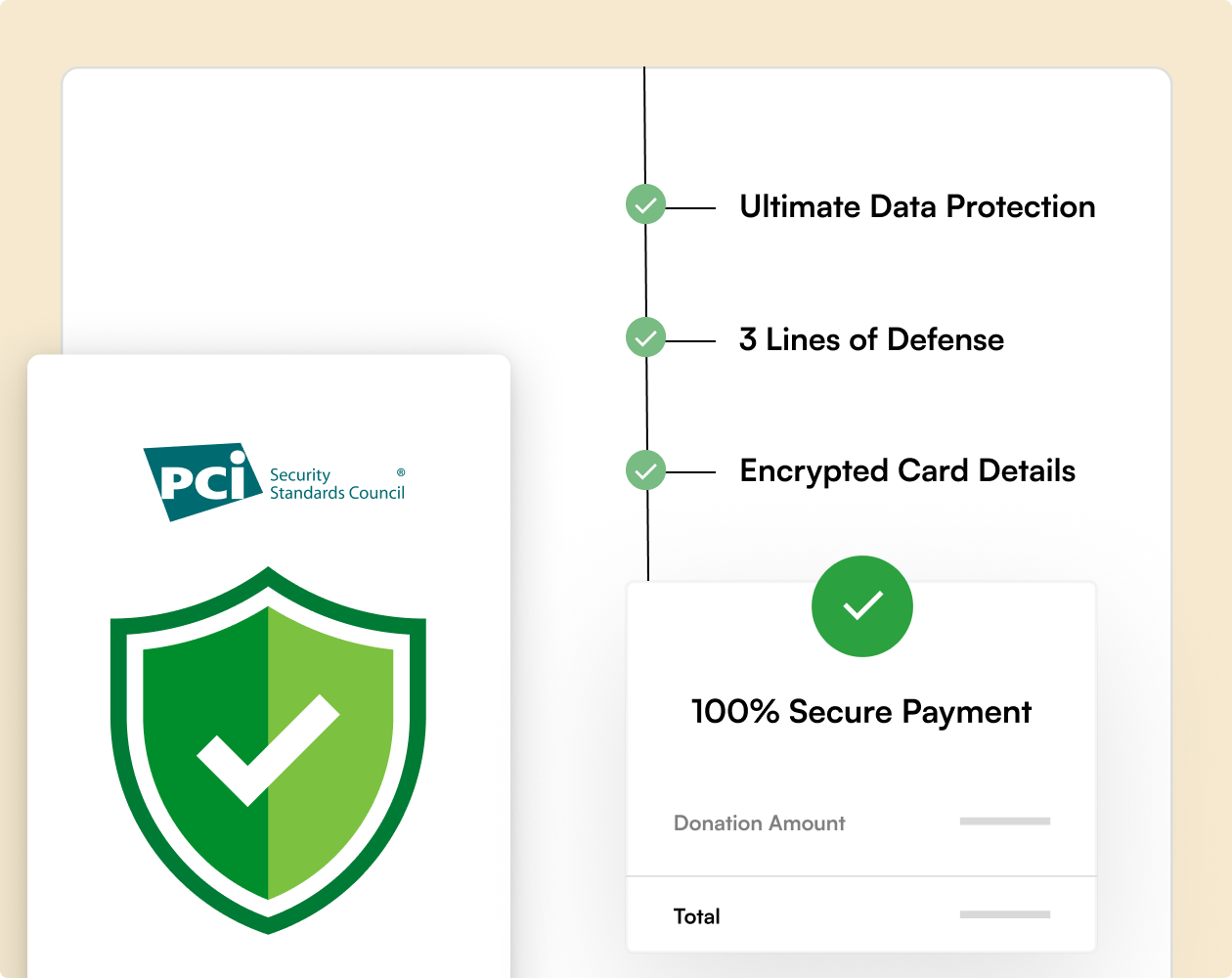
Your donors will give knowing that their details are processed securely, using a payment processor they recognize and trust. Mollie’s checkout page is PCI-DSS level 1 compliant, with all data stored on Dutch servers.

As with every payment gateway integration developed by Charitable, the Mollie plugin follows best practices to make sure your donors’ details are handled safely.

Sensitive payment data is never stored in your WordPress website’s database.

Follows best practices

PCI-DSS level 1 compliant

Sensitive data is never stored

secure mollie payments

Ready to Get More Donations with Mollie?

Get started with Charitable Pro today and start collecting donations online with Mollie We’re so confident you’ll love it that we back every purchase with our 14-day money-back guarantee – giving you the freedom to explore risk-free.

Payment Methods Supported With Mollie

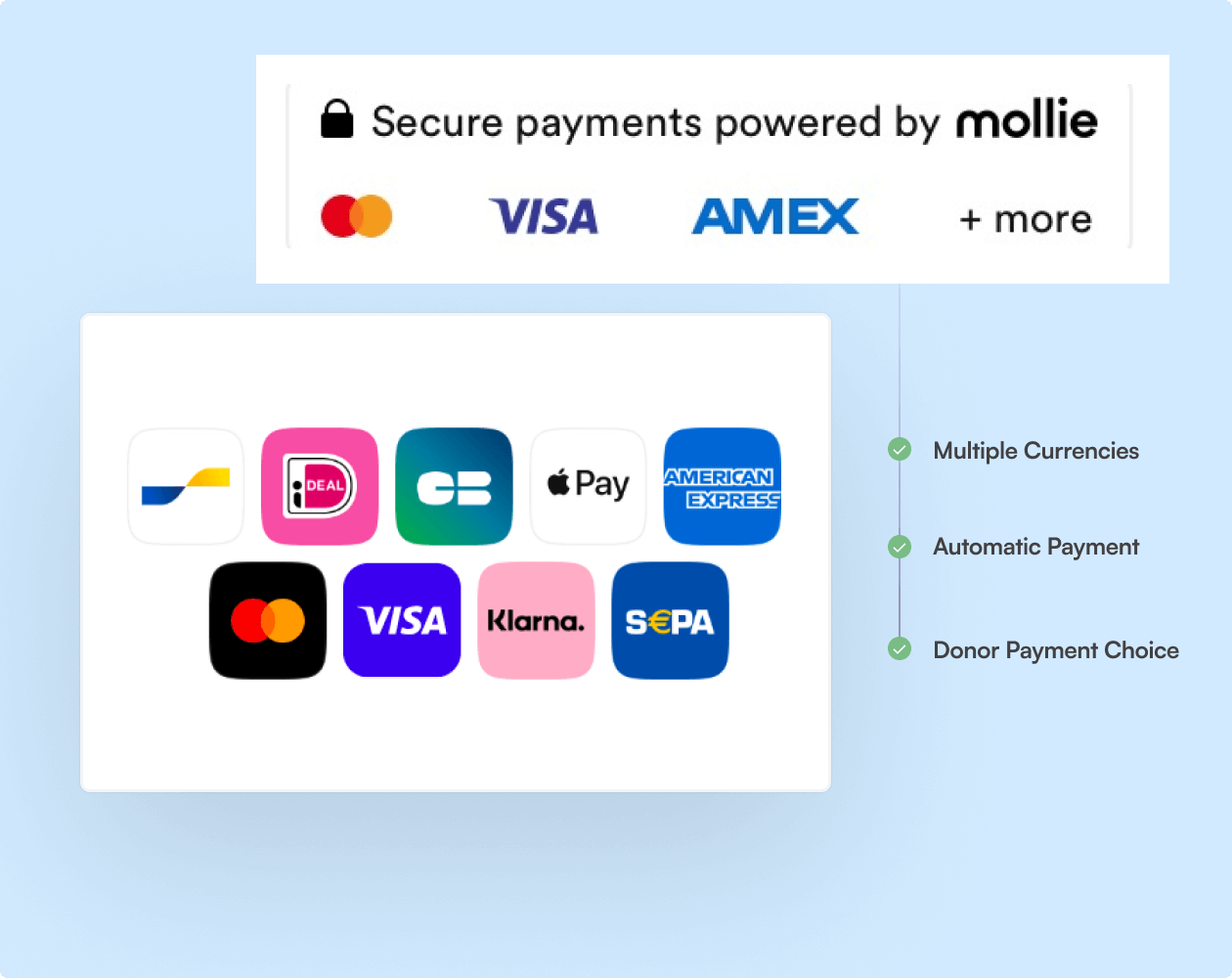
Mollie’s stand-out feature is its support for leading local payment methods. By using the Mollie integration on your WordPress website, your donors will be able to support your fundraising campaigns using their preferred payment method, including:

  • Credit cards
  • Apple Pay
  • Google Pay
  • PayPal
  • Klarna
  • iDEAL
  • SEPA Bank Transfer
  • SEPA Direct Debit
  • SOFORT banking
  • Bancontact
  • Cartes Bancaires
  • EPS
  • PostePay
  • Giropay
  • Przelewy24

Learn more about Mollie’s supported payment methods »

See how easy it is to enable Google and Apple Pay with Mollie »

While we try to keep this list updated to the best of our ability, payment methods and support tend to change from time to time. For the most current options, head over to Mollie’s official website – we’ve just covered the highlights here so it’s always best to check directly with Mollie!

mollie payment methods

Easy Tutorial: How to Set Up Mollie Payments

charitable mollie tutorial

Learn how to integrate Mollie Payments with Charitable to supercharge your fundraising efforts. This step-by-step guide will show you how to set up Mollie as a payment gateway, configure currency options, and use diverse payment methods to boost your nonprofit’s donation potential.
Other Gateways You Can Enable

Charitable works with a range of payment gateways, and you can enable more than one at a time. Plenty of organizations run a local gateway for donors close to home and a second one for everyone else, so nobody reaches your donation form and finds no way to give.

See every gateway you can enable to accept donations »

Frequently Asked Questions

See the list below for our most frequently asked questions. If your question is not listed here, please contact us.

Get the Best WordPress Fundraising Plugin Today

Join 10,000+ smart website owners who trust Charitable for their donation websites.

What's New In Charitable

View The Latest Updates
🔔 Subscribe to get our latest updates
📧 Subscribe to Emails

Email Subscription

Join our Newsletter

We won’t spam you. We only send an email when we think it will genuinely help you. Unsubscribe at any time!

automation New

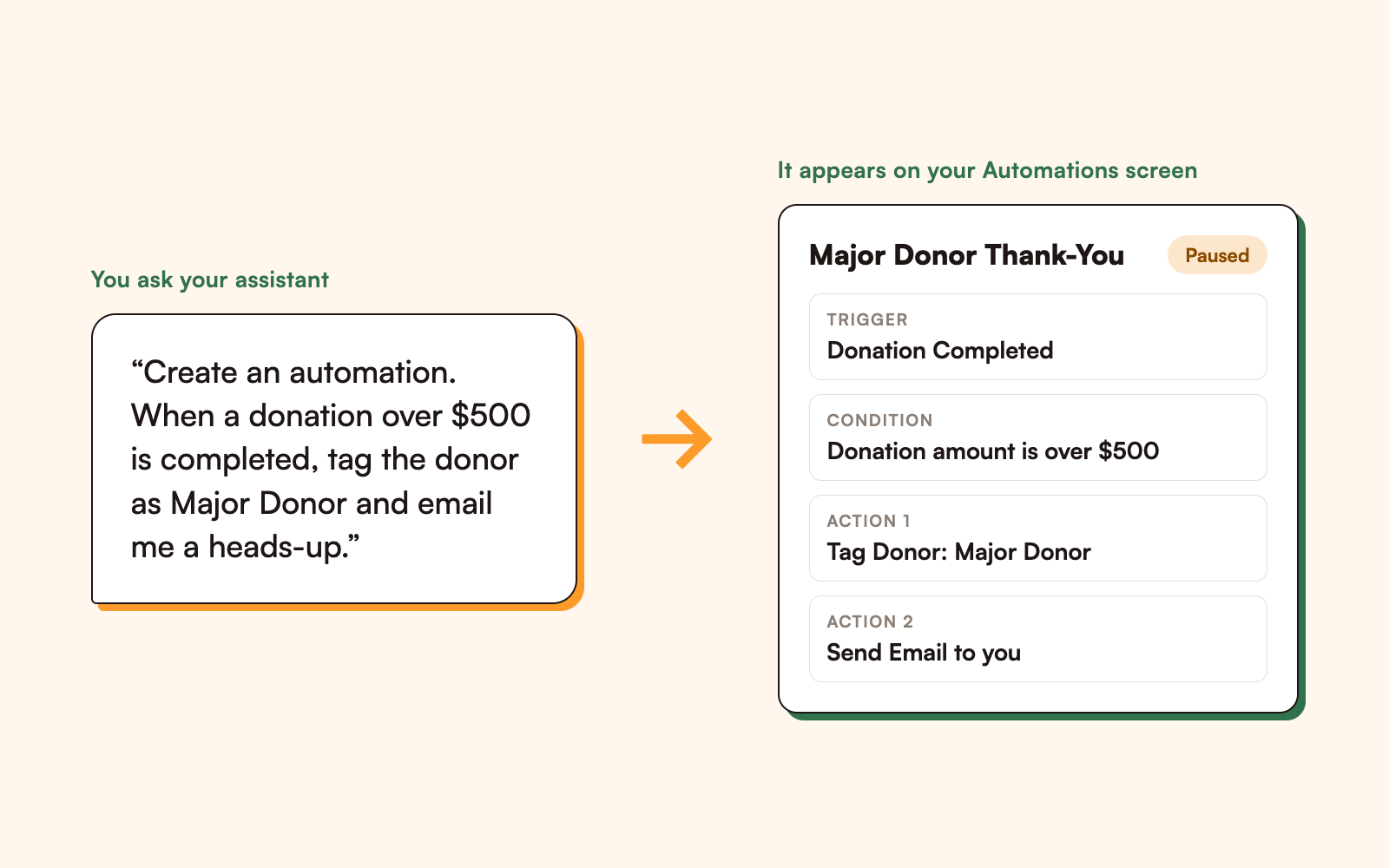
🤖 Introducing AI-Built Automations: Just Describe What You Want!

Describe the automation you want in one sentence and your AI assistant builds it, with Automation Connect 2.x on Charitable Pro 1.8.19 or later. Why this is important:

  • 🧩 Built in one sentence: Say what you want and it gets built, instead of adding it card by card.
  • 🎯 Changed by asking again: Narrow it to one campaign or reorder its actions without opening the editor.
  • 🔍 Checked before it goes live: See what it would do against a real recent gift, with nothing actually sent.
  • 🛡️ Off until you turn it on: Three separate switches, all off by default, and reading works without any of them.
  • 📜 Nothing happens unseen: Every read and every change is logged, so you always know what the AI did.

Check out our announcement here.

Donations New

👥 Introducing Donor Merging: Two Records, One Supporter!

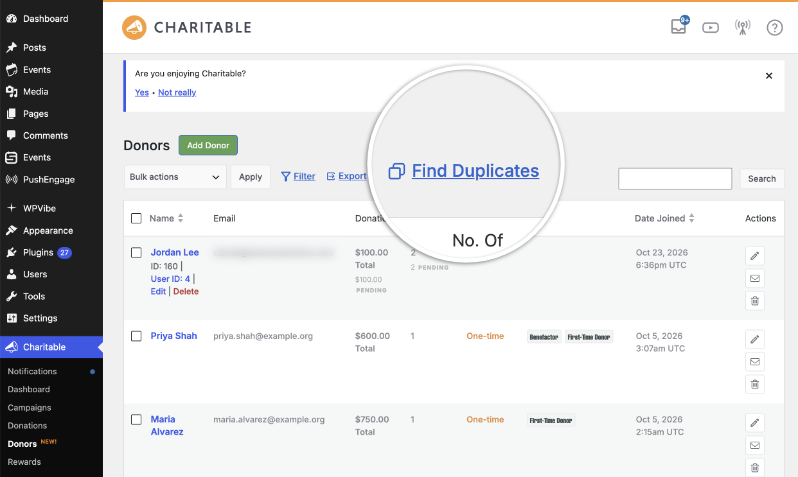
Somewhere in your donor list is a supporter who appears twice, because they gave from a work address one year and a personal one the next. Every donation is still recorded and every receipt still went out, but a loyal supporter who has given for years can look like two people who gave half as much. From the Charitable Pro plugin 1.8.19.1 you can find those records and merge them from the Donors screen. Why this is important:

  • 🔍 A Find Duplicates link where you already work: Head to Charitable » Donors and it sits next to Filter and Export, then tells you how many groups of possible duplicates it found.
  • 🧩 Grouped by name, not by email: Charitable compares the first and last name together and ignores capital letters, spacing and punctuation, which is what catches the same person under two different addresses.
  • 📊 A preview before anything changes: Each group shows every record with its email address, its donation count and its lifetime total, and the preview shows you the combined totals and the email that will be added.
  • ↩️ Every merge can be undone: Nothing is merged until you choose to merge it, and you can reverse any merge afterwards, so a wrong guess costs you nothing.
  • 📥 Built for the week after an import: Moving donors over from another plugin is where most duplicates come from, and it is also when they are hardest to spot, because every record is new to you.

Check out our announcement here.

ambassadors New

🔑 Introducing Passwordless Fundraisers: Sign Up With Just an Email!

Supporters arrive wanting to help, and then the form asks them to invent a password for a website they may only visit twice. A lot of them stop right there. Passwordless Fundraiser Accounts, new in Charitable Ambassadors 3.5.0, let a supporter start a peer to peer fundraiser with nothing but an email address. Why this is important:

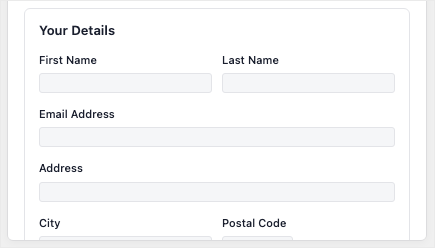
  • 🔑 No password step to lose them at: Switch it on in Charitable » Ambassadors » Templates » Submit Form and the create-fundraiser form asks only for a name, an email address and a page title.
  • 👤 Still a real WordPress account: One click in one email confirms the address, signs them in and creates the account, so they can come back later to edit their story, change their photo and see who has donated.
  • 🎚️ Your call on every campaign: Each peer to peer campaign can follow the site default or override it, which matters when a campaign pays fundraisers through Stripe Connect and those people do need a password.
  • 📋 See who has not clicked yet: The Charitable » Ambassadors » Directory » Awaiting Sign-In tab lists everyone still waiting, with the campaign they joined and a Resend button, so a typo or a spam folder is something you can spot and fix.
  • 🛡️ Links a scanner cannot use up: Opening the link only shows a page, and your fundraiser is signed in when they press the button on it, so corporate email scanners never burn the link. Each one works once, expires on its own and is stored only as a hash.

Check out our announcement here.

ambassadors New

🏃 Introducing Activity: Show Progress on More Than Money!

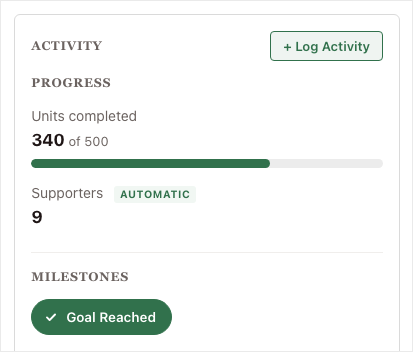
Most peer-to-peer fundraisers are about more than the money. A read-a-thon is about minutes read, a walkathon is about miles walked, and a food drive is about meals packed. Activity for Charitable Ambassadors lets your fundraisers show that effort right beside the dollars they raise. Why this is important:

  • 🎯 Progress on what you actually count: A progress bar shows each thing you count against its own target, sitting right beside the money raised.
  • 🏅 Milestones for the yes or no things: A milestone badge marks the efforts that are simply done or not done, with no number to chase.
  • ✍️ Fundraisers log their own numbers: Your supporters enter their totals from their own pages, so the effort stops living in a spreadsheet, a comment, or nowhere at all.
  • 🤖 Some numbers count themselves: An AUTOMATIC tag appears wherever the site worked the figure out from completed donations, so you can see at a glance what nobody typed in.
  • 🧩 Set it up once, use it anywhere: You decide what gets counted one time, then choose which campaigns count it. Available now in Charitable Ambassadors 3.4.7, with no new plugin and no developer.

Check out our announcement here.

ambassadors New

🖨️ Introducing Fliers and Posters: Raise Money Away From the Screen!

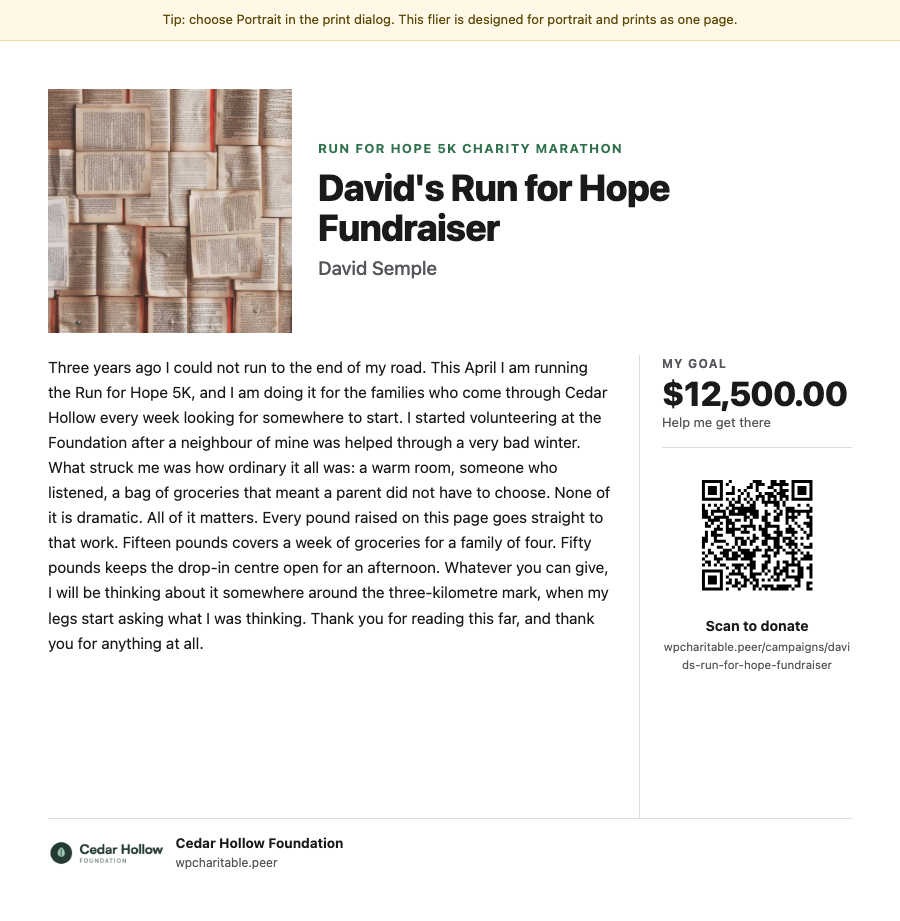
A lot of peer-to-peer fundraising happens away from a screen: at the finish line of a 5K, on a school noticeboard, in an office kitchen. Charitable Ambassadors 3.4.7 adds 2 printables, a fundraiser flier carrying each fundraiser’s own story and QR code, and a recruitment poster that signs new fundraisers up. Both open as a normal web page and print straight from the browser. Why this is important:

  • 🏁 A flier for every fundraiser: Each one carries that fundraiser’s own photo, story and goal, with a QR code that opens their page rather than your main campaign.
  • 📌 A poster that recruits: It shows “Now Recruiting” above your campaign name with a large QR code that opens your sign-up form, so someone can start fundraising without waiting on a link from you.
  • 🪄 No design tool needed: Both printables render as a normal web page and print from the browser, with no PDF plugin and no designer.
  • 📄 2 flier layouts: Hand out carries the full story for giving to friends and family, and Post up carries a short hook with 5 tear-off tabs for a noticeboard.
  • 🛡️ Off until you switch it on: Fliers stay off after the update until you enable them under Charitable » Ambassadors » Other » Fliers, and only the owner or an administrator can open one.

Check out our announcement here.