
Look at a typical set of donation buttons: $5, $10, $15. $20, Custom Amount.
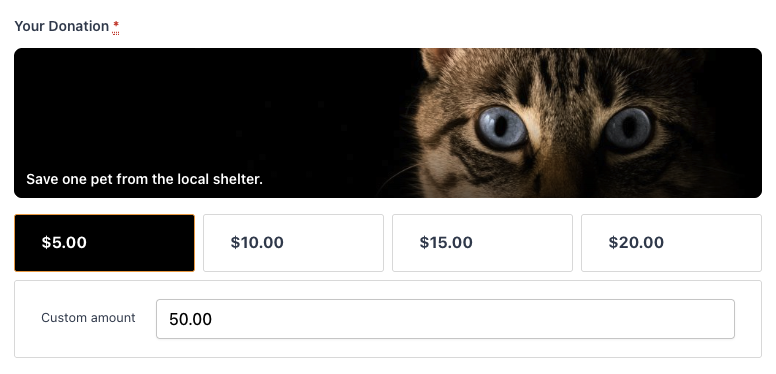
Four numbers in four boxes.
To you, each one means something specific: a week of meals, a month of clean water, a scholarship.
To a first-time visitor, they are just numbers, and numbers make people hesitate.
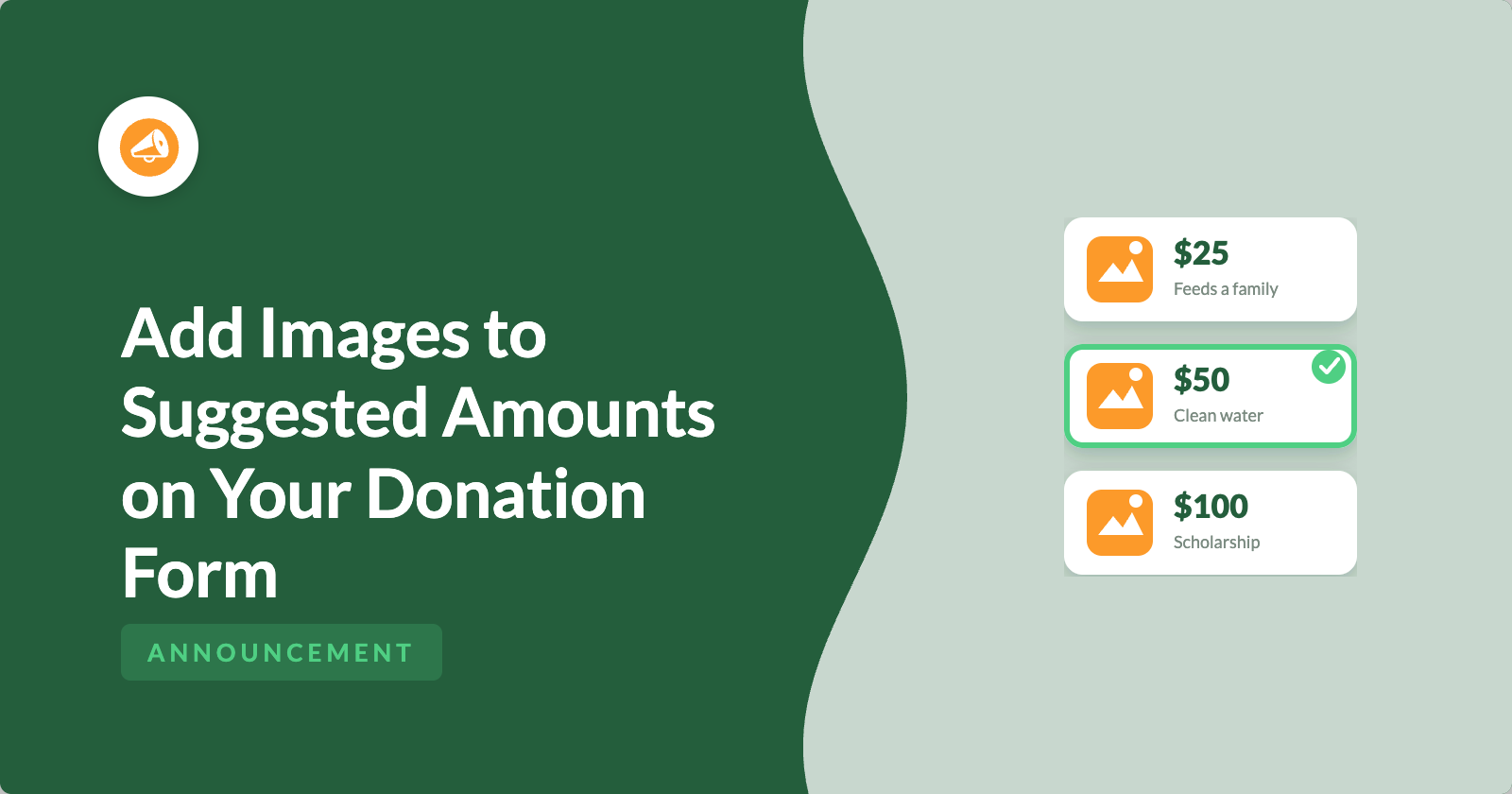
Now put a photo and description next to each amount.
Suddenly, $25 now means a meal for 10 days along with a photo of what that looks like.
$50 shows the water needed in a village.
$100 shows the student that needs the scholarship.
The visitor is no longer choosing an amount. They are choosing an outcome.
That is what per-amount images do, and it is new in Charitable Pro 1.8.17. ✨
Why Visual Giving Amounts Change What People Choose
Donors give more when they can picture their impact. “$50 provides clean water for a family” is good copy, but a photo of that family beside the button does something copy alone cannot: it makes the impact feel real and immediate, right at the point of decision.
That matters because the suggested-amounts step is where a lot of would-be donors stall, unsure which number is “right.” A visual menu of impact reduces that hesitation. Instead of comparing abstract figures, people connect a gift to a tangible result and pick the level that moves them. Paired with a clean new Row layout, your amounts are not just more persuasive, they are easier to scan and choose.
See It in Action
When You’ll Feel the Difference
A few campaigns where a picture beats a number:
🍲 A food or hunger program: Show the meal, the box, the pantry shelf each gift stocks.
💧 A clean-water or health project: Put the well, the filter, or the clinic beside the amount that funds it.
🎓 A scholarship or education fund: Show the student, the classroom, or the supplies each level supports.
🐾 An animal rescue: Let a face do the asking, one animal per amount.
🎁 A gift-catalog style appeal: Turn your amounts into a menu of concrete gifts donors can “buy.”
Show the Impact of Every Gift
You set it all up right in the Campaign Builder, in the Suggested Donation Amounts section under Donation Options, with no code required.
Each suggested amount gets its own Image column in the amounts table, right next to where you already set the amount and description. Add, replace, or remove an image in a couple of clicks.
A new Row layout presents your amounts in a single horizontal row instead of a grid. Switch between Default and Row from the layout selector, and a short tooltip explains what each one looks like before you commit.
If you allow custom donations, add a Custom Amount Image too, so the “Other” option feels just as intentional as the presets.
Built to Look Right on the Live Form
The visual upgrade carries cleanly from the builder to the donation page.
As a donor moves between amounts, the matching image cross-fades into view, so the form feels responsive instead of static.
In the Row layout, amounts sit side by side on desktop and wrap gracefully on smaller screens, so nothing feels cramped on a phone. An amount’s description can even appear as a caption over its image.
Configure images and layout visually in the builder, then preview the result before it goes live.
Getting Started: Adding Images to Your Amounts
You can have visual donation amounts live in minutes.
- Open a campaign in the Campaign Builder and go to the Donation Options settings.
- In Suggested Donation Amounts, find (or add) an amount, then click Add image in that row’s Image column and pick an image from your media library.
- Set the Layout to Row (or keep the Default grid) using the layout selector.
- If you allow custom donations, add a Custom Amount Image so the “Other” option gets a visual too.
- Save the campaign. Your images and layout appear on the live donation form.
Why You’ll Love This
Every amount becomes a picture of what the gift does, which means less hesitation at the moment of decision and a more scannable, modern-looking donation form.
Images and layout adapt automatically on mobile, and everything is configured visually in the Campaign Builder. No code needed.
For Agencies and Developers
Shape the layout and imagery with filters
The feature is filterable end to end. See our developer documentation to learn how to override the layout per campaign and more.
FAQs on Visual Donation Amounts
Does this require Charitable Pro?
Yes. Per-amount images and the Row layout are part of Charitable Pro 1.8.17.
Do I have to add an image to every amount?
No. Images are optional per amount. Amounts without an image display normally, and you can add a shared placeholder if you prefer.
Does it work with custom “Other” amounts?
Yes. When custom donations are enabled, you can set a dedicated Custom Amount Image.
Will the images slow down my form?
Images are loaded efficiently and cross-faded as the selection changes. Use appropriately sized images for best performance.
Can I switch back to the grid layout?
Anytime. The Default (grid) and Row layouts are a simple toggle in the amount settings.
Get Started with Visual Donation Amounts
Visual donation amounts are available now in Charitable Pro 1.8.17.
Open a campaign, add an image to each suggested amount, and turn your donation buttons into a compelling, visual reason to give.
More in Charitable Pro 1.8.17
Visual donation amounts are part of a packed release. Also new: the Styles tab for visual restyling, the Beacon templates and Campaign Hero field, the Donation Form Gutenberg block, and new fundraising widgets for Elementor, WPBakery, and Divi.
Charitable Has 1.2+ Million Downloads!
Trusted by millions to power successful fundraising campaigns. Try Charitable risk-free today.
✅ 14-day money-back guarantee
✅ Transparent pricing
✅ Code-free setup
What’s New in Charitable
We also launched several powerful features and improvements recently:
📱
Apple Pay & Google Pay for Mollie
Let donors check out with a tap using Apple Pay or Google Pay, no typing out a card number on a phone.
🧭
Moderate ambassadors and campaign creators and browse your whole peer-to-peer network from one directory screen.
⚡
Accept UPI, scan-to-give QR codes, and major global currencies for India-based donations, right inside your form.
🔔
Send instant browser push notifications for donation thank-yous, campaign launches, and goal milestones.
🛡️
Automatically detect and block card-testing attacks and spam bots before they ever reach your donation forms.
🧳
Let Charitable’s team migrate your donors, donations, and recurring gifts from GiveWP, no technical setup required.
We’ve been adding to Charitable constantly, features and improvements designed to help you raise more and serve your donors better. See everything we’ve shipped at the Charitable Changelog.
Not yet a Charitable Pro user? Sign up today and get up to 50% off on your plan. We’re confident you’ll love raising funds with Charitable. If, for any reason, Charitable is not the right fit for you, we’ll refund your purchase with our 14-day money-back guarantee. Get Charitable Pro Now »
Stay Connected for More Nonprofit Resources
For more tutorials and videos tailored to nonprofits, subscribe to our YouTube channel. We regularly publish expert tips, step-by-step guides on online donations, fundraising strategies, and practical resources to help your organization succeed.
🗞️ Get weekly tips and exclusive guides in your inbox
Join our newsletter →
🎥 Watch step-by-step tutorials and success stories
Subscribe to our YouTube channel →
👩🏽💻 Connect with our community and get daily nonprofit insights
Follow us on LinkedIn →
🥳 Fun reels and non-profit insights
Follow us on Instagram →
👀 Insightful & fun videos to help you grow your cause
Follow us on TikTok→
🌎 Subscribe and follow for general fundraiser tips
Get Fundraiser Tips on TikTok →
Powerful Fundraising Resources
🤖 Use Charitable with Your AI Assistant
⬇️ Download proven strategies, campaign ideas, and expert tools
Get the Fundraising Kit →
💸 Get Free Fundraising Resources
Head to the Charitable Fundraising Hub →
🤔 Got questions about Charitable?
Charitable FAQs →
🏎️ Take Charitable for a spin
Create your Charitable Demo →
Understand non-profit terms and jargon
Non-Profit Glossary →
% Looking for non-profit deals and discounts?
Best Non-Profit Deals and Discounts →










Leave a Reply