CONNECT CHARITABLE WITH AWEBER
Automate Fundraising and Email Campaigns With AWeber
Build stronger relationships with automated thank-you emails, donation receipts, and targeted campaigns based on giving history. Your donors stay engaged and connected to your mission.



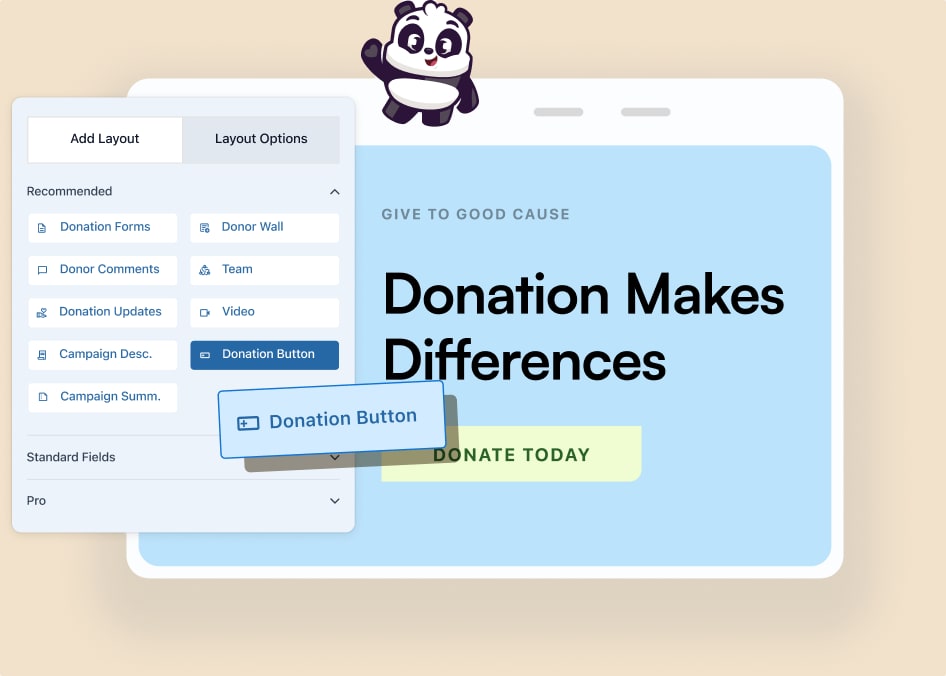
Plan Needed
Pro
Last Updated
February 26, 2026Category
Marketing
Extension
Automated Donor Communication Made Simple
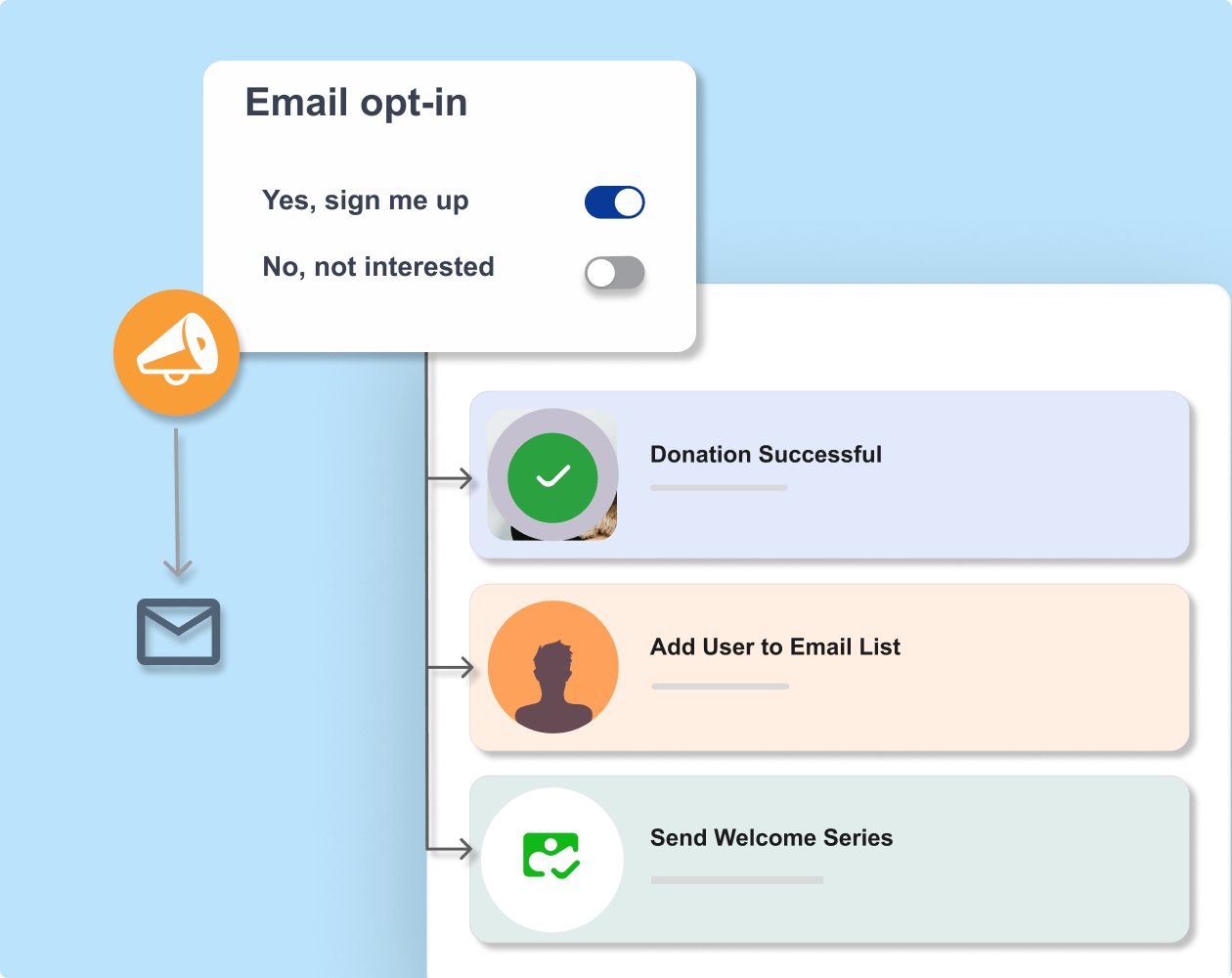
Sync your email marketing platform to your fundraising campaigns. Every time someone donates, use automation recipes to add the donor to your email lists. No more manual exports, CSV uploads, or missing donor data.
Similar Extensions
What You Can Do with Charitable + MailerLite

Automatic donor sign-ups
Collect donors’ email addresses with auto opt-in to add them to your mailing list.

Targeted communication
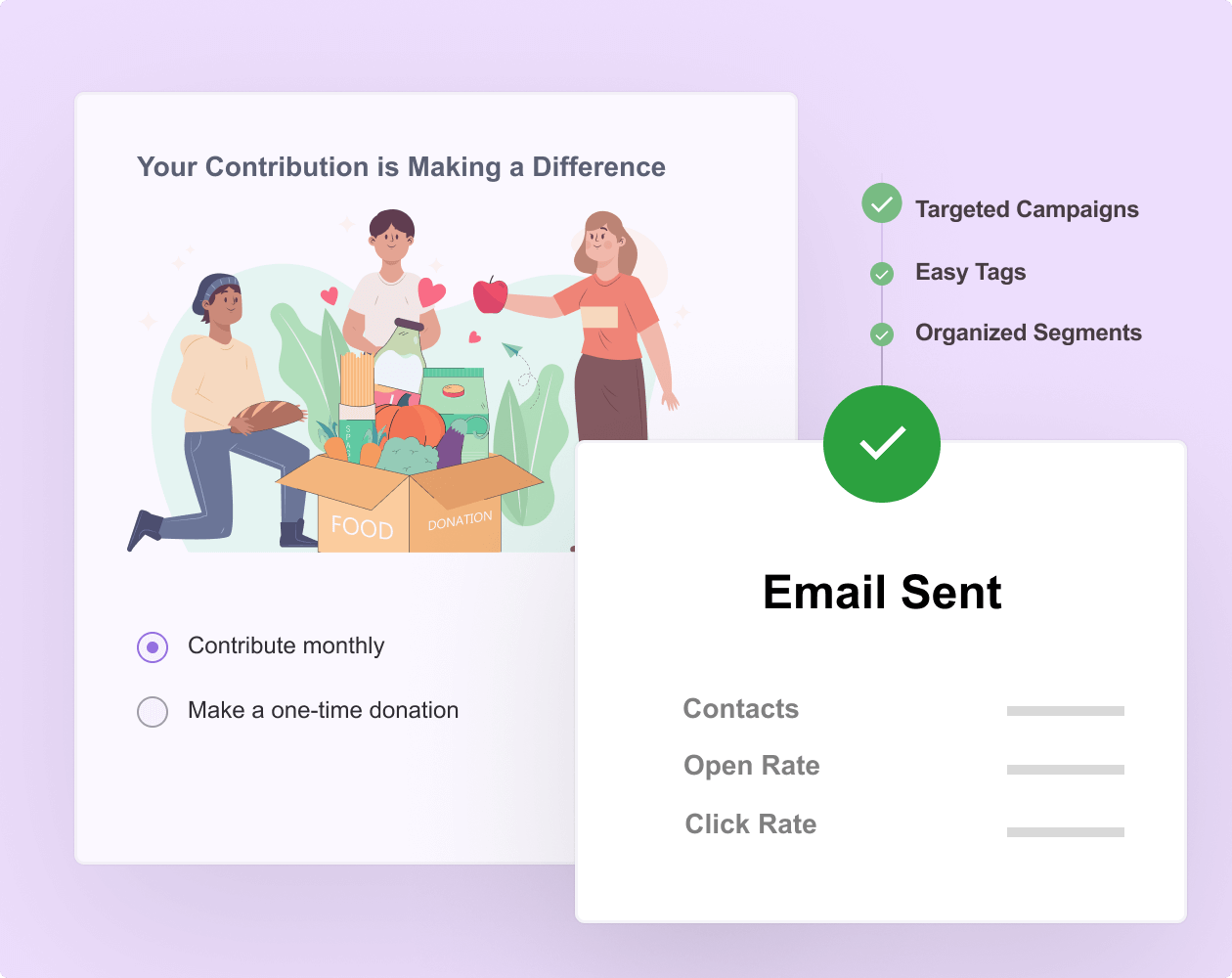
Send donors personalized emails based on their profile and donation history.

Donation receipts
Send tax-deductible donor receipts automatically and immediately after receiving a contribution.



Raise funds faster and with less stress
Join over 10,000+ non-profits that are raising funds faster.
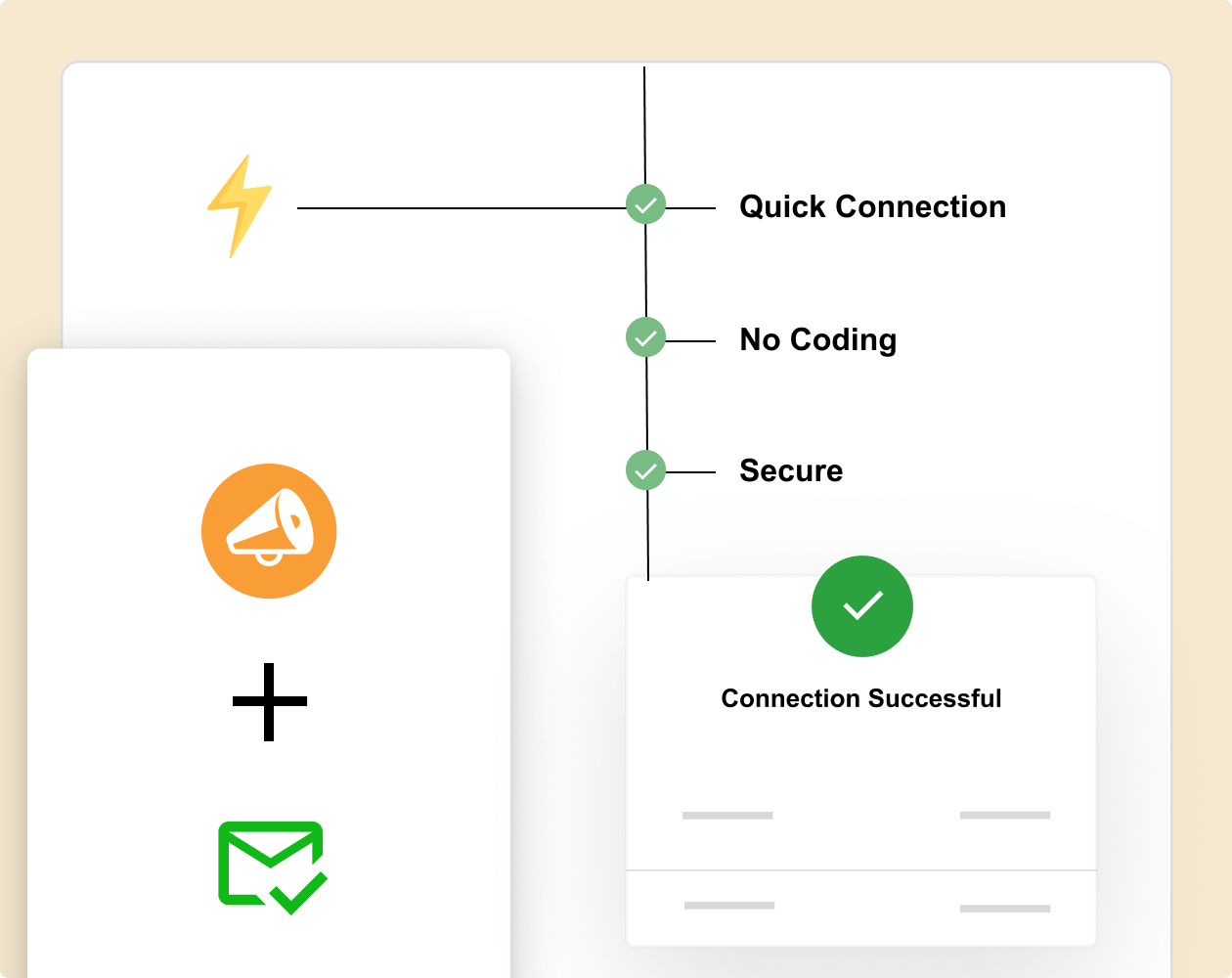
Why You’ll Love Charitable + AWeber
Ready to Sync Your Fundraising to Email Marketing?
Get started with Charitable Pro today and build smart workflows with AWeber. We’re so confident you’ll love it that we back every purchase with our 14-day money-back guarantee – giving you the freedom to explore risk-free.
Tutorial
Follow step-by-step instructions to connect Charitable to AWeber.
Connecting Charitable and AWeber
Learn how to easily integrate AWeber with Charitable. No coding, just simple step-by-step instructions to help you connect to email marketing and start automatically segmenting, tagging, and adding donors to your email lists.
Charitable and AWeber Integration –
Frequently Asked Questions
Do you have a question about connecting AWeber with Charitable? See the list below for our most frequently asked questions. If your question is not listed here, please contact us.
How does the Charitable + AWeber integration work?
The integration is handled through Charitable’s Automation Connect add-on and requires no coding to set up. You will need to use an automation tool like Zapier, Zoho Flow, or Make.com. Then you simply connect Charitable to AWeber and create automation receipes that will run on their own. Follow this guide »
Can I choose which email lists donors join?
Yes, you have complete control over list assignment. Set global rules that apply to all donations, or create conditional rules based on campaign, donation amount, or donor type.
Do donors get added automatically or do I need to trigger it?
Donors are added in real-time when they complete a donation. No manual triggering or intervention is required once you’ve configured the integration settings.
Is there a limit to how many contacts I can sync?
Charitable itself has no limits on the number of donors you can sync to AWeber. However, your plan may have subscriber limits that apply.
Explore More Features

Peer-to-Peer Fundraising
Empower supporters to fundraise on your behalf.
Expand your reach through supporter networks
Keep 100% of donations with zero platform fees
Track campaign progress with detailed reports

Donation Forms
Launch powerful donation campaigns in minutes.
Ready to use templates
Drag and drop visual builder
Dynamic elements to inspire giving

Recurring Donations
Convert one-time donors into loyal, long-term supporters.
Enable automated recurring payments with ease
Provide donor accounts for seamless contribution management
Offer flexible donation frequencies to suit individual preferences
Charitable Has 1+ Million Downloads!
Trusted by millions to power successful fundraising campaigns. Try Charitable risk-free today.
✅ 14-day money-back guarantee
✅ Transparent pricing
✅ Code-free setup