DONATION RECOVERY WORDPRESS PLUGIN
Stop Losing Donations to Abandoned Forms Forever
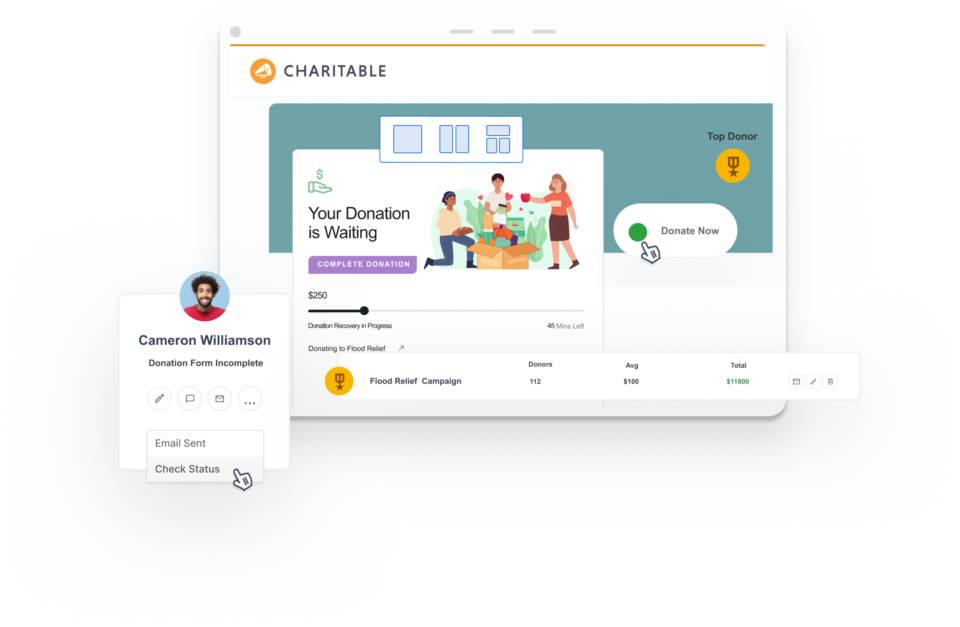
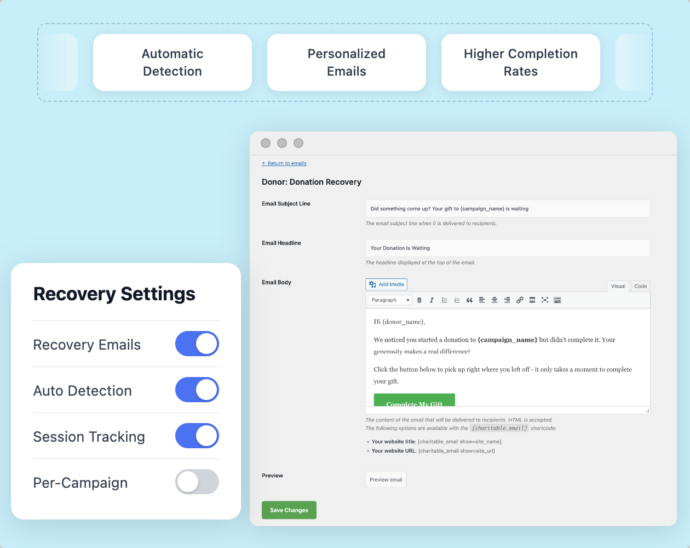
Win back incomplete donations automatically. Charitable detects abandoned forms and sends personalized recovery emails – built right in, no third-party tools needed.






✓ 14-day money-back guarantee ✓ No transaction fees ✓ Keep 100% of your donations
Tutorial
Follow step-by-step instructions to enable Donation Recovery.

Enabling Donation Recovery
Enable donation recovery in under a minute with our step by step tutorial. Learn about everything this feature has to offer and how to use it to maximize your donations.

Belinda Martin
“…others were charging 5% and more for every donation, but with Charitable there are no fees for donations, so we were able to run a number of fundraising campaigns with all the money going to the charity.”

Stuart Robinson
“Really useful plugin. I wanted to extend the functionality of it a wee bit and the code was very easy to work with and adapt. Really great response from the developer and it looks like fantastic updates are being added all the time.”

Paul Lawley-Jones
“I’d like to thank you both for making such a great tool at such a great cost. It’s literally 24 times cheaper than the platform we were using before I came on board.”

Stephen Weinberg
“This plugin is exactly what our small, parent-run organization needed… Easy to set up. Easy to customize (as long as you can handle just a tiny bit of code). And superior support! Thanks so much for this full-featured software.”
Donation Recovery
Frequently Asked Questions
Do you have a question about Charitable’s Donation Recovery? See the list below for our most frequently asked questions. If your question is not listed here, please contact us.
What is Donation Recovery and how does it work?
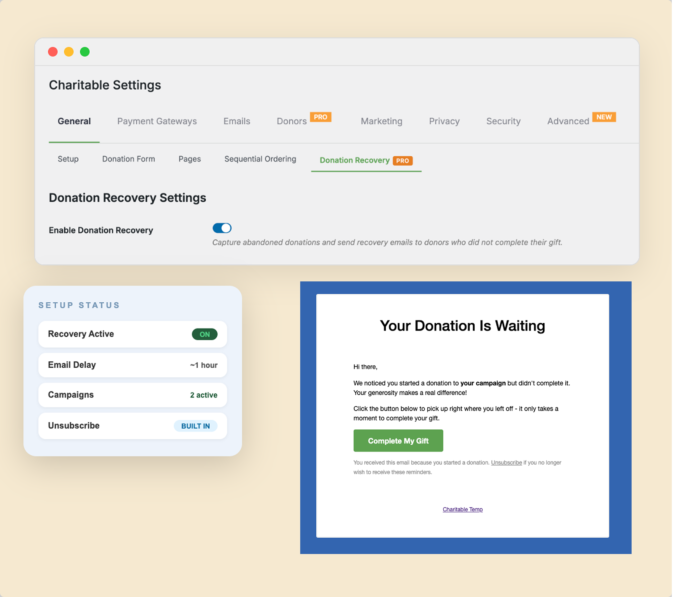
Donation Recovery automatically detects when a donor starts filling out a form but doesn’t complete it. About one hour later, Charitable sends them a personalized email with a link back to their pre-filled form. They click, confirm their payment details, and the gift is done. Learn more about Donation Recovery »
Which Charitable plan includes Donation Recovery?
Donation Recovery is available on the Pro and Elite plans of Charitable Pro, starting with version 1.8.13.5. There are no transaction fees on any Charitable plan – you keep 100% of every donation you receive.
How long does it take to set up Donation Recovery?
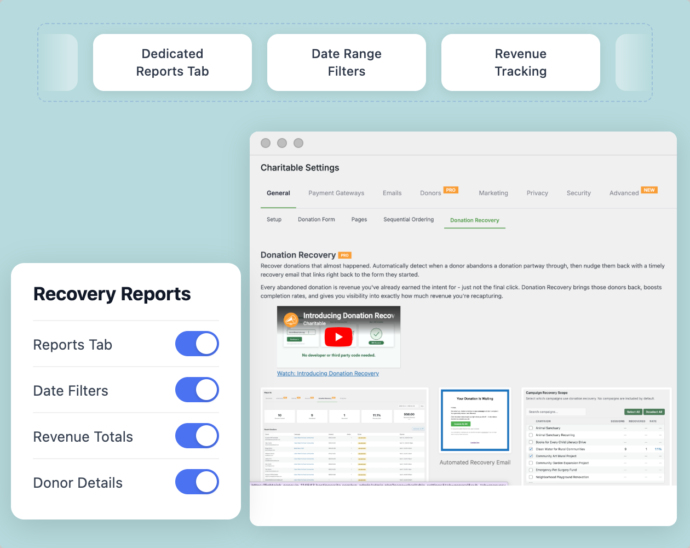
Under two minutes. Go to Charitable → Settings → General → Donation Recovery, check the enable box, select your campaigns, and save.
Can I choose which campaigns use Donation Recovery?
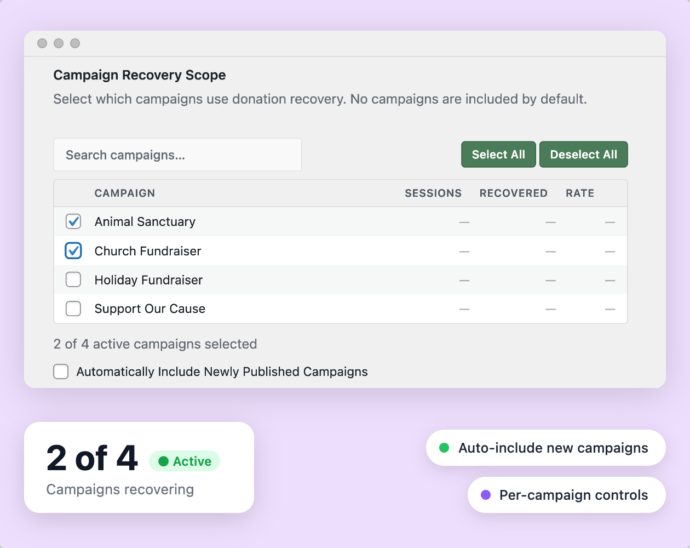
Yes. The Campaign Recovery Scope panel lets you select exactly which campaigns participate, so you can test recovery on specific campaigns before rolling it out site-wide.
What does the donor experience look like?
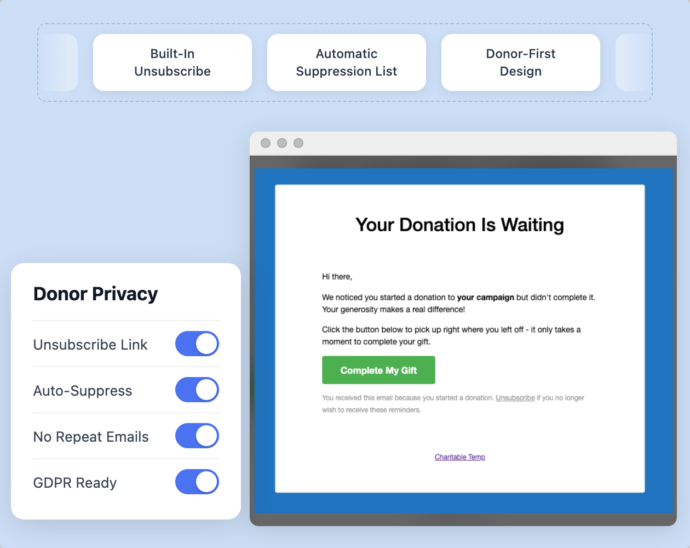
The donor receives a friendly email with a personalized Complete My Gift button. Clicking it brings them back to a pre-filled form with their information already in place – they just confirm payment and they’re done.
Does Charitable offer a money-back guarantee?
Sure. We are confident you’ll be delighted with Charitable. But, if you’re unhappy for any reason or have a rare issue we can’t resolve, you’ll get a full refund within 14 days of the purchase date.
Get the best WordPress fundraising plugin today
Join over 10,000+ smart website owners who trust Charitable for their donation websites.