
Non-profit email marketing is a great way to reach your audience and show people why they should care about your causes.
But there’s no point going into it blind. Having a solid understanding of how it all works is key to success.
Here, we’ll be running through a step-by-step guide on how to use non-profit email marketing.
Why should non-profits use email marketing?
Ongoing communication is vital to connect to an email audience. Non-profits need to share stories in the best possible way and show how their donors play a vital part in their efforts; be it raising awareness on an important topic or following up on a big campaign drive. Without that regular contact, you run the risk of supporters dropping off and losing interest altogether.
Crucially, where donations are a KPI of your campaign, email is the most cost-effective marketing tool you can use to connect to an audience. From hosting a native “Donate Now” button in newsletters for opt-in pledges to showing supporters how and where their contributions actually go in a follow-up, it makes the process easier and more intuitive. Emails are landing straight in their inboxes, and are completely tailored to their interactions.
How to get started with non-profit email marketing
1. Develop a supporter base
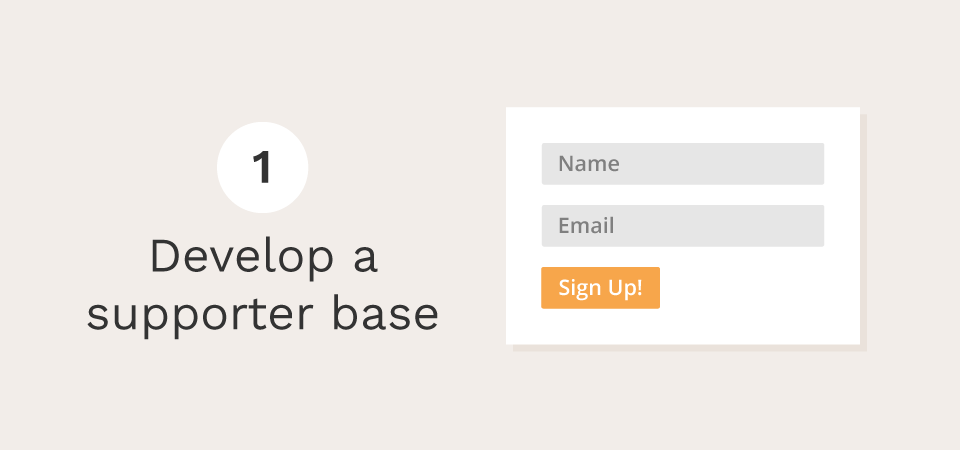
It’s imperative you make it easy for your supporters to sign up to your pledge as soon as they hit your site, they’ll be looking for an email list signup to stay informed. Make sure it’s easy to find, and track the number of sign-ups you get on your site – your page’s footer, feature pages and “About Us” area. Advocating your newsletter on social media will help immensely, too. Give them a signup call to action so they know where to go.
As you’re building up your donor list, try and stay on the right side of communication and avoid over-notifying your list. At the same time, you want to be in touch regularly enough to keep people updated and re-engage historic donors where you can. A pop-up form is also a great way to catch a viewer’s attention. A compelling message with a personalized “thank you” feedback will encourage them to follow your campaign’s story.
Remember – keeping signups uncomplicated and concise is really important. Where onboarding donors is a key goal, you don’t want to confuse or frustrate people with a form offering too many steps. Make it simple and short – name and email is enough data to keep your supporters in the loop. And when you are sending emails out, it’s recommended that you include the sender’s own name rather than address the recipient as “supporter” or such.
2. Create the scenario
Campaigns are emotional. The language in your email or newsletters also needs to have meaningful language that harmonizes with your campaign’s narrative. Here’s how you can plan this out.
- Define the problem. Why should people care about your campaign? How does it affect them? What language will ignite a response in them? And what stories can you tell personally from people on the frontline? It’s important to outline the larger issue while explaining the underlying problem.
- Present your goal. Now that you’ve identified the problem – how will your non-profit solve it? And what will your supporters’ money do to help your mission? Cultivate your emotional rhetoric where it fits – use language as a medium to onboard people who care.
A great way to onboard new supporters via email campaigns is to reach out to them on similar similar campaigns they’ve already expressed an interest in. So, for example, if your donors are interested in helping homeless shelters, they’ll perhaps also be interested in re-homing initiatives and counselling support. Use your campaign builder to segment your audience by interest, and you’ll find there are plenty of overlaps.
3. Develop the messaging
Keep your email purposeful, compelling and concise. That’s not an easy combination, but it’s the best way to achieve high retention and click through rates (more on that later). Here are a few extra messaging pointers to keep track of.
- It’s all about the subject line. Your subject line is the window to the message. What’s your pledge about? How can you put that into a powerful statement of six words or less? Could you make it a question? What will persuade them to open that email?
- Keep your email message to a few lines only. The language you use should speak powerfully, but without overwhelming the reader with volumes of content. Use numbers, facts and figures to ground your pledge as much as possible without overwhelming them.
- Utilize the strongest testimonials you have. Your supporters are likely to get involved for different reasons – so use a few different focal points to cover all your bases, so to speak.
- Stick to two or three sentences for each key point. Encourage your readers to head back to your website for more context or an extended testimonial to get the bigger picture.
- Use a few images – if you need to. Pictures speak a thousand words, and will enhance the message you’re trying to convey. Don’t over-use images, and don’t utilize them in lieu of your copy altogether; you need the right level of messaging and media to create a purposeful story.
Of course, if you’re not sure which kind of narrative, language or messaging you’re ready to go for in your email campaigns, you can always set up an A/B test on newsletter builders like Campaign Monitor or Mailchimp to see what resonates with your supporters. Once you’ve gauged the response, you can tailor your approach accordingly.
4. Stay in the loop with other non-profits
Watch how other non-profits run their campaigns, especially if they’re advocating similar causes to you. This is a wonderful opportunity to not only stay connected with other charities’ progress, but see how you can borrow email marketing tactics from the ones that inspire you.
Take a look at Greenpeace’s opening few lines in their email campaign below.
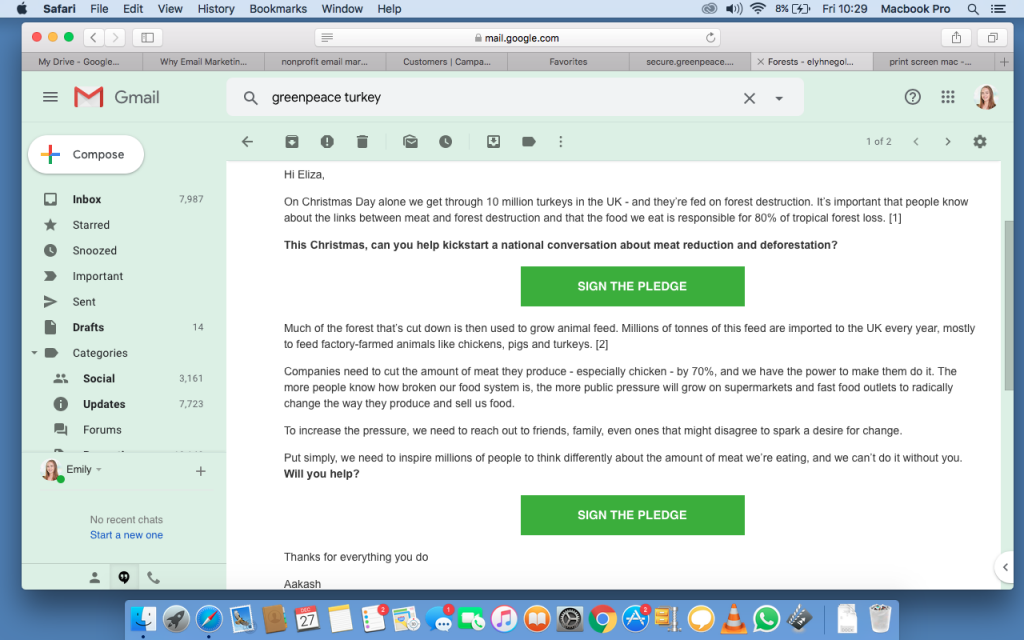
In these few lines, Greenpeace get to the point straightaway – in language that’s both direct and compassionate. Purposefully, this campaign manages to:
- Grab the reader’s interest by making it time-specific – talking about Christmas Day in the first few words.
- Identify both a major issue and an underlying problem:
- Farmed turkeys are causing forest destruction.
- People may not be aware of the link between turkey farming and deforestation.
- Greenpeace are informing their supporters about this link.
- Make it specific through quantitative language – i.e. 10 million turkeys.
- Show how your personal pledge will spread the word and help solve an issue affecting us globally, while raising awareness.
Email marketing isn’t the only tactic Greenpeace used to raise awareness of deforestation – they also staged a comedy “roast” starring a human-sized turkey and potato in its very Christmas ad. It’s a great idea to make email marketing part of a wider outreach strategy rather than relying on it solely.
5. Use a fundraising tool
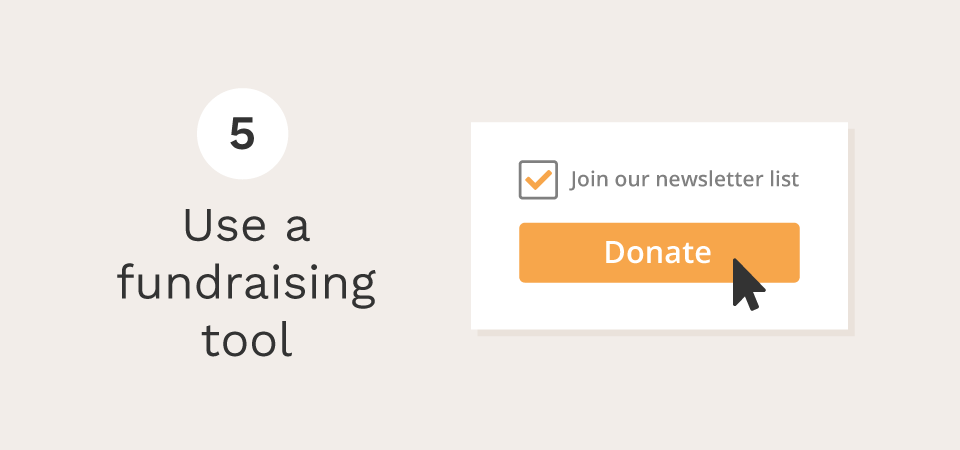
The newsletters and updates you send need to have a clear call to action: asking your supporters to contribute.
If you are using WordPress, use Charitable to accept donations directly on your website. Better yet, you can use the Newsletter Connect extension to automatically add donors to your newsletter list. It supports a range of email marketing providers: MailChimp, Campaign Monitor, ActiveCampaign, Mailerlite, MailPoet and Mailster.
Unlike most fundraising software, Charitable does not charge any transaction fees and there are no ongoing monthly service fees.
Start collecting donations with WordPress today
Join 10,000+ non-profits raising more money online with Charitable.
6. Know your metrics – and build on the data
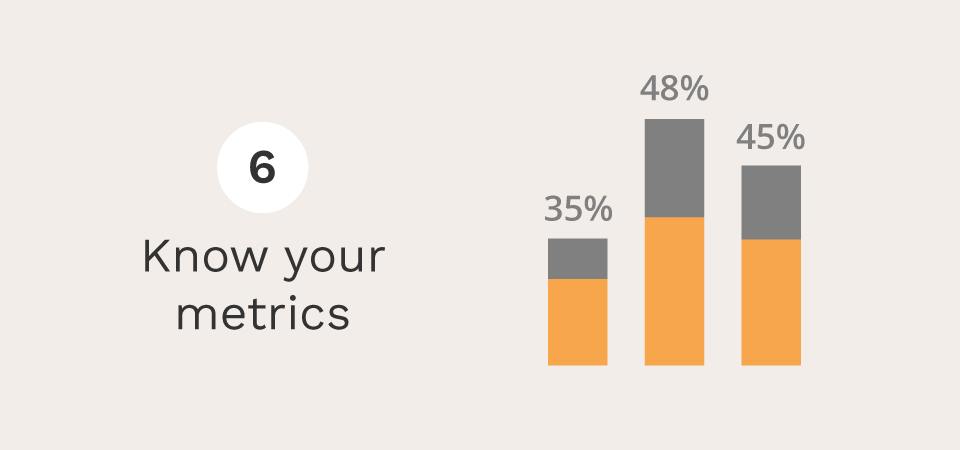
Reaching out via email newsletters is just the start. Next, you need to measure your campaigns to learn from them.
- Open rates. This is a metric which is key to understanding how well your supporters are receiving your emails – whether the subject line and sender are enough to get them to open the email. Studies show subject lines that use subscribers’ first names are 26% more likely to be opened.
- Click-through rate (CTR). This will determine how well your supporters respond to your message in the context of donating. Your campaign builder should offer the margin of open rates against CTR and highlight where there’s a gap.
It’s important to remember that those who haven’t donated are likely still to believe in your campaign, but may not be able to contribute at the time you’ve reached out. Follow up with them on other ways they can support – spreading the word, signing a pledge, or clearly emphasizing that any and all contributions are welcome, however big or small.
Read up on non-profit email marketing metrics to keep an eye on.
- Donation growth rate. Here, you’d take the email campaign data and look at the increase in the size of donation revenue year-over-year or the increase in the size of the number of donors month-over-month. Both are measures of growth with a simple change of variables – donation and time period.
- Forwarding rate. This measures the percentage of recipients who’ve forwarded your email on to others or shared it as a post on social media. This is a really insightful metric as it gauges your cause’s mobility, while giving people a healthy and useful alternative to donating.
In conclusion
So hopefully, what we’ve shown you here is a good overview of how to set up email marketing campaigns for your non-profit. We’ve talked about its value in the industry, how to build up your supporters while keeping them engaged with consistent and engaging messaging, and how to use a few key metrics to ensure you’re still on track.





Leave a Reply