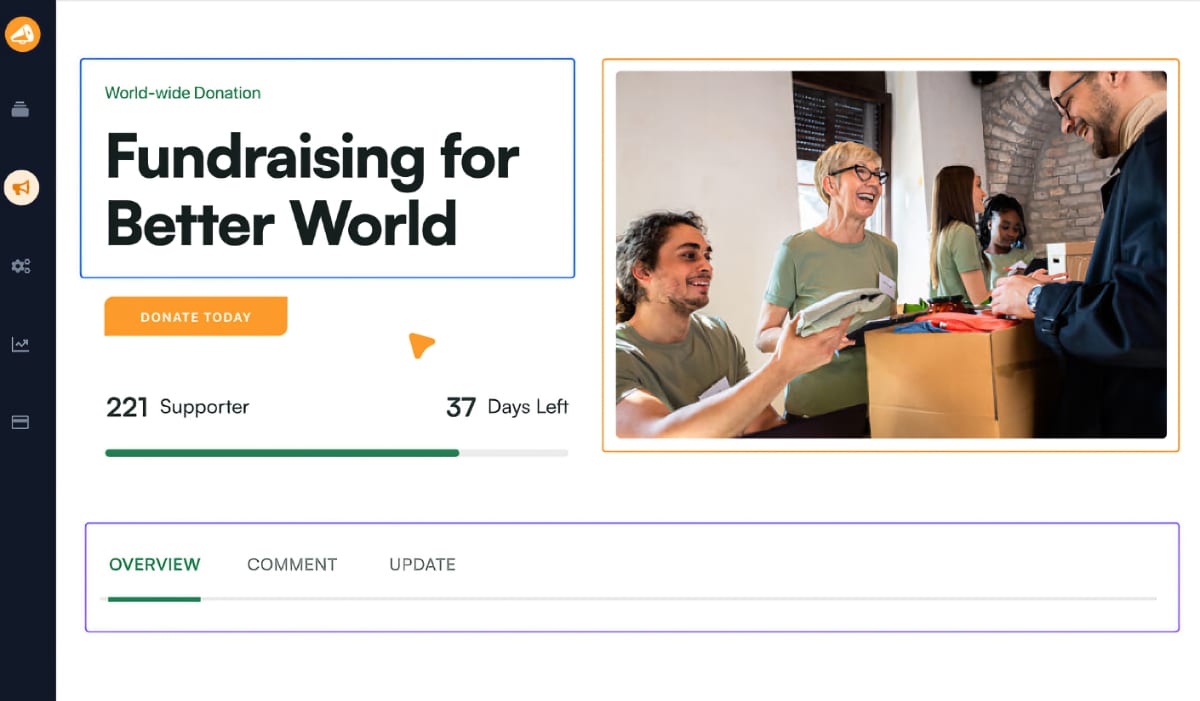
Get complete control – your data, your site, your mission.







Why 10,000+ Nonprofits Choose Charitable Over GiveButter
💰 Cost
Raise $30K? Pay $69. Not $900.
GiveButter: 3% on every donation when tips are disabled. On $30,000 raised, that’s $900 a year before processing costs. Plus plans start at $348/year and scale with your contact list.
Charitable: $69/year for every feature and every campaign, regardless of how much you raise. No percentages, no surprises.
🚫 Donor Tips
No Tip Prompts at Checkout. Ever.
GiveButter: Pre-fills a tip at checkout to cover platform costs. Donors report charges of $90 on a $500 donation. The ones who catch it are frustrated; the ones who don’t sometimes dispute the charge.
Charitable: No tip prompts, no platform branding, no added charges. The amount a donor enters is the amount they give.
🔒 Ownership
Your Site. Your Data. Your Rules.
GiveButter: Campaigns live on givebutter.com, donor records live on their servers, and payouts take 2-3 business days. Leave and you take a CSV.
Charitable: Everything runs on your WordPress site. Your domain, your Stripe or PayPal account, your donor database. Funds arrive the moment a donation clears.
Imagine waking up tomorrow with a better donation plugin and:
🚀 Launching fundraising campaigns in minutes that deliver faster results and higher donations.
💰 Not losing money to platform fees and getting more features and better performance
✅ Having faster, more personalized support from a team dedicated to helping your nonprofit succeed.
GiveButter vs Charitable Pro: Feature Comparison
Stop paying higher fees for lesser features and control of your on fundraising!
| Feature | Charitable Pro | GiveButter |
|---|---|---|
| Starting Price (annual) | $69/year (Basic) | Free + 3% fee, or $348+/year (Plus) |
| Zero Platform Fees | ✅ Zero fees | ❌ (3% fee or donor tip model) |
| Donor Tip Prompts | ✅ Never shown | ❌ Displayed during checkout on free plan |
| Donors Stay on Your Website | ✅ | ❌ Campaign pages hosted on givebutter.com |
| Full Custom Branding | ✅ 100% yours | ❌ GiveButter branding on forms and pages |
| Donor Data Ownership | ✅ Stored on your site | ❌ Stored on GiveButter’s platform |
| Unlimited Campaigns | ✅ | ✅ |
| Recurring Donations | ✅ (Plus and above) | ✅ |
| Peer-to-Peer Fundraising | ✅ (Pro and above) | ✅ |
| Payment Gateways | ✅ 12+ gateways including Stripe, PayPal, Square, and Authorize.net | Stripe via GiveButter – no direct gateway account |
| WordPress-Native | ✅ Installs on your site | ❌ External platform |
| Payout Speed | ✅ Instant – direct to your own Stripe, PayPal, or Square account | ❌ 2-3 business days via bank or debit transfer |
| Available Outside the US | ✅ Works globally via WordPress | ❌ US entities only. Non-US accounts suspended |
| Money-Back Guarantee | ✅ 14 days | ❌ |
Experience the Charitable Advantage Over GiveButter
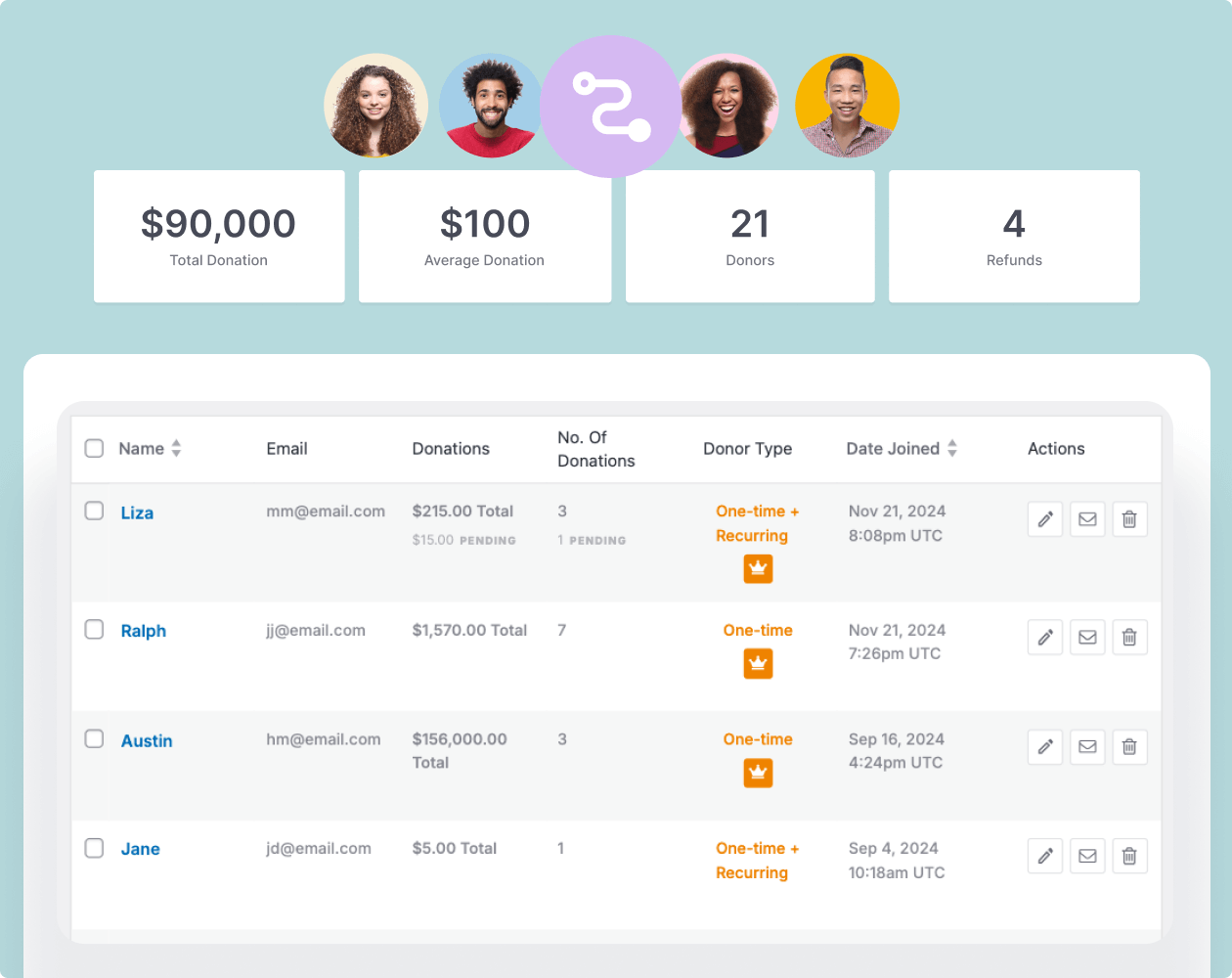
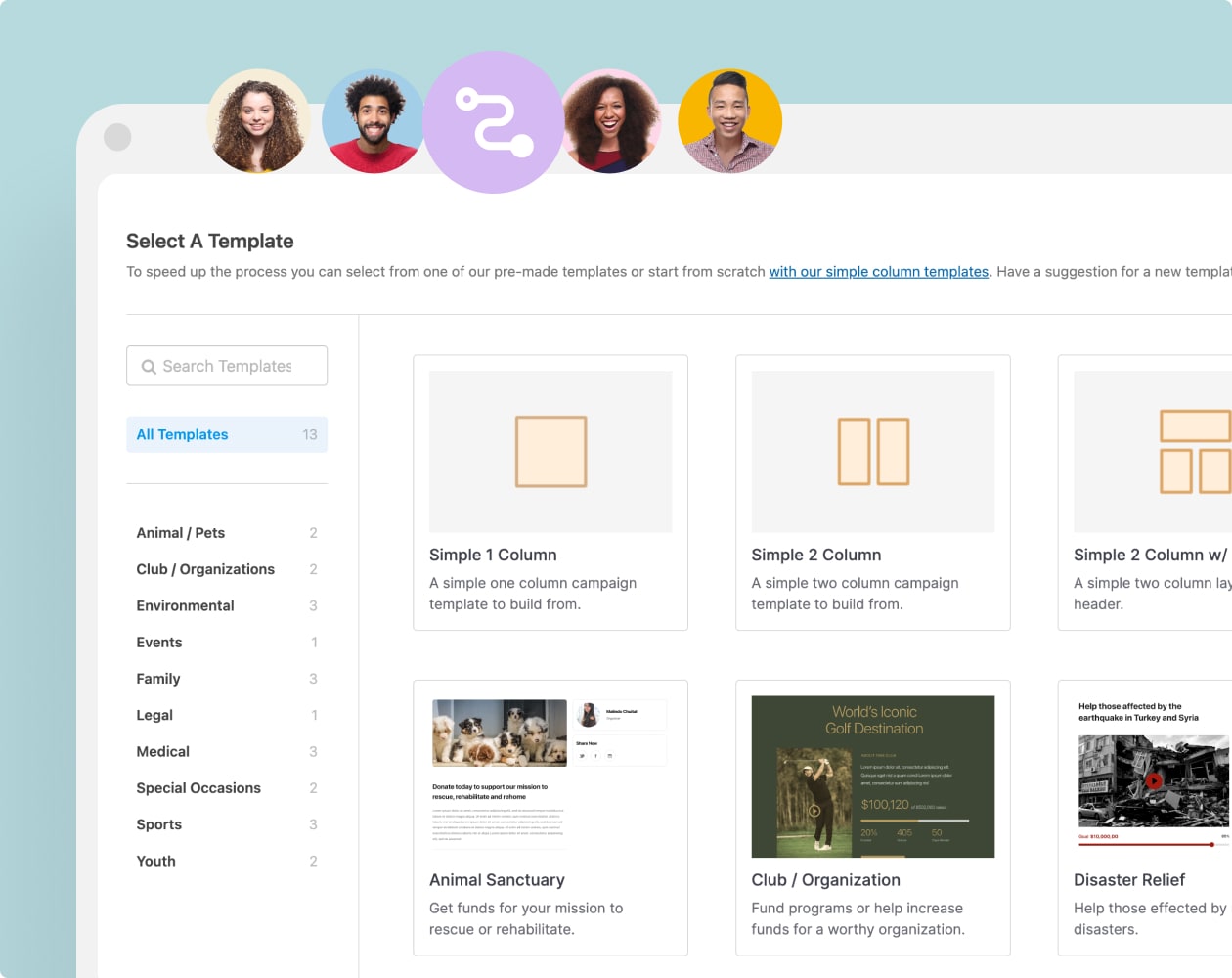
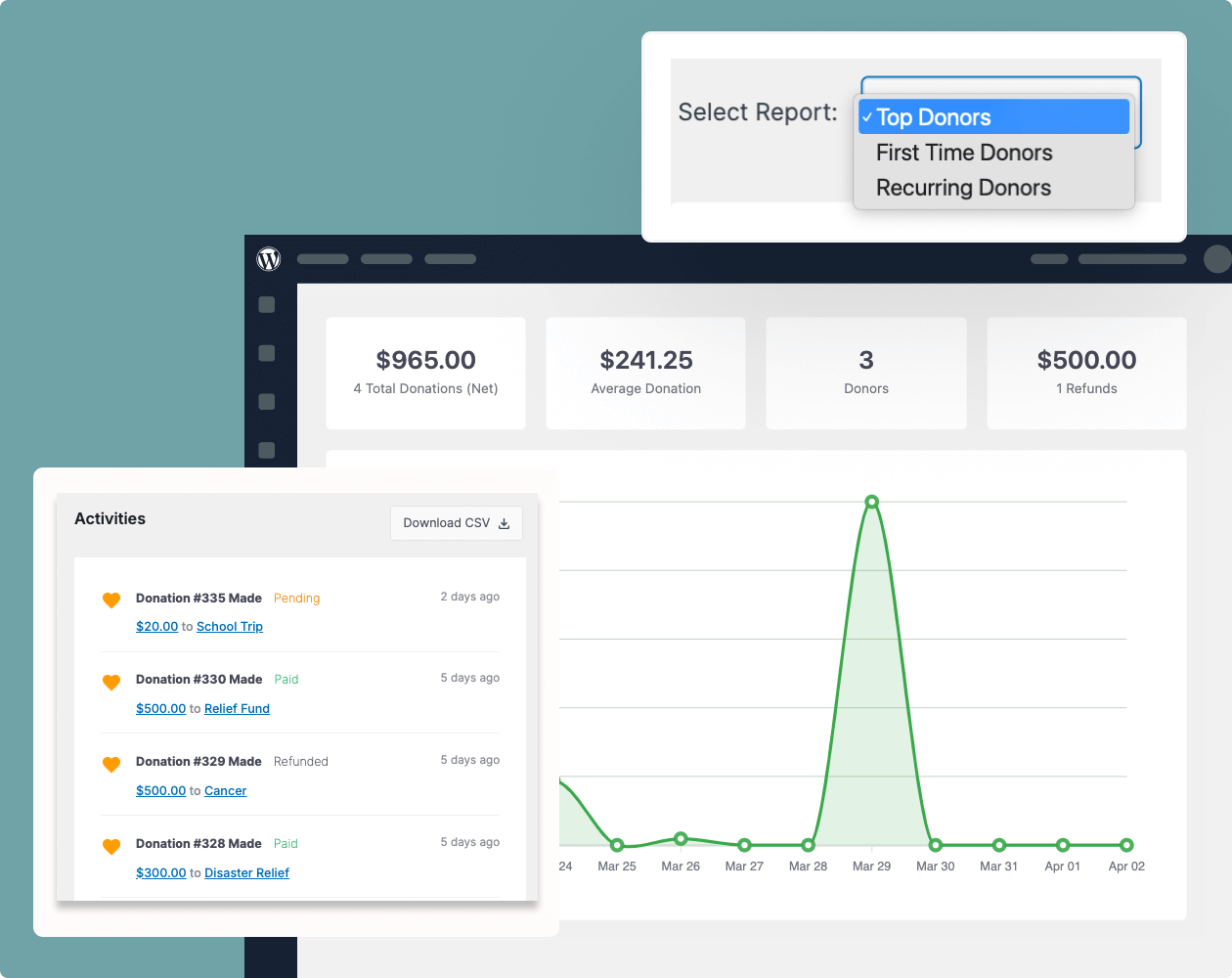
Charitable is more than a donation tool. It’s a powerful WordPress plugin that puts you in complete control. While GiveButter keeps donors on their platform, Charitable keeps them on yours. Here’s how Charitable helps you build stronger donor relationships:
Why Choose Charitable Over GiveButter?
While GiveButter keeps donors on their platform and asks them to cover costs through tips, Charitable gives you something more valuable – complete ownership of your fundraising experience. See why thousands of nonprofits trust their WordPress site over third-party platforms.
The Real Cost of GiveButter vs Charitable
GiveButter’s free plan appears to cost nothing – until you look at what “free” actually means. To cover platform costs, GiveButter displays a tip prompt during your donors’ checkout, asking them to add a percentage on top of their gift. When donors opt out, the 3% platform fee shifts to your organization instead.
With Charitable Pro Basic at $69/year, you pay once. No percentage of any donation goes to Charitable – ever. Keep 100% of every gift, with no tip friction lowering your donor’s experience.
| Monthly Donations | GiveButter (3% fee) | Charitable Basic ($69/yr) | Your Annual Savings |
|---|---|---|---|
| $500/month | $180/year | $69/year | $111 |
| $1,000/month | $360/year | $69/year | $291 |
| $2,500/month | $900/year | $69/year | $831 |
| $5,000/month | $1,800/year | $69/year | $1,731 |
| $10,000/month | $3,600/year | $69/year | $3,531 |
GiveButter fee applies when donor tips are disabled. Calculated at 3% platform fee on gross donations. Note: when tips are disabled, GiveButter also charges standard processing fees (2.9% + $0.30/transaction) on top of the 3% platform fee. Charitable figures reflect Basic plan annual price only; standard payment processor fees apply separately on both platforms.
GiveButter Plus Pricing Grows With Your Donor List
If you need GiveButter Plus features – automation, custom reports, QuickBooks sync, priority support – pricing scales with your contact count. The more your organization grows, the more you pay. Charitable’s price stays flat at $69/year regardless of how many donors you have.
| Contact Count | GiveButter Plus/year | Charitable Basic/year | You Save |
|---|---|---|---|
| ≤250 contacts | $348/year | $69 | $279 |
| ≤1,000 contacts | $948/year | $69 | $879 |
| ≤2,500 contacts | $1,548/year | $69 | $1,479 |
GiveButter Plus pricing verified June 2026 at givebutter.com/pricing. Charitable Basic price is flat at $69/year regardless of donor or contact count.
Charitable Pro pays for itself when your organization raises as little as $69/year in donations.
If you’re raising more than that – and most nonprofits are – you’re better off financially with Charitable from day one.
Why pay 5× the cost when you can get more features, full control, and better scalability from day one?
What Your Donors Actually Feel on GiveButter
GiveButter’s tip model sounds elegant on paper. In practice, donors are consistently surprised by unexpected charges appearing after they’ve already given. Your nonprofit sees a donation. Your donor sees a bill they didn’t expect – and doesn’t come back.
These are real reviews from donors and non-profits.
“I donated $500 for a veterans mental health nonprofit and was charged an extra $90.24 – almost 20%. None of this goes to the nonprofit. This is a rip off.”
Verified donor review, r/Crowdfunding
“During checkout there was a processing fee of $5.09, PLUS a default tip of $24 to ‘support the GiveButter platform.’ By default the take for GiveButter is over 18% unless the end user figures out how to change each of the charges. The home page says $0 in fees – very misleading.”
Verified donor review, r/Crowdfunding
“GiveButter now has no human beings on the support end for donors who have been charged for something. No chat, no phone, just automated hell. If I’m a member of the public and have this experience, I’m never going to donate to a cause in the future that uses GiveButter.”
Verified donor review, r/Crowdfunding
The real cost of GiveButter isn’t the 3% fee.
It’s the donors who gave once, felt deceived, and never came back.
Nonprofits using GiveButter often have no idea this is happening. Fundraising appears to be working but their donors are quietly leaving over surprise charges they didn’t expect and a support system that couldn’t help them. With Charitable, your donor’s entire experience is on your site, under your control, with no surprise charges at checkout.
See What Our Charitable Users Have To Say
Charitable has over 200+ 5-star reviews from real users on WordPress.org. Check them out »
You’ll never have a user complaining about hidden fees and tips from us, ever!

@mikisdad
“I’ve checked out many – this is one of the best. Charitable is easy to use. It doesn’t confuse with a million and one setting and options. It installs quickly and without drama. Above all, the service is superb.”

Steven Bauwens
“I tried the plugin ‘Give’ first, but I just couldn’t get it to work, it would freeze my WP dashboard. I found this plugin which has the same feature that I could add campaigns with a specific donation option that I can add to my pages.”

“I tried “Give” before this plugin but I really couldn’t figure it out and found it frustrating. I didn’t experience any of the issues I had with Give with Charitable.”

“After years of working with high cost donation management companies, I decided to give Charitable a go. Not only does it offer almost every feature I was looking for at a fraction of what I was previously paying, but when I asked about the lack of a feature, it was implemented and released as an update within a week..”
Switching to Charitable Takes Less Than a Day
Making the switch might feel risky, but it’s simpler than you think. GiveButter lets you export your donor and contact data, and Charitable’s importer handles the heavy lifting. Here’s exactly how it works:
Step 1
Export your data from GiveButter
Go to your GiveButter account and export your contacts and donation history as a CSV file. GiveButter allows full data export from your account settings.
Step 2
Install Charitable on WordPress
Install Charitable (free or Pro) directly from your WordPress dashboard. The setup wizard walks you through everything – no developer needed.
Step 3
Connect your payment gateway
Connect Stripe, PayPal, or Square in minutes. Your donors’ payment experience stays smooth – and funds go directly to you, no platform in between.
Step 4
Import donors and go live
Use Charitable’s CSV importer to bring in your donor records, build your first campaign in the visual builder, and go live – all in a single day.
Follow the full step-by-step tutorial here →
If you hit a snag, our support team will help you migrate – contact us.
Not Convinced Yet?
WPBeginner, the world’s largest WordPress resource site with 2 million+ monthly readers, named Charitable the best donation plugin for WordPress. See their full review:
GiveButter vs Charitable
Frequently Asked Questions
Do you have a question about Charitable compared to GiveButter? See the list below. If your question is not listed here, please contact us.
Can I use GiveButter if I’m outside the US?
No. GiveButter is currently limited to US-based entities. Accounts from outside the US are suspended. Charitable is a WordPress plugin – it works for any organization, anywhere in the world, on any self-hosted WordPress site.
What makes Charitable different from GiveButter?
Charitable is a self-hosted WordPress plugin that gives you complete control over your fundraising, while GiveButter is an external platform that hosts your campaign pages on their domain and relies on donor tips or a 3% platform fee to sustain itself. With Charitable, you own your data, control your payouts, customize everything, and keep 100% of every donation. You get professional fundraising tools on your own website – not someone else’s platform.
Does Charitable charge a percentage of donations?
Never. Charitable charges a flat annual license fee (starting at $69/year for Basic) and takes zero percentage of any donation. Standard payment processor fees from Stripe, PayPal, or Square apply and go directly to the processor – Charitable has no involvement in that. Compare this to GiveButter, which charges a 3% platform fee when donor tips are disabled.
Is Charitable really free to use?
Charitable Lite is completely free to download and use – no credit card, no trial period. It includes unlimited campaigns, PayPal, Square, and Stripe, donation receipts, and basic reporting. Charitable Pro (paid) starts at $69/year and unlocks recurring donations, advanced payment gateways, peer-to-peer fundraising, and more. Unlike GiveButter, neither version charges a percentage of donations.
Can I switch from GiveButter to Charitable?
Yes, and it’s simpler than most people expect. Export your donor and contact data from GiveButter as a CSV, install Charitable on your WordPress site, connect your payment gateway, and import your donor records. Most organizations complete the switch in a single day. If you need help, our support team will assist with the migration at no extra cost.
Are there any limits on campaigns or donation forms with Charitable?
No. Charitable lets you create unlimited donation campaigns and forms from day one – free or paid. No caps, no tier restrictions on campaign count.
Does GiveButter have any features Charitable doesn’t?
GiveButter includes a built-in CRM, event management, and auctions in its free plan – features not included in Charitable’s core plugin. For most nonprofits focused on donation collection and campaign fundraising, Charitable’s feature set covers everything they need at a fraction of the cost. If you rely heavily on GiveButter’s CRM or event tools, evaluate whether those use cases justify giving up data ownership and paying per-percentage fees as you grow.
Does GiveButter’s pricing grow as my donor list grows?
Yes, if you need GiveButter Plus features (automation, custom reports, QuickBooks sync, priority support), pricing is contact-based. At 250 or fewer contacts it’s $348/year. At 1,000 contacts it’s $948/year. At 2,500 contacts it’s $1,548/year. As your nonprofit grows, your platform cost grows with it. Charitable charges a flat $69/year regardless of how many donors, campaigns, or donation forms you have – your price never changes because your mission is succeeding.
What kind of support does Charitable offer?
Charitable Lite users can post questions in the WordPress support forum. Pro customers have access to our direct support channel, with friendly and responsive help from a team experienced in nonprofit fundraising. We’re known for our 5-star ratings on WordPress.org.
Stop Paying Platform Fees. Keep Every Dollar.
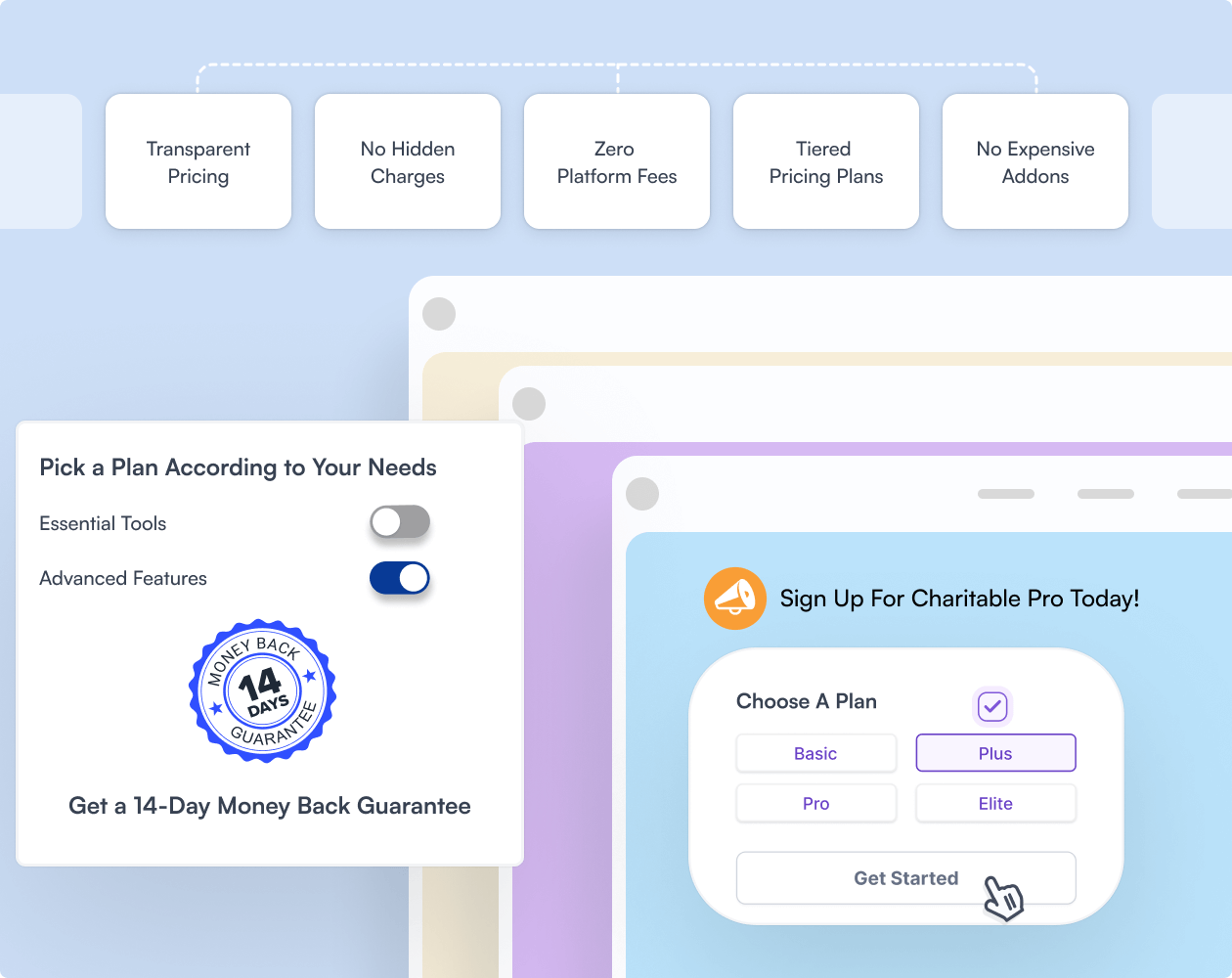
Join over 10,000+ nonprofits who’ve taken control of their fundraising. Start free with Charitable Lite, or get Charitable Pro starting at $69/year – backed by our 14-day, no-questions-asked money-back guarantee.