ELEMENTOR + CHARITABLE INTEGRATION
Build Beautiful Donation Pages Without Writing Code
Connect Charitable to Elementor and design stunning donation pages with drag-and-drop simplicity. Place campaign showcases, donation forms, and donate buttons exactly where you want them – no developer required.




Plan Needed
Basic
Last Updated
N/ACategory
Page Builder
Extension
WordPress Plugin
No Extension Needed (Built In)
Charitable and Elementor: Design Freedom Meets Donation Power
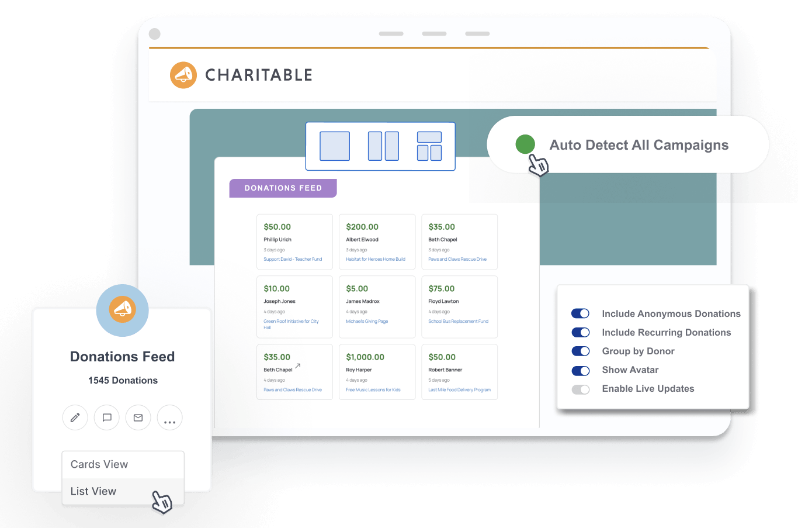
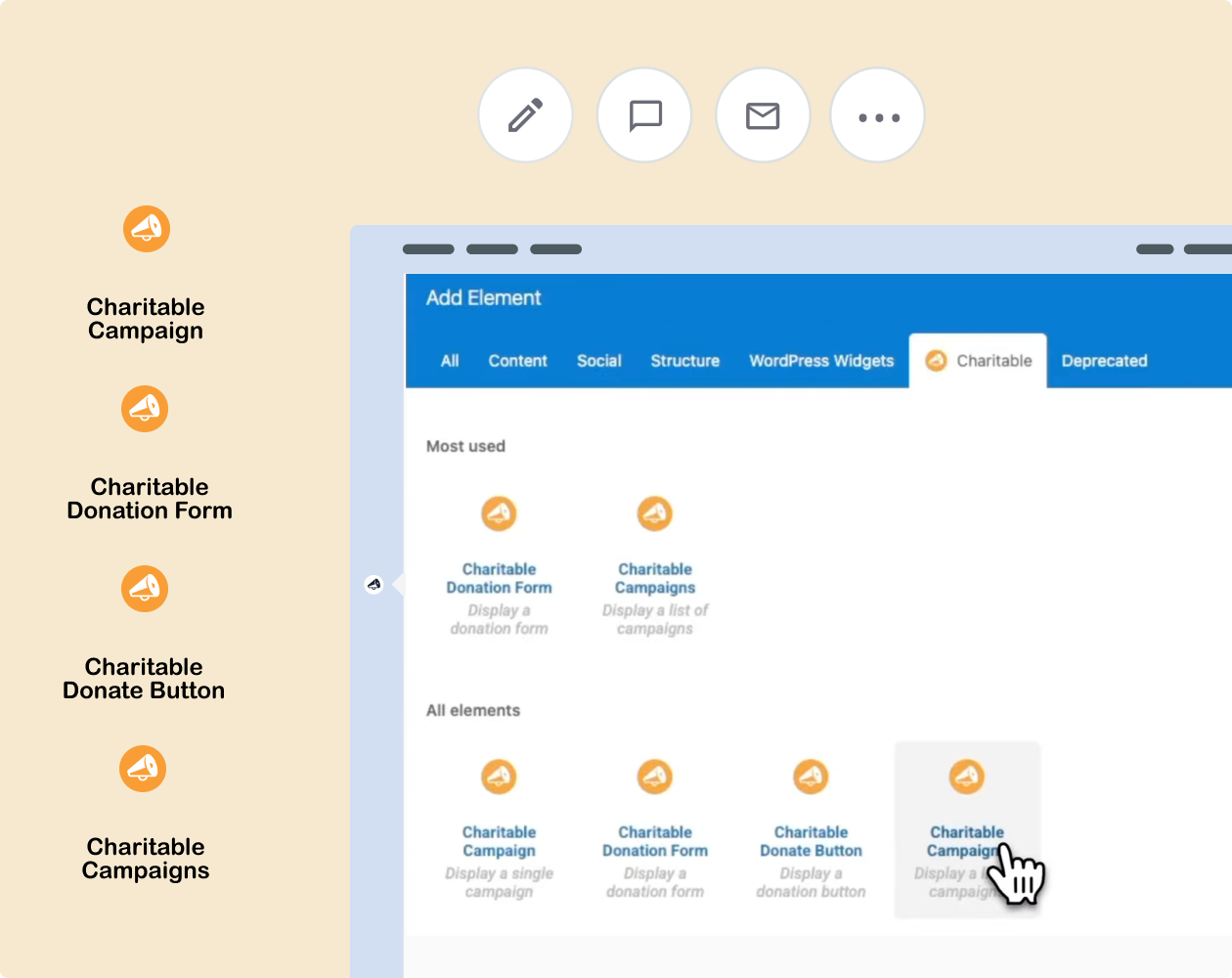
The Charitable + Elementor integration gives you four purpose-built widgets that drop directly into your Elementor designs. Connect your donation campaigns to your page builder and control exactly how your fundraising content looks and where it appears.
Similar Extensions
WPBakery + Charitable Use Cases
Showcase Individual Campaigns
Drop the Campaigns widget onto any page and select your campaign from a dropdown.

Add Donate Buttons Anywhere
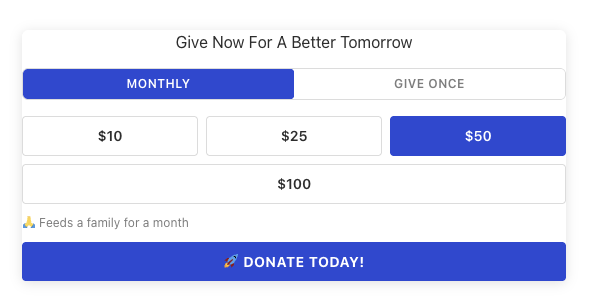
Place a styled donate button or text link anywhere on your site.

Create Campaign Gallery Pages
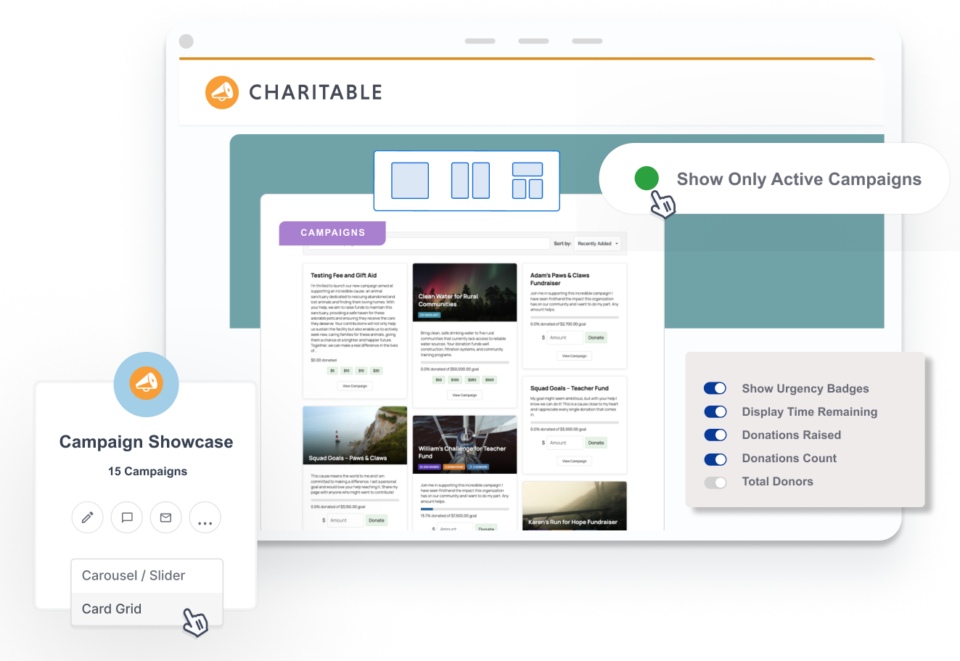
Use the Campaigns Gallery widget to showcase multiple campaigns in a beautiful grid.



Charitable Has 1+ Million Downloads!
Trusted by millions to power successful fundraising campaigns. Try Charitable risk-free today.
✅ 14-day money-back guarantee
✅ Transparent pricing
✅ Code-free setup
Want To See It In Action?
Why You’ll Love Elementor with Charitable
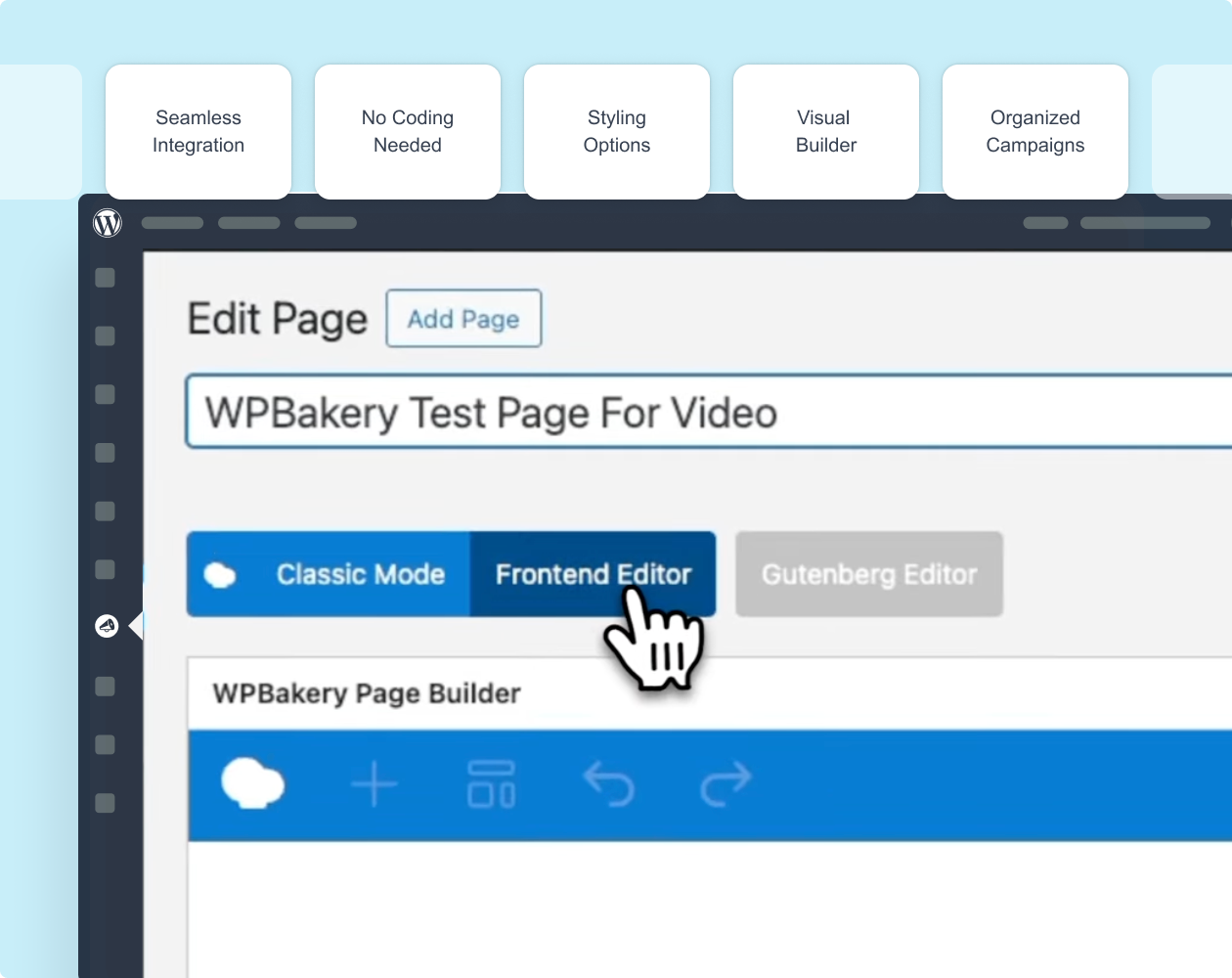
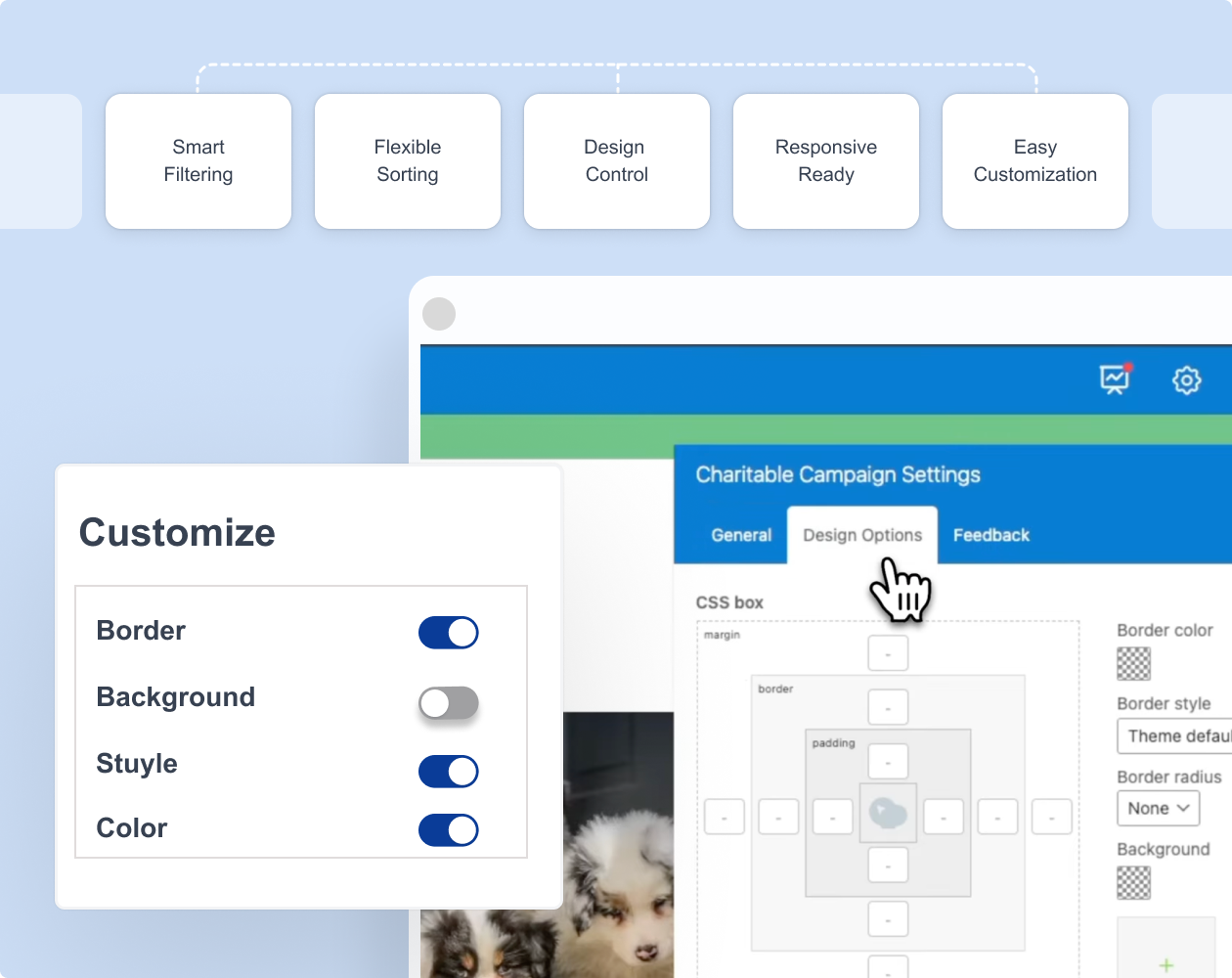
Charitable offers a seamless Elementor integration that makes creating beautiful, high-converting fundraising pages faster and easier than ever.
Raise funds faster and with less stress
Join over 10,000+ non-profits that are raising funds faster.

Tutorial
Follow step-by-step instructions to connect Charitable to Elementor.

Connecting Charitable and Elementor
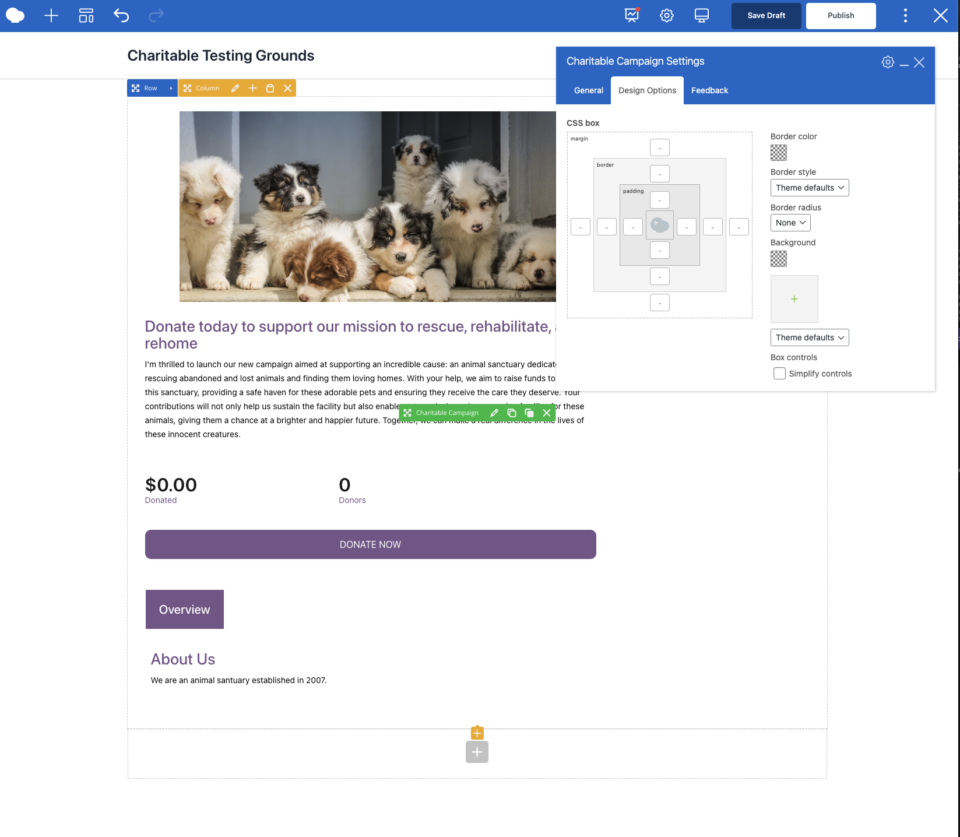
This guide walks you through finding the Charitable widgets in Elementor, adding each widget to your page, configuring campaign settings from the left taskbar, and styling your widgets to match your brand.