REPLY INSTANTLY TO DONORS
Stop Copying Email Addresses and Start Thanking Donors Instantly
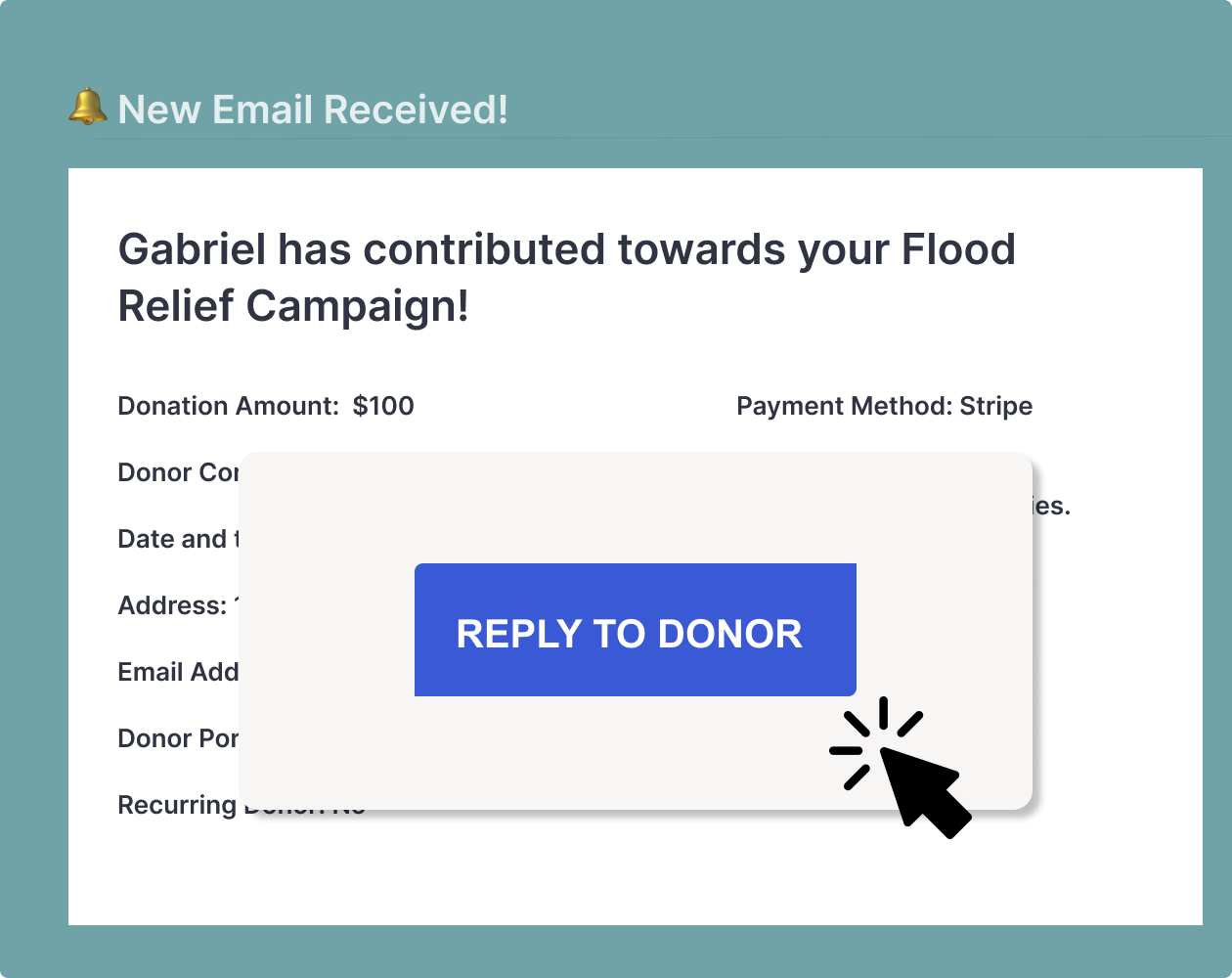
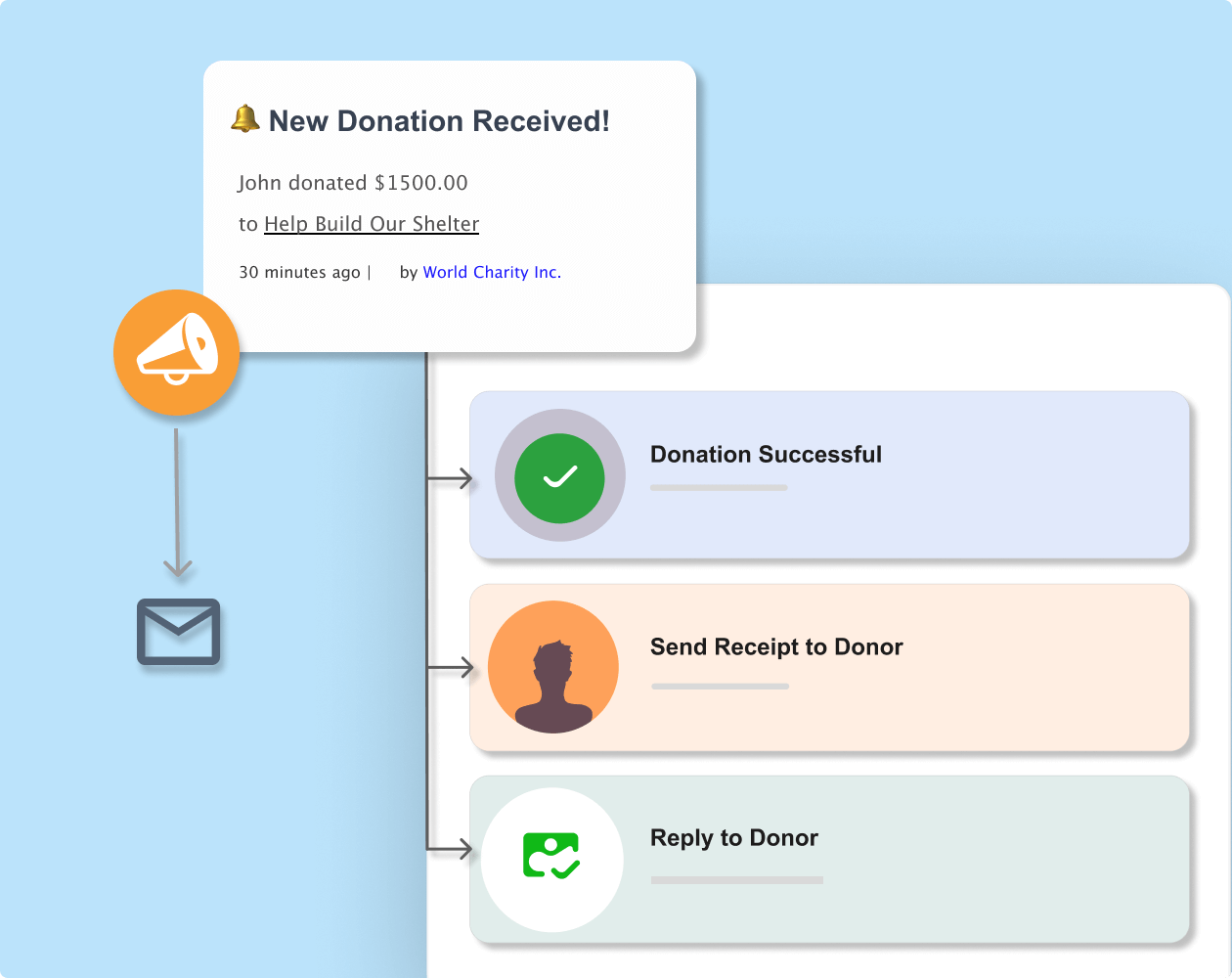
Reply directly to donation notifications with one click. Charitable’s reply-to feature lets you send personal thank you messages without the hassle of copying emails or opening new tabs.






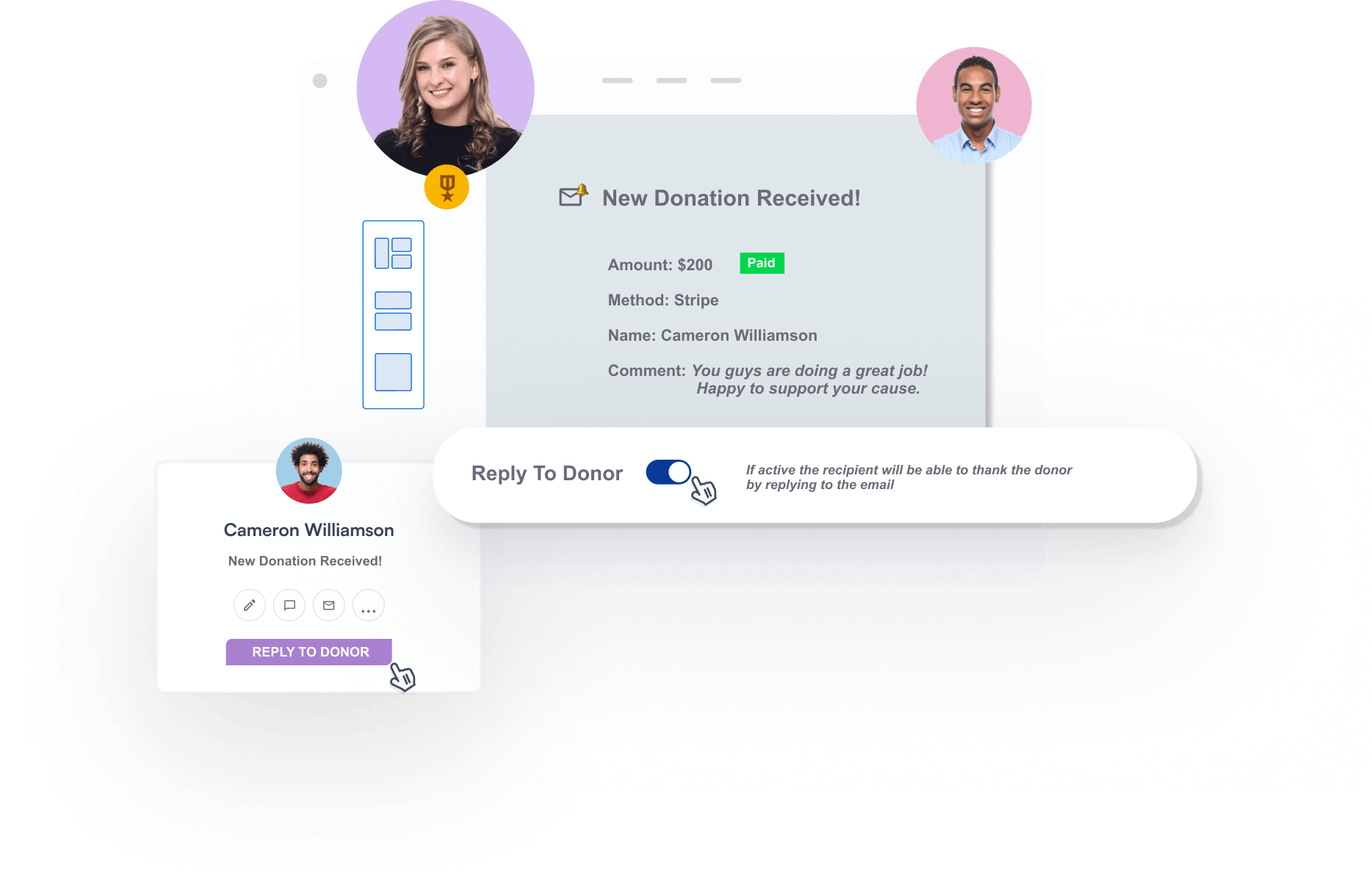
Turn Every Donation Notification Into a Relationship-Building Opportunity
Get smart email features that make it simple to connect with donors right from your inbox.
Why You’ll Love The Reply To Feature From Charitable
Charitable offers a powerful and affordable way to manage donor replies, so you can connect instantly with donors and build stronger relationships.
Ready to Start Smart Fundraising With Charitable?
Get started with Charitable Pro today. We’re so confident you’ll love it that we back every purchase with our 14-day money-back guarantee – giving you the freedom to explore risk-free.
See How Easy It Is To Set Up A Fundraiser With Charitable
Here’s What Our Customers Have To Say

Belinda Martin
“…others were charging 5% and more for every donation, but with Charitable there are no fees for donations, so we were able to run a number of fundraising campaigns with all the money going to the charity.”

Stuart Robinson
“Really useful plugin. I wanted to extend the functionality of it a wee bit and the code was very easy to work with and adapt. Really great response from the developer and it looks like fantastic updates are being added all the time.”

Paul Lawley-Jones
“I’d like to thank you both for making such a great tool at such a great cost. It’s literally 24 times cheaper than the platform we were using before I came on board.”

Stephen Weinberg
“This plugin is exactly what our small, parent-run organization needed… Easy to set up. Easy to customize (as long as you can handle just a tiny bit of code). And superior support! Thanks so much for this full-featured software.”
Charitable Has 1+ Million Downloads!
Trusted by millions to power successful fundraising campaigns. Try Charitable risk-free today.
✅ 14-day money-back guarantee
✅ Transparent pricing
✅ Code-free setup
Reply To Donors –
Frequently Asked Questions
Do you have a question about Charitable’s feature to reply to donors instantly? See the list below for our most frequently asked questions. If your question is not listed here, please contact us.
How much does Charitable cost?
Charitable Lite is completely free to get started. Charitable Pro plans begin at an affordable annual rate of $69 with no transaction fees ever. You can choose the plan that fits your organization’s needs and budget. We never charge commission, so you keep 100% of donations raised.
What’s the difference between Charitable Lite and Pro?
Charitable Lite is our free version that includes basic donation forms and campaign creation. Charitable Pro adds advanced features like peer-to-peer fundraising, recurring donations, donor comments, and detailed analytics. Pro also includes premium support and regular feature updates. See the difference between Charitable Lite vs Pro »
How do I turn on the reply-to donor feature?
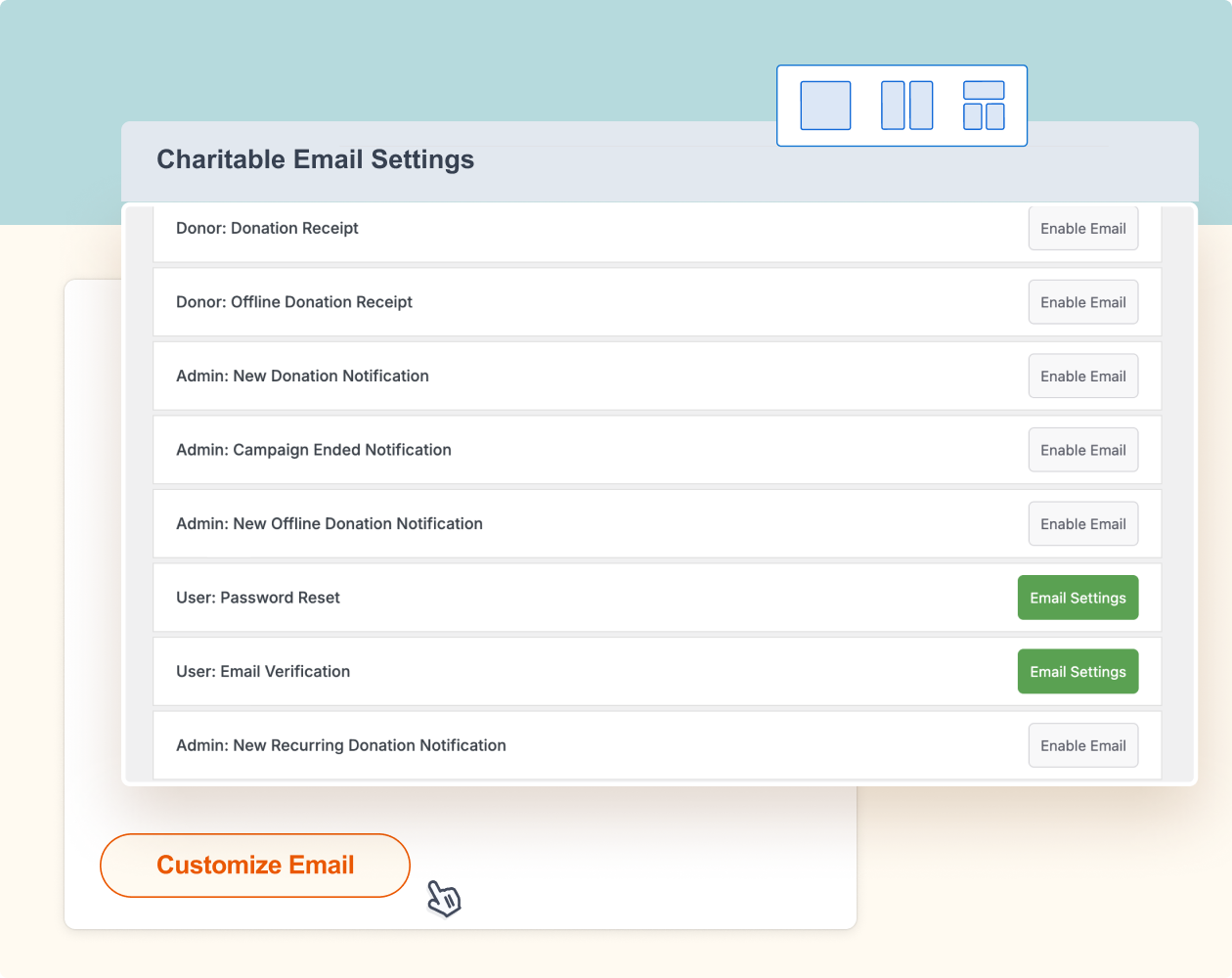
Go to Charitable » Settings » Emails in your WordPress dashboard. Enable and open the Settings page for New Donation or Offline Donation notification settings. You’ll see a simple toggle switch for “Reply to Donor”. Enable it and you’re all set.
What if I don’t want to reply to every donor personally?
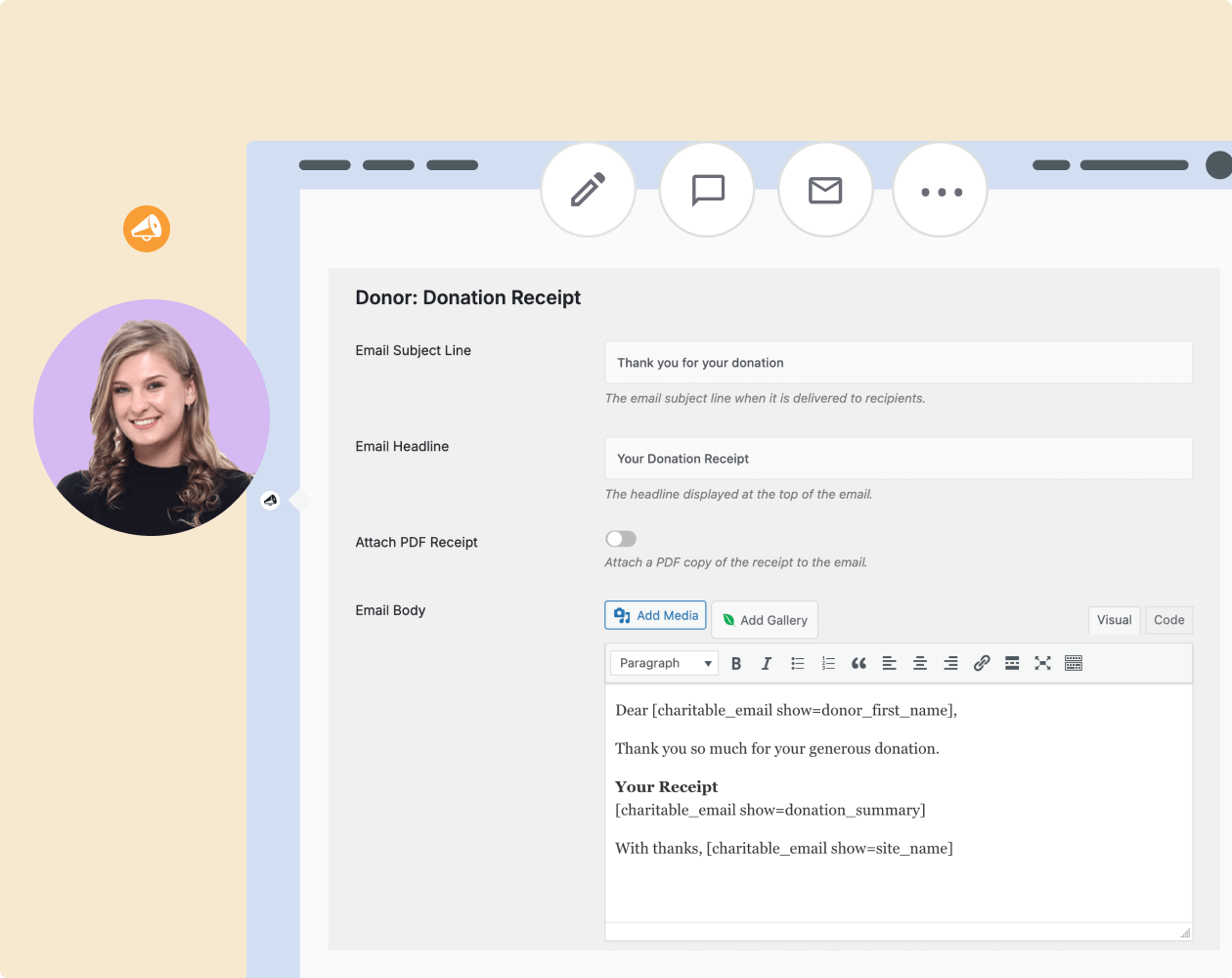
That’s totally fine. The feature is optional and you can leave it turned off. You can also use Charitable’s automated thank you emails to send branded messages without manual work.
Keep Using All Your Favorite Apps
Choose from the best and most popular apps for automating repetitive tasks, reaching out to donors, keeping things organized and more.
Explore More Features

Peer-to-Peer Fundraising
Empower supporters to fundraise on your behalf.
Expand your reach through supporter networks
Keep 100% of donations with zero platform fees
Track campaign progress with detailed reports

Donation Management
Manage donation records and donor profiles with ease.
Auto-created records
Individual donor profiles
Easy import/export

Recurring Donations
Convert one-time donors into loyal, long-term supporters.
Enable automated recurring payments with ease
Provide donor accounts for seamless contribution management
Offer flexible donation frequencies to suit individual preferences
Get the best WordPress fundraising plugin today
Join over 10,000+ smart website owners who trust Charitable for their donation websites.