Note: Might need to rename “Modal Donation Button” here and “Campaign Modal Button” to simply “Campaign Donation Button”.
The Modal Donate Button (also referred to as Campaign Modal Button in release notes) lets you place a button that opens a donation form in a modal popup—or links directly to the campaign donation page—anywhere on your site. It is available as both a WordPress block and a shortcode, and is part of Charitable’s Universal Modal Donation System.
Table of Contents
- Requirements
- Getting Started
- Block (Editor)
- Shortcode
- How the Modal Works
- Campaign Selector in the Modal
- Troubleshooting
- Developer Resources
Requirements
- Charitable Pro: Version 1.8.13 or higher
- WordPress: Version 6.2 or higher
- PHP: Version 7.4 or higher
Getting Started
Block: Edit a page or post in the Block Editor → add block → search for Modal Donate Button or Charitable → insert the block → choose a campaign and configure the button in the sidebar.
Shortcode: Use [charitable_modal_button campaign_id="123"] in any post, page, or widget. Replace 123 with your campaign ID. You can add optional attributes for button text and CSS classes (see Shortcode).
Key Benefits
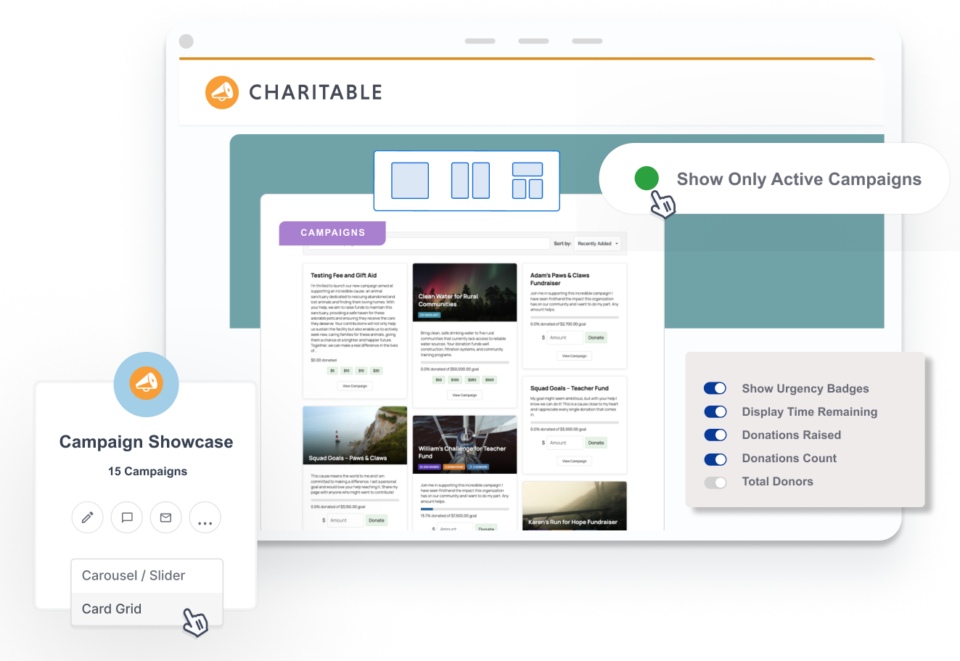
- Place anywhere: Buttons in sidebars, footers, campaign grids (e.g. Campaign Showcase), or inline content.
- Modal or link: Block lets you choose “Modal Popup” (donation form in a popup) or “Link to Donation Page” (normal link). Shortcode is modal-only.
- No page reload: In modal mode, the form loads via AJAX and opens in an overlay; donors stay on the same page until they submit or close.
- Campaign Selector control: When Campaign Selector is enabled globally, you can hide it for a specific button so the modal shows only the chosen campaign.
Block (Editor)
The block is registered as Modal Donate Button (charitable/modal-donate-button) under the Widgets category.
Block settings (sidebar)
Settings
- Campaign – Required. Select the campaign this button will use for donations.
- Button Text – Label on the button (default: “Donate Now”).
- Button Action
- Modal Popup – Click opens the donation form in a modal (default).
- Link to Donation Page – Click goes to the campaign’s donation page.
- Open in New Tab – Only when Button Action is “Link to Donation Page.” Opens the donation page in a new tab.
- Hide Campaign Selector – Only when Button Action is “Modal Popup.” When enabled, the campaign selector dropdown is hidden in this modal even if it’s enabled in Charitable settings.
Colors
- Background – Button background color.
- Text – Button text color.
- Border – Button border color.
Hover
- Background – Button background on hover.
- Text – Button text color on hover.
Size & Spacing
- Button Width – e.g.
auto,100%,200px. - Font Size – e.g.
16px,1.2em. - Border Radius – e.g.
4px,25px. - Horizontal Padding – e.g.
24px,2em. - Vertical Padding – e.g.
12px,1em.
Advanced
- Custom CSS Class – Extra class(es) on the button element.
- Modal CSS Class – Only when Button Action is “Modal Popup.” Extra class(es) on the modal container (default modal class is
charitable-universal-modal).
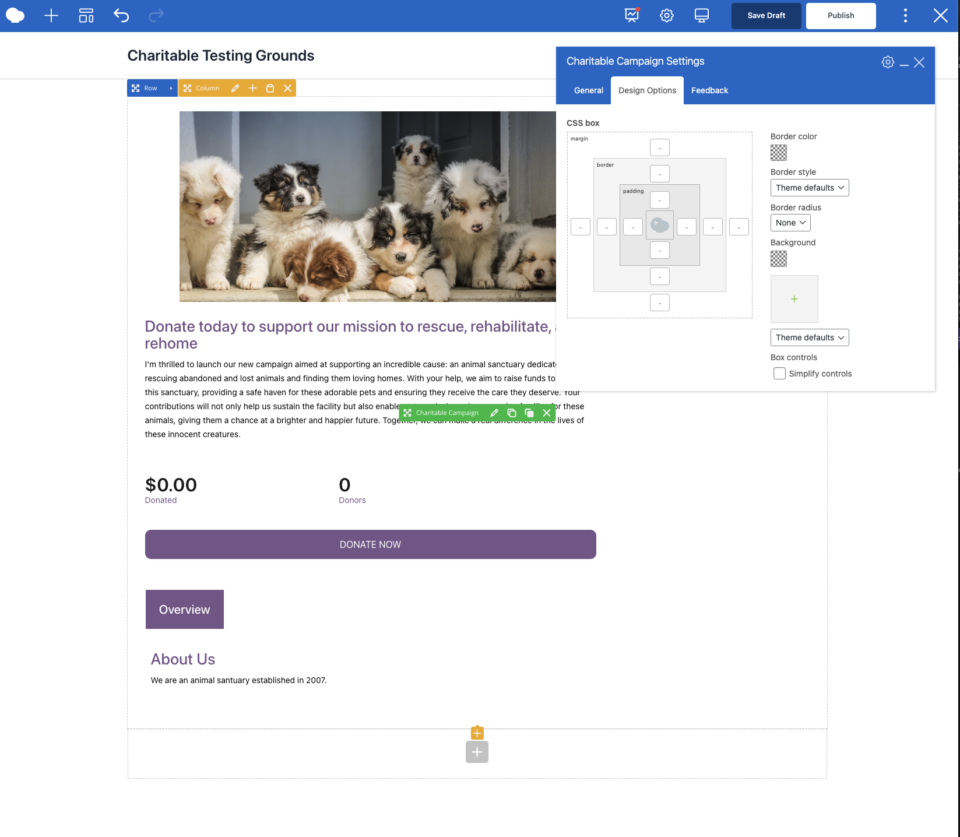
The editor shows a preview of the button and the selected campaign name. On the frontend, the block outputs the same behavior as the shortcode (in modal mode) or a styled link (in link mode).
Shortcode
Shortcode name: charitable_modal_button
Required attribute
campaign_id– The campaign ID. The button will open the donation form for this campaign in a modal.
Optional attributes
| Attribute | Description | Default |
|---|---|---|
text | Button label. | “Donate Now” |
class | Additional CSS class(es) for the button. | — |
modal_class | Additional CSS class(es) for the modal container. | — |
Examples
[charitable_modal_button campaign_id="42"][charitable_modal_button campaign_id="42" text="Give to this campaign"][charitable_modal_button campaign_id="42" class="my-donate-btn" modal_class="my-modal"]Note: The shortcode always opens the donation form in a modal. To link to the donation page instead, use the block with Button Action set to “Link to Donation Page,” or use the standard donate link/shortcode (e.g. [charitable_donate_button] with the appropriate campaign and link behavior).
How the Modal Works
- Trigger: The button has the class
charitable-modal-triggerand adata-campaign-idattribute. The Universal Modal script listens for clicks on this class. - Load: On click, the script loads the donation form via AJAX for the given campaign and injects it into the modal overlay.
- Display: The modal opens (using the same overlay and structure as Charitable’s existing modals). Donors can complete the form or close the modal.
- Campaign Selector: If the Campaign Selector feature is enabled in Charitable settings and not overridden by the button (see below), the form can show a dropdown to switch campaigns. Individual buttons can force-hide it with the block’s “Hide Campaign Selector” option or by passing
data-hide-campaign-selectorwhen building the button in code.
The modal uses the Universal Modal Donation System (Charitable Pro 1.8.13+), so it works consistently whether the button is from the block, the shortcode, or from other features (e.g. quick-donate buttons in the Campaign Showcase block).
Campaign Selector in the Modal
- Global setting: Charitable Settings → General → Donation Form → Campaign Selector. When enabled, donation forms can show a “Choose a Campaign” dropdown.
- Per-button override (block only): In the Modal Donate Button block, when Button Action is “Modal Popup,” enable Hide Campaign Selector to hide that dropdown for this button’s modal. Useful when the button is for a single campaign and you don’t want the selector in the popup.
- Shortcode: The shortcode does not expose a “hide campaign selector” attribute. To hide it for a shortcode button, you would need to add a custom CSS class and use JavaScript to set
data-hide-campaign-selectoron the trigger, or use the filtercharitable_modal_donate_button_htmlto add the data attribute.
Troubleshooting
Button does nothing when clicked
- Confirm the campaign ID is valid and the campaign is published.
- Ensure the Universal Modal script is loaded (no script errors or aggressive removal of Charitable scripts on that page).
- Check the browser console for JavaScript errors when clicking the button.
Modal doesn’t open or form doesn’t load
- Verify you’re on Charitable Pro 1.8.13+ and that no plugin/theme is blocking
charitable-universal-modalor the AJAX request that loads the form. - Test with a default theme and other plugins disabled to rule out conflicts.
- Ensure the campaign can receive donations (e.g. not ended, not fully funded if that blocks donations).
Button looks wrong or styling is missing
- Use the block’s Colors, Size & Spacing, and Advanced (custom class) options to adjust appearance.
- For the shortcode, add a
classand style that class in your theme or custom CSS. The trigger uses the classcharitable-modal-triggerplus any classes you pass.
“Link to Donation Page” not available
- That option exists only on the block. The shortcode
[charitable_modal_button]is modal-only. For a simple link to the donation page, use the block with Button Action = “Link to Donation Page” or your theme’s/plugin’s donate link for that campaign.
Developer Resources
PHP
- Template function:
charitable_get_modal_donate_button( $campaign_id, $args )– Returns the button HTML. Used by the shortcode and block. - Echo helper:
charitable_modal_donate_button( $campaign_id, $args )– Echoes the same HTML.
Arguments for charitable_get_modal_donate_button:
| Key | Type | Default | Description |
|---|---|---|---|
text | string | “Donate Now” | Button label. |
class | string | charitable-modal-trigger | CSS class(es) for the button. |
modal_class | string | charitable-universal-modal | CSS class for the modal container. |
button_tag | string | button | button or a. |
style | string | '' | Inline style string for the button. |
hide_campaign_selector | bool | false | When true, adds data-hide-campaign-selector="1"so the modal hides the campaign selector. |
Filters
- charitablemodaldonatebuttonshortcode_output – Filter the shortcode output. Parameters:
$output,$args. - charitablemodaldonatebuttonhtml – Filter the button HTML from
charitable_get_modal_donate_button. Parameters:$button_html,$campaign_id,$args.
CSS / HTML
- Button: The trigger has class
charitable-modal-triggerand attributesdata-campaign-id, optionallydata-modal-class,data-hide-campaign-selector. - Block wrapper:
.wp-block-charitable-modal-donate-button. - Modal: The overlay and modal container are created by the Universal Modal script; the modal uses the class you pass (e.g.
charitable-universal-modal).
Version history
| Version | Changes |
|---|---|
| 1.8.13 | Modal Donate Button block and shortcode; Universal Modal Donation System; block supports Modal Popup vs Link, styling, Hide Campaign Selector; charitable_get_modal_donate_button gains style and hide_campaign_selector. |
For global donation form and Campaign Selector settings, see Campaign Selector. For embedding full donation forms (not in a modal), see the donation form and campaign shortcode documentation.