
Tired of the donation roller coaster where you’re scrambling for funds every month?
You know the cycle – a big fundraising push brings in a decent amount, then donations trickle off to almost nothing. You spend more time chasing one-time gifts than actually focusing on your mission, and you’re constantly stressed about whether you’ll make budget.
Monthly giving changes everything. Instead of hoping someone will donate again someday, you build a reliable base of supporters who automatically contribute every month. It’s the difference between surviving paycheck to paycheck and having a predictable income you can actually plan around.
Most non-profits think monthly giving is complicated to set up or that their donors won’t be interested. The reality? It’s easier than you think, and donors often prefer the convenience of automatic giving over remembering to donate manually.
1. Predictable Income You Can Actually Plan Around
Stop playing the guessing game with your budget. Monthly donors give you reliable, recurring revenue that hits your account like clockwork. Instead of wondering if you’ll have enough to meet expenses next month, you know exactly what’s coming in.
This predictability lets you make smart decisions about programs, hiring, and growth. You can commit to that new initiative because you know the funding will be there. No more turning down opportunities because you’re not sure about cash flow.
2. Higher Lifetime Donor Value
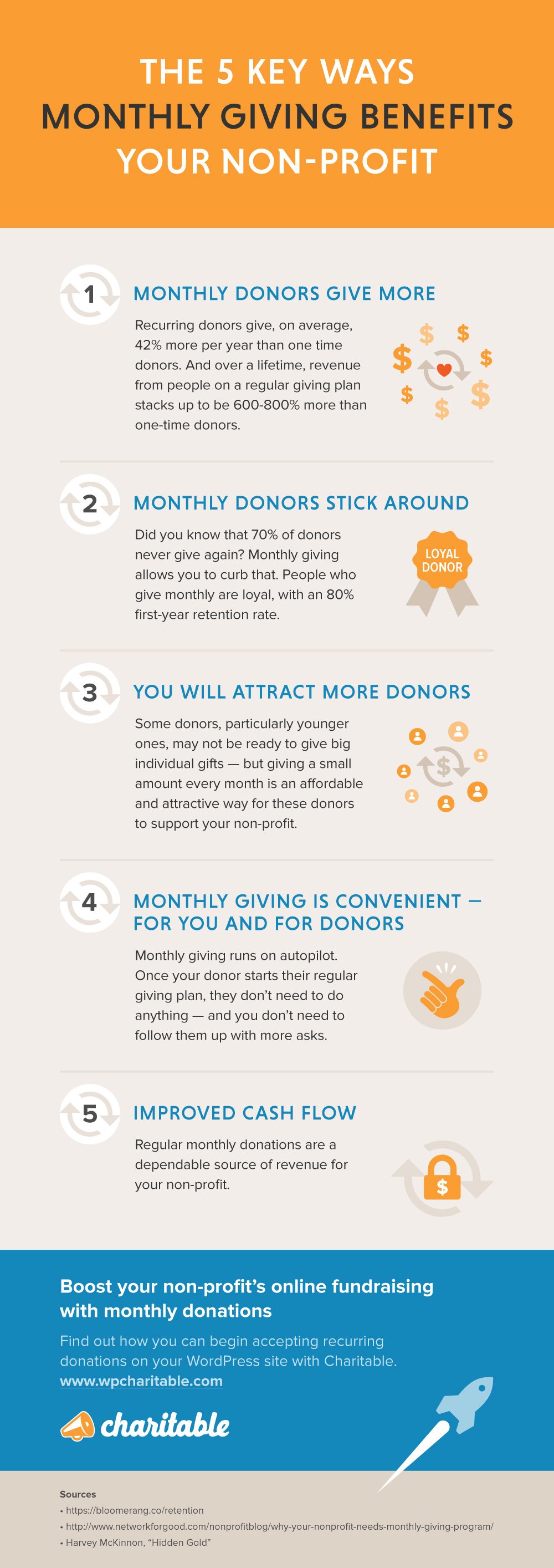
Here’s a number that will surprise you: monthly donors give 42% more annually than one-time donors. A supporter who gives $25 once might contribute $300 over the course of a year if they become a monthly donor.
Even better, monthly donors tend to stick around longer. While one-time donors might forget about your organization, monthly givers develop an ongoing relationship with your cause. They’re invested in your success because they’re literally invested every month.
3. Lower Fundraising Costs
Think about how much time and money you spend acquiring new donors – direct mail campaigns, fundraising events, social media ads. Monthly donors eliminate most of that ongoing cost because they keep giving without additional solicitation.
You acquire them once, and they continue supporting you month after month. This frees up your fundraising budget to focus on growth rather than constantly replacing donors who gave once and disappeared.
4. More Engaged, Loyal Supporters
Monthly donors aren’t just ATMs – they become your biggest advocates. Because they’re giving regularly, they pay attention to your updates, share your content, and often volunteer or participate in events.
These supporters are genuinely invested in your mission. They want to see their monthly investment make a difference, so they’re more likely to promote your cause to friends and family. Your monthly donors often become your best recruiters for new supporters.
5. Cash Flow That Survives Economic Downturns
When times get tough, one-time donations dry up fast. Monthly donors, however, tend to maintain their giving even during recessions or personal financial stress. The automatic nature of their donations means they often continue giving when they might otherwise pause their charitable contributions.
This stability becomes crucial during emergencies or economic uncertainty. While other non-profits scramble for funding, you have a steady base of support that keeps your programs running.
The Bottom Line
Monthly giving isn’t just nice to have – it’s essential for any non-profit serious about long-term sustainability. The donors exist, the technology is simple to implement, and the benefits compound over time.
Ready to start building your monthly giving program? The sooner you begin, the sooner you’ll have the predictable income that lets you focus on your mission instead of constantly chasing donations.
How Charitable Makes Monthly Giving Simple
Setting up a recurring donations program used to require expensive software and technical expertise. Charitable changes that completely.
Charitable is an all-in-one fundraising solution that helps you raise funds faster and easier. You can launch recurring donations in minutes, not months.
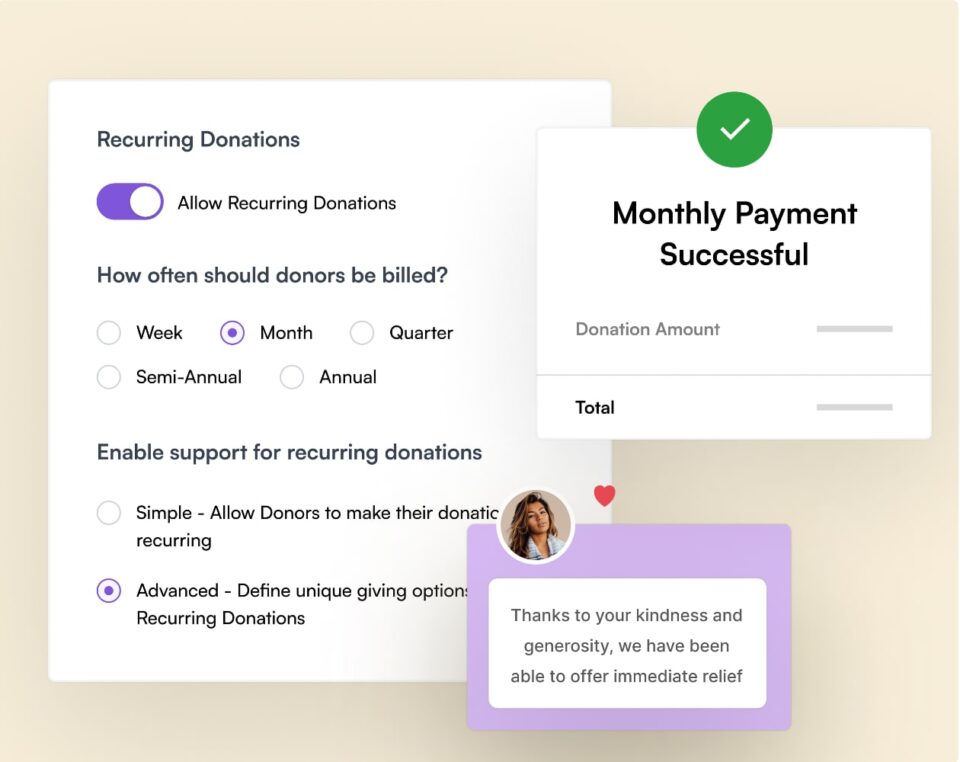
Supporters simply check a box to make their donation monthly, and everything else happens automatically. No complicated setup, no monthly fees to eat into your donations, and no technical headaches.
What Charitable handles for you:
- Automatic monthly payment processing through Stripe or PayPal
- Email receipts sent to donors for every monthly gift
- Easy donor management so you can see who’s giving monthly and how much
- Simple campaign creation that highlights monthly giving options
- Donor retention tools to keep monthly supporters engaged
- Donor dashboard so donors can log in and manage their contributions
The best part? You can see exactly how your monthly giving program is performing right from your WordPress dashboard. Track monthly revenue, see which donors are most engaged, and watch your recurring income grow over time.
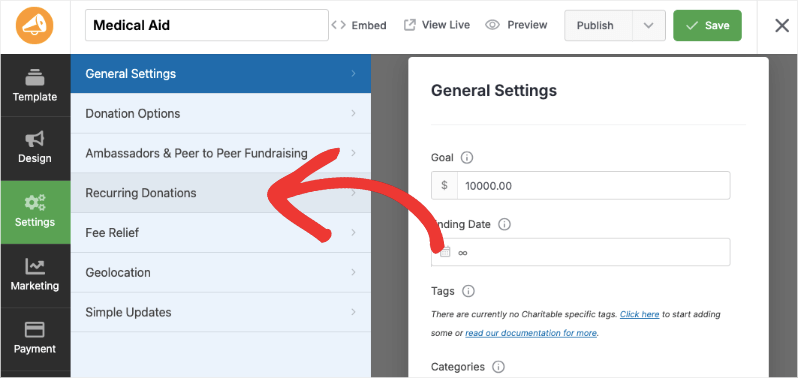
Already a Charitable Pro user? Follow this guide to Set Up Recurring Donations Now »
Charitable’s Pro version includes recurring donation features for just $99 per year – less than what most organizations spend on a single fundraising event. When you consider that just four monthly donors giving $25 will pay for the entire year’s subscription in one month, it’s an investment that pays for itself almost immediately.
Ready to stop chasing donations and start building predictable income? Charitable makes it possible to launch your monthly giving program this week.
New to fundraising? Need help setting up your fundraising website? Watch the video tutorial below:
Frequently Asked Questions
What donation frequencies does Charitable support?
Charitable offers weekly, monthly, quarterly, and annual recurring options. Most nonprofits find monthly works best since it matches how people budget, but you can enable multiple frequencies to give donors choice.
How many frequency options should I show donors?
Keep it simple – offer just 2-4 options with the monthly option pre-ticked. Too many choices overwhelm donors. Monthly appeals to most people’s budgeting style, while annual works for donors who prefer fewer transactions.
What suggested amounts work best for monthly giving?
Again, show 3-4 monthly amounts like $15, $30, $50, and $100 with a custom option. Charitable lets you set different suggested amounts for monthly versus one-time donations, so you can suggest lower monthly amounts that add up to more annually.
Can I make monthly giving the default option?
Yes, in Charitable you can set recurring donations as the default selection. Many nonprofits find this increases monthly sign-ups without reducing overall donations, since donors can easily switch to one-time if they prefer.
How does Charitable handle failed monthly payments?
Charitable works with your payment processor’s automatic retry system. If a card is declined, it will automatically retry a few times and send the donor email reminders to update their payment information.
Do monthly donors get automatic receipts?
Yes, Charitable sends automatic email receipts for every monthly donation, keeping donors informed and helping them track their giving for tax purposes.
Can donors manage their own monthly giving?
Charitable offers a donor portal where supporters can log in and update their payment info, adjust donation amounts, or cancel subscriptions on their own.
How do I track my monthly giving performance?
Charitable’s dashboard shows total recurring revenue, number of active monthly donors, and growth trends. You can see exactly how your monthly giving program is performing at a glance.
Interested in more non-profit tips and fundraising advice? Join the newsletter and subscribe to the Charitable YouTube channel for step-by-step tutorials and success stories.







Leave a Reply