
CONNECT CHARITABLE AVEC AWEBER
Automatisez la collecte de fonds et les campagnes par e-mail avec AWeber
Établissez des relations plus solides grâce aux e-mails de remerciement automatisés, aux reçus de dons et aux campagnes ciblées basées sur l'historique des dons. Vos donateurs restent engagés et connectés à votre mission.



Plan requis
Pro
Dernière mise à jour
1 septembre 2026Catégorie
Marketing
Communication automatisée des donateurs simplifiée
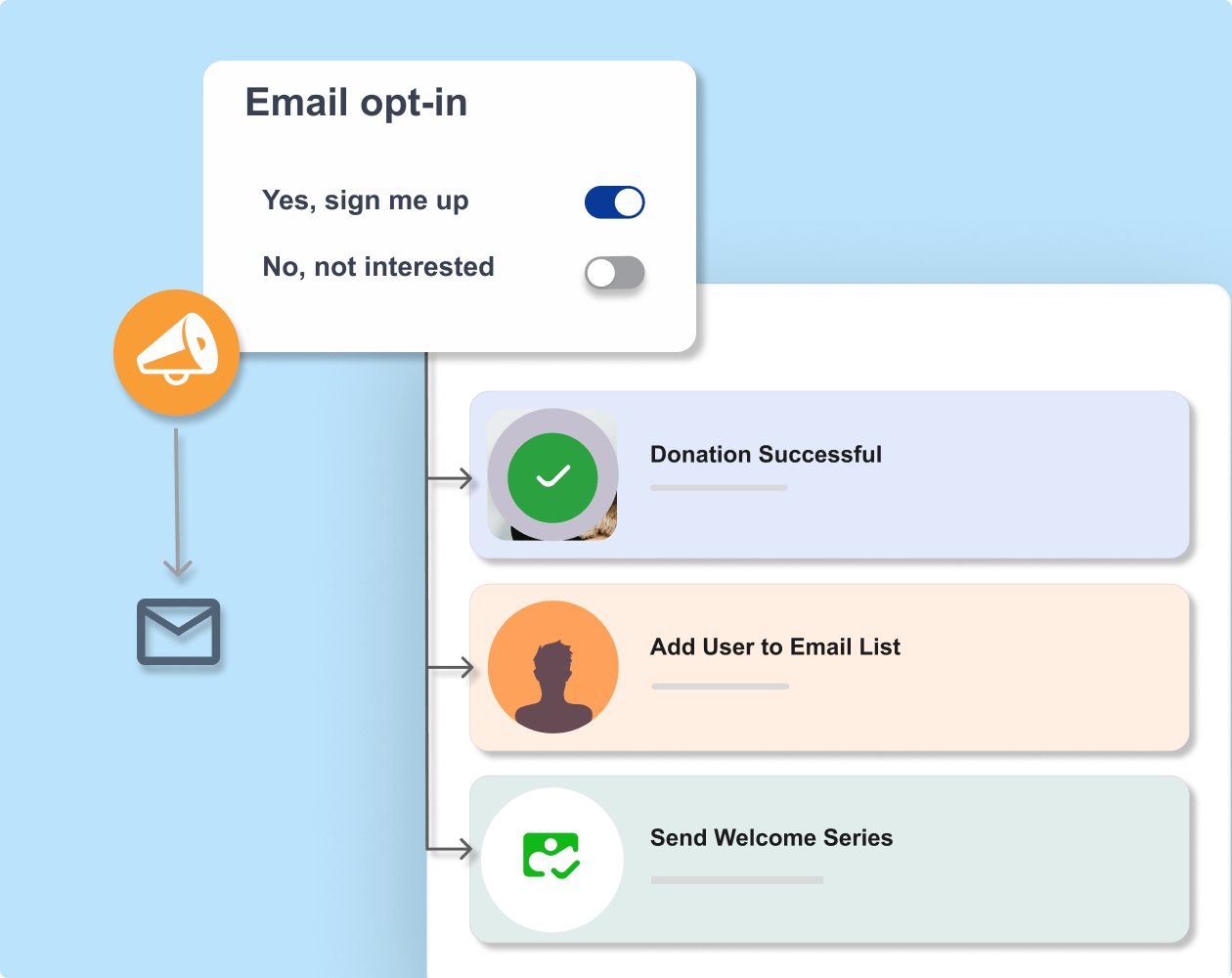
Synchronisez votre plateforme de marketing par e-mail avec vos campagnes de collecte de fonds. Chaque fois que quelqu'un fait un don, utilisez des recettes d'automatisation pour ajouter le donateur à vos listes d'e-mails. Fini les exportations manuelles, les téléchargements de CSV ou les données de donateurs manquantes.
Extensions similaires
Ce que vous pouvez faire avec Charitable + MailerLite

Inscriptions automatiques des donateurs
Collectez les adresses e-mail des donateurs avec l'option d'adhésion automatique pour les ajouter à votre liste de diffusion.

Communication ciblée
Envoyez aux donateurs des e-mails personnalisés en fonction de leur profil et de leur historique de dons.

Reçus de dons
Envoyez automatiquement et immédiatement des reçus de dons déductibles des impôts après réception d'une contribution.



Collectez des fonds plus rapidement et avec moins de stress
Rejoignez plus de 10 000 organisations à but non lucratif qui collectent des fonds plus rapidement.
Pourquoi vous allez adorer Charitable + AWeber
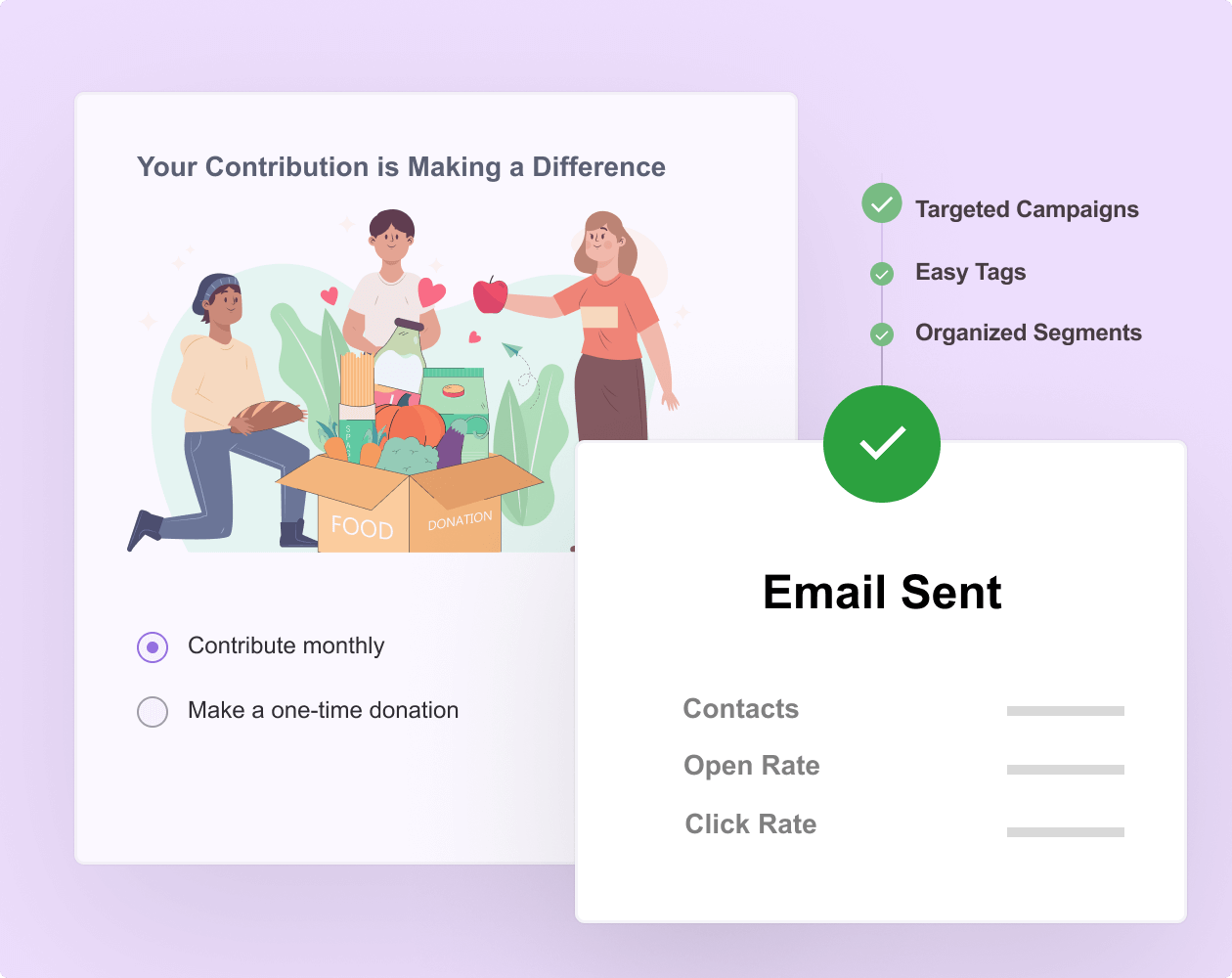
Prêt à synchroniser votre collecte de fonds avec le marketing par e-mail ?
Commencez dès aujourd'hui avec Charitable Pro et créez des flux de travail intelligents avec AWeber. Nous sommes si convaincus que vous allez l'adorer que nous garantissons chaque achat avec notre garantie de remboursement de 14 jours – vous donnant la liberté d'explorer sans risque.
Tutoriel
Suivez les instructions étape par étape pour connecter Charitable à AWeber.
Connexion de Charitable et AWeber
Découvrez comment intégrer facilement AWeber à Charitable. Aucun codage, juste des instructions simples étape par étape pour vous aider à vous connecter au marketing par e-mail et à commencer à segmenter, étiqueter et ajouter automatiquement des donateurs à vos listes d'e-mails.
Intégration Charitable et AWeber –
Foire Aux Questions
Vous avez une question sur la connexion d'AWeber à Charitable ? Consultez la liste ci-dessous pour nos questions les plus fréquemment posées. Si votre question n'est pas listée ici, veuillez nous contacter.
Comment fonctionne l'intégration Charitable + AWeber ?
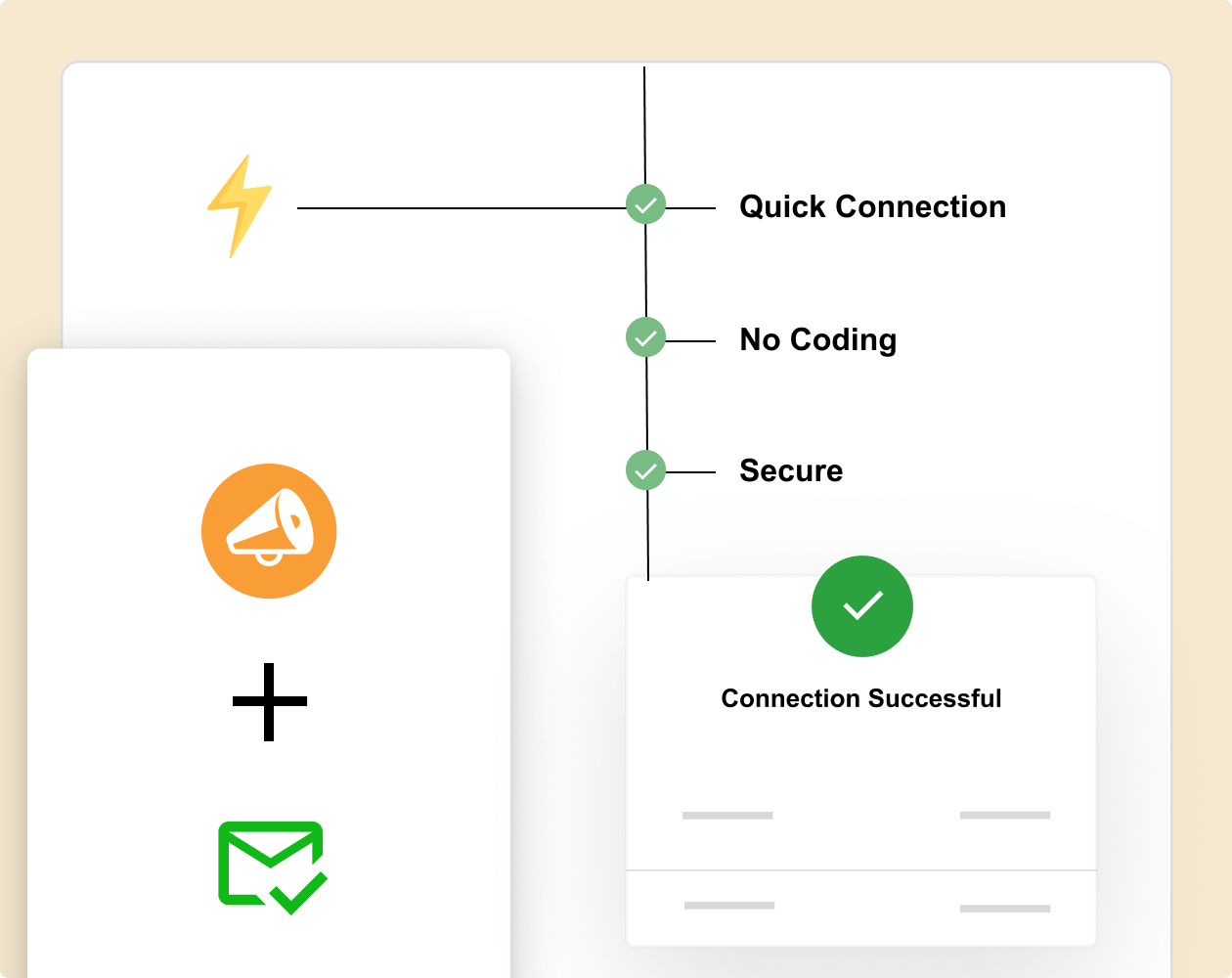
L'intégration est gérée via le module complémentaire Automation Connect de Charitable et ne nécessite aucun codage pour être configurée. Vous devrez utiliser un outil d'automatisation tel que Zapier, Zoho Flow ou Make.com. Ensuite, connectez simplement Charitable à AWeber et créez des recettes d'automatisation qui s'exécuteront d'elles-mêmes. Suivez ce guide »
Puis-je choisir les listes d'e-mails auxquelles les donateurs s'inscrivent ?
Oui, vous avez un contrôle total sur l'attribution des listes. Définissez des règles globales qui s'appliquent à tous les dons, ou créez des règles conditionnelles basées sur la campagne, le montant du don ou le type de donateur.
Les donateurs sont-ils ajoutés automatiquement ou dois-je le déclencher ?
Les donateurs sont ajoutés en temps réel lorsqu'ils effectuent un don. Aucune action manuelle ou intervention n'est requise une fois que vous avez configuré les paramètres d'intégration.
Y a-t-il une limite au nombre de contacts que je peux synchroniser ?
Charitable lui-même n'a aucune limite sur le nombre de donateurs que vous pouvez synchroniser avec AWeber. Cependant, votre plan peut avoir des limites d'abonnés qui s'appliquent.
Explorer plus de fonctionnalités

Collecte de fonds pair-à-pair
Donnez à vos supporters les moyens de collecter des fonds en votre nom.
Élargissez votre portée grâce aux réseaux de supporters
Conservez 100 % des dons sans frais de plateforme
Suivez la progression de la campagne avec des rapports détaillés

Formulaires de dons
Lancez de puissantes campagnes de dons en quelques minutes.
Modèles prêts à l'emploi
Constructeur visuel par glisser-déposer
Éléments dynamiques pour inspirer les dons

Dons récurrents
Transformez les donateurs ponctuels en supporters fidèles et à long terme.
Activez facilement les paiements récurrents automatisés
Fournissez des comptes donateurs pour une gestion transparente des contributions
Offrez des fréquences de dons flexibles pour s'adapter aux préférences individuelles
Charitable a plus d'un million de téléchargements !
Faites confiance à des millions de personnes pour mener à bien vos campagnes de collecte de fonds. Essayez Charitable sans risque dès aujourd'hui.
✅ Garantie de remboursement de 14 jours
✅ Tarification transparente
✅ Configuration sans code



