
CONECTA CHARITABLE CON MAILPOET
Convierte a Cada Donante en un Suscriptor de Boletín Automáticamente
Conecta Charitable a MailPoet con la extensión Newsletter Connect y añade automáticamente a los donantes a tus listas de correo cuando donan. Crea tu audiencia y mantén a tus colaboradores informados sin ningún trabajo manual.



Plan necesario
Plus
Última actualización
21 de agosto de 2026Categoría
Marketing
Extensión
Comunicación Automatizada con Donantes Simplificada
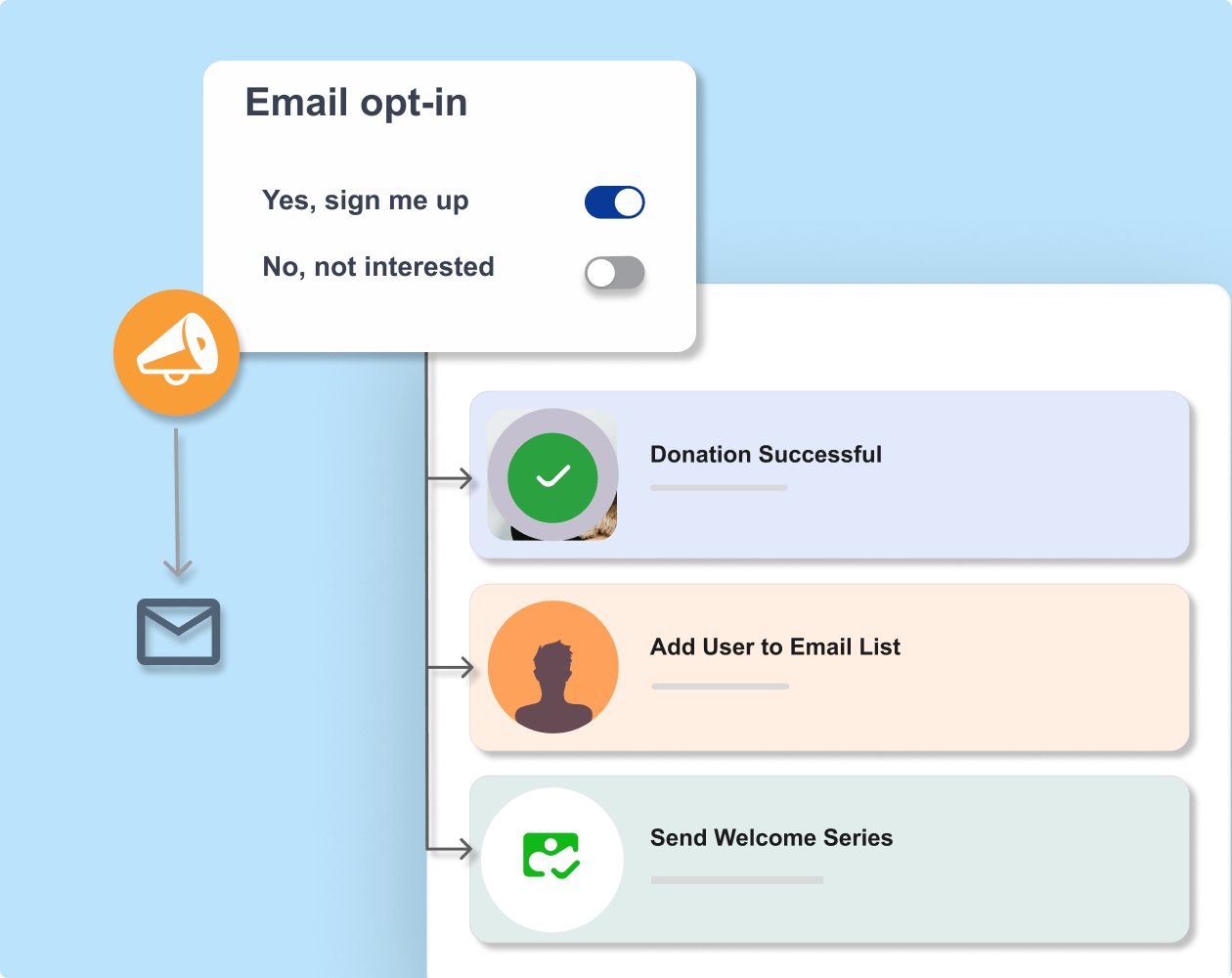
La extensión Charitable Newsletter Connect vincula tus formularios de donación directamente con MailPoet. Cuando un donante dona, puede optar por unirse a tu lista de correo directamente desde el formulario de donación, y se añade a MailPoet automáticamente.
No más exportar hojas de cálculo ni copiar manualmente correos electrónicos a MailPoet. La conexión se encarga de la gestión de suscriptores por ti, por lo que los datos de contacto de los donantes llegan a tu lista de correo en el momento en que alguien dona.
Mantén a tus colaboradores informados con actualizaciones de campañas, mensajes de agradecimiento y comunicaciones continuas, todo impulsado por MailPoet y alimentado por los datos de donaciones que fluyen desde Charitable.
Extensiones similares
Qué Puedes Hacer con Charitable + MailerLite

Inscripciones automáticas de donantes
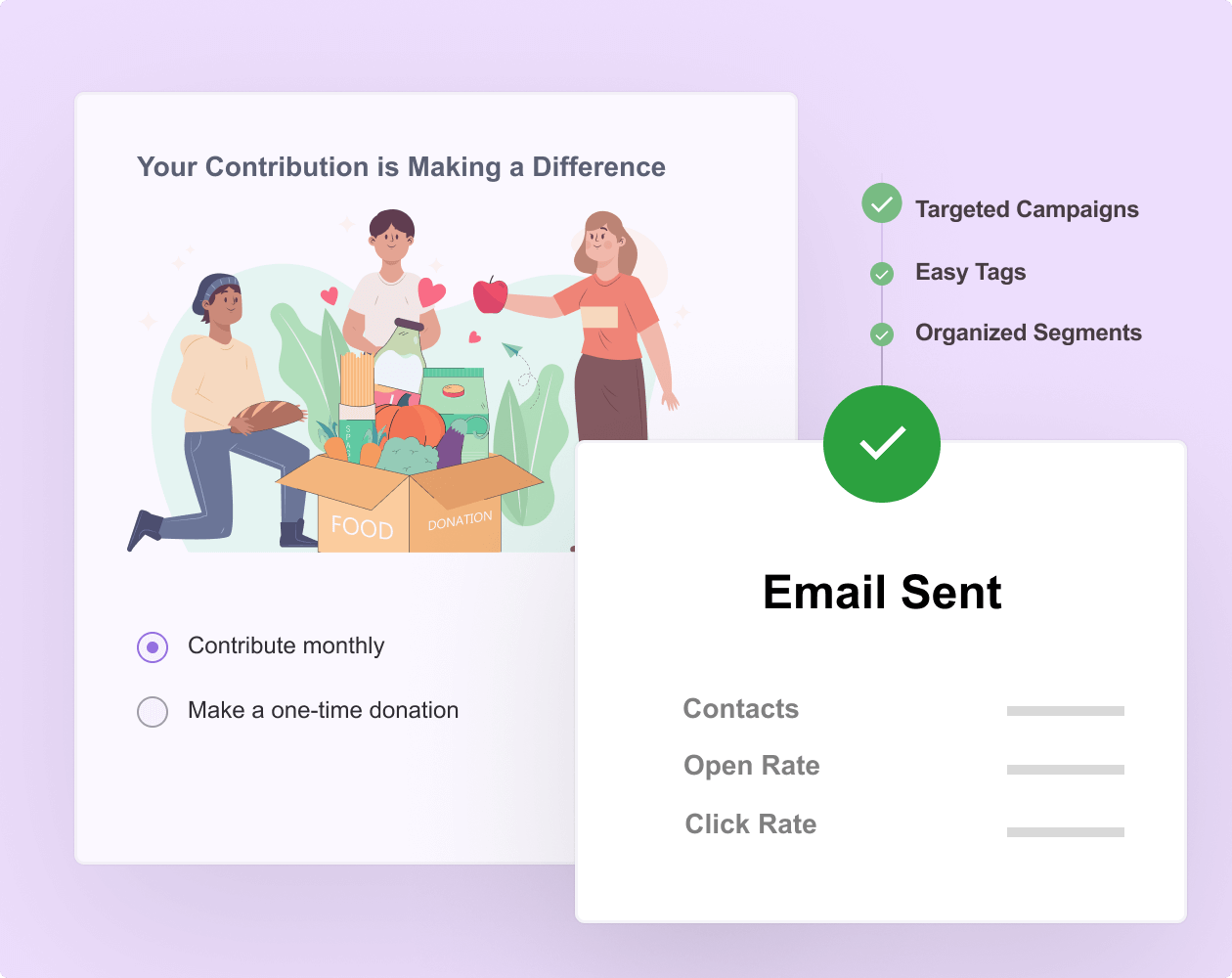
Recopila las direcciones de correo electrónico de los donantes con la opción de suscripción automática para añadirlos a tu lista de correo.

Comunicación dirigida
Envía correos electrónicos personalizados a los donantes basándote en su perfil e historial de donaciones.

Recibos de donación
Envía recibos de donación deducibles de impuestos de forma automática e inmediata después de recibir una contribución.



Recauda fondos más rápido y con menos estrés
Únete a más de 10.000 organizaciones sin ánimo de lucro que recaudan fondos más rápido.
Por qué te encantará Charitable + MailPoet
¿Listo para Sincronizar tu Recaudación de Fondos con el Marketing por Correo Electrónico?
Empieza hoy mismo con Charitable Pro y crea flujos de trabajo inteligentes con MailPoet. Estamos tan seguros de que te encantará que respaldamos cada compra con nuestra garantía de devolución de dinero de 14 días, lo que te da la libertad de explorar sin riesgos.
Tutorial
Sigue instrucciones paso a paso para conectar Charitable a MailPoet.
Conectando Charitable y MailPoet
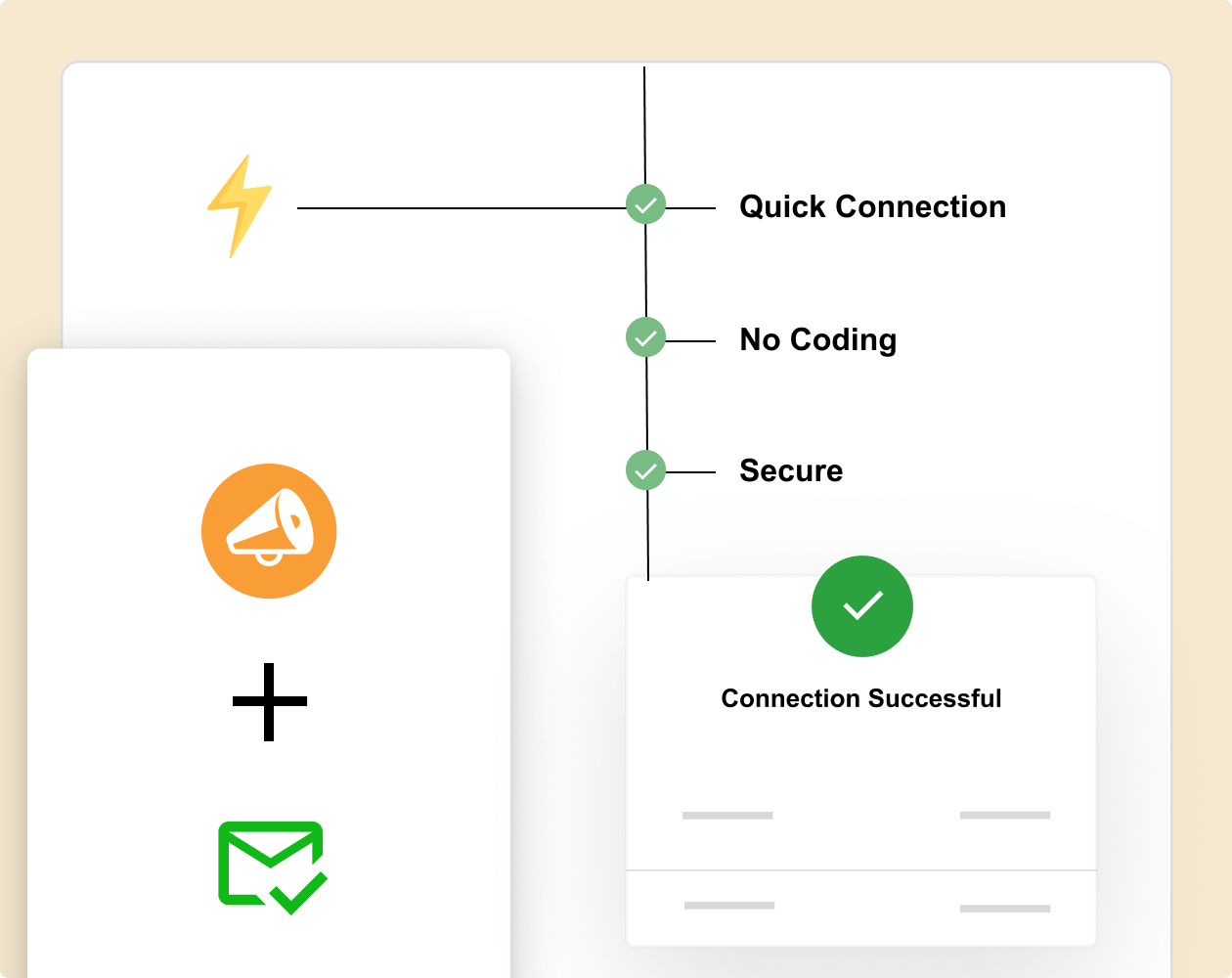
Sigue estos sencillos pasos para conectar tus formularios de donaci ilde{n} de Charitable con MailPoet. Toda la configuraci ilde{n} lleva menos de diez minutos y no requiere c ilde{o}digos.
Integraci ilde{n} de Charitable y MailPoet –
Preguntas Frecuentes
extquestion{Tienes alguna pregunta sobre c ilde{o}mo conectar MailPoet con Charitable? Consulta la lista a continuaci ilde{o}n con nuestras preguntas m exttilde{a}s frecuentes. Si tu pregunta no aparece aqu exttilde{i}, por favor cont exttilde{a}ctanos.
extquestion{C ilde{o}mo funciona la integraci ilde{o}n de Charitable + MailPoet?
La integraci ilde{o}n funciona a trav exttilde{e}s de la extensi ilde{o}n Charitable Newsletter Connect. Cuando un donante completa una donaci ilde{o}n en uno de tus formularios de Charitable y se suscribe a tu bolet exttilde{i}n, su nombre y direcci ilde{o}n de correo electr exttilde{o}nico se a exttilde{a}den a la lista de MailPoet que hayas elegido para esa campa exttilde{n}a. Dado que MailPoet se ejecuta en WordPress junto con Charitable, no se necesita ninguna clave API ni conexi exttilde{o}n externa. Los dos plugins se comunican directamente en tu sitio, por lo que la sincronizaci exttilde{o}n ocurre en el momento en que se procesa la donaci exttilde{o}n.
¿Puedo elegir a qué listas de correo se unen los donantes?
Sí, tienes control total sobre la asignación de listas. Establece reglas globales que se apliquen a todas las donaciones o crea reglas condicionales basadas en la campaña, el importe de la donación o el tipo de donante.
extquestion{C ilde{o}mo configuro la integraci ilde{o}n entre Charitable y MailerLite?
Primero, instala y activa la extensi exttilde{o}n Newsletter Connect desde tu panel de WordPress. Luego, busca tu clave API de MailerLite en la configuraci exttilde{o}n de tu cuenta de MailerLite e introd exttilde{u}cela en la pesta exttilde{n}a Ajustes exttextgreater{} Marketing exttextgreater{} MailerLite de Charitable.
extquestion{Los donantes se a exttilde{a}den a MailPoet autom exttilde{a}ticamente, o tengo que activarlo manualmente?
Los donantes se a exttilde{a}den autom exttilde{a}ticamente tan pronto como se completa su donaci exttilde{o}n y han optado por participar. No hay ning exttilde{u}n paso manual, ning exttilde{u}n lote programado y ninguna exportaci exttilde{o}n requerida por tu parte. Si utilizas el modo de opt-in autom exttilde{a}tico, los donantes se a exttilde{a}den a MailPoet tan pronto como se procesa la donaci exttilde{o}n, sin necesidad de que marquen una casilla. Si utilizas el modo de casilla de verificaci exttilde{o}n, el suscriptor se crea en MailPoet en el momento en que completan el formulario con la casilla marcada.
extquestion{Qu exttilde{e} pasa si quiero desactivar la opci exttilde{o}n de suscripci exttilde{o}n al bolet exttilde{i}n para una campa exttilde{n}a?
Puedes desactivar la opci exttilde{o}n de suscripci exttilde{o}n en cualquier campa exttilde{n}a individual sin afectar el resto de tu configuraci exttilde{o}n. Abre el editor de la campa exttilde{n}a, haz clic en la pesta exttilde{n}a Bolet exttilde{i}n y marca la opci exttilde{o}n Desactivar suscripci exttilde{o}n al bolet exttilde{i}n. El formulario de donaci exttilde{o}n de esa campa exttilde{n}a ya no mostrar exttilde{a} una casilla de suscripci exttilde{o}n, y no se enviar exttilde{a}n suscriptores a MailPoet desde esa campa exttilde{n}a. Todas tus dem exttilde{a}s campa exttilde{n}as contin exttilde{u}an funcionando normalmente.
Explorar más funciones

Recaudación de fondos entre pares
Permite a los colaboradores recaudar fondos en tu nombre.
Amplía tu alcance a través de las redes de colaboradores
Conserva el 100% de las donaciones sin comisiones de plataforma
Realiza un seguimiento del progreso de la campaña con informes detallados

Formularios de donación
Lanza potentes campañas de donaciones en minutos.
Plantillas listas para usar
Constructor visual de arrastrar y soltar
Elementos dinámicos para inspirar donaciones

Donaciones recurrentes
Convierte a los donantes puntuales en colaboradores leales y a largo plazo.
Habilita pagos recurrentes automatizados con facilidad
Proporciona cuentas de donante para una gestión de contribuciones sin problemas
Ofrece frecuencias de donación flexibles para adaptarse a las preferencias individuales
¡Charitable tiene más de 1 millón de descargas!
Confiado por millones para impulsar campañas de recaudación de fondos exitosas. Prueba Charitable sin riesgos hoy mismo.
✅ Garantía de devolución de dinero en 14 días
✅ Precios transparentes
✅ Configuración sin código



