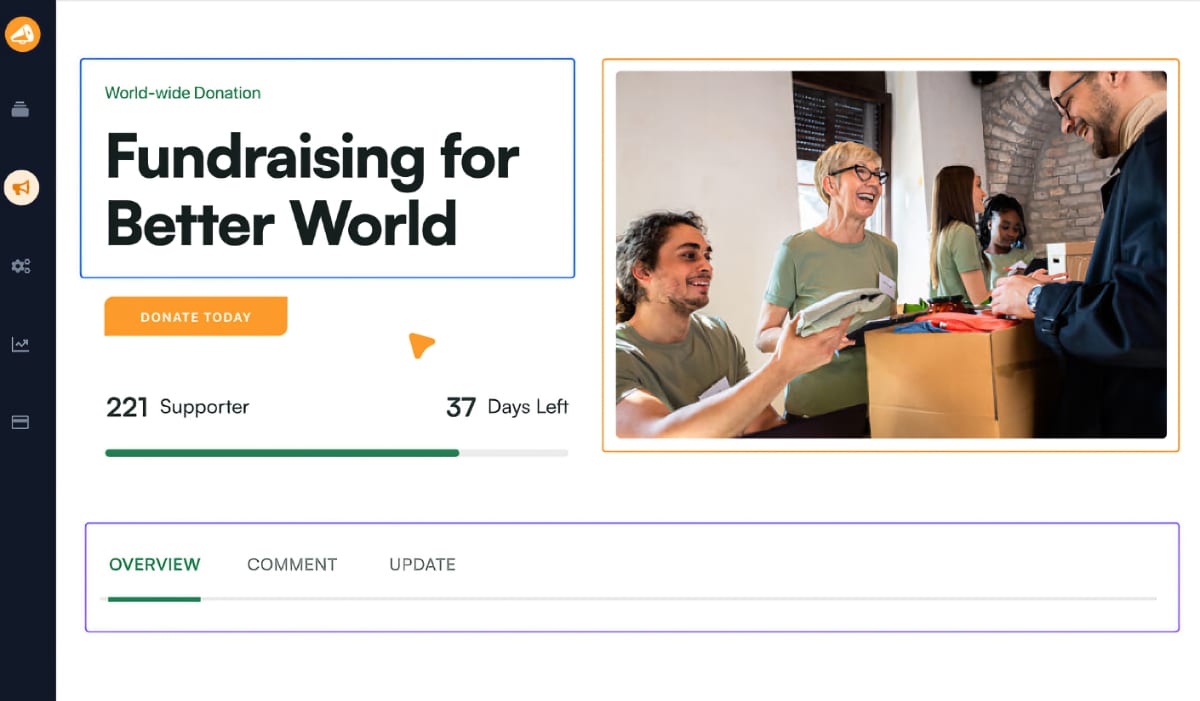
SOFORT AN SPENDER ANTWORTEN
Hören Sie auf, E-Mail-Adressen zu kopieren, und danken Sie Spendern sofort
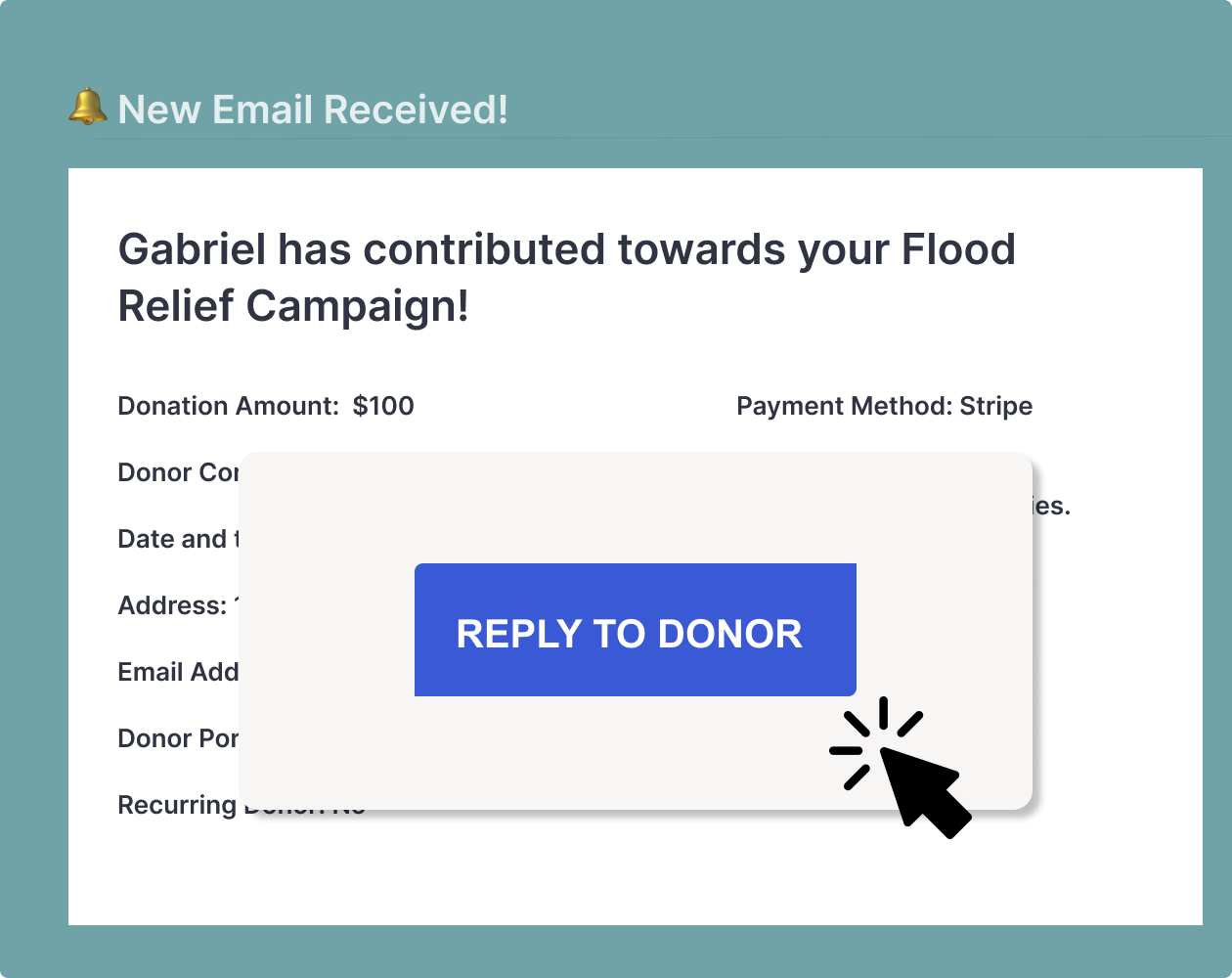
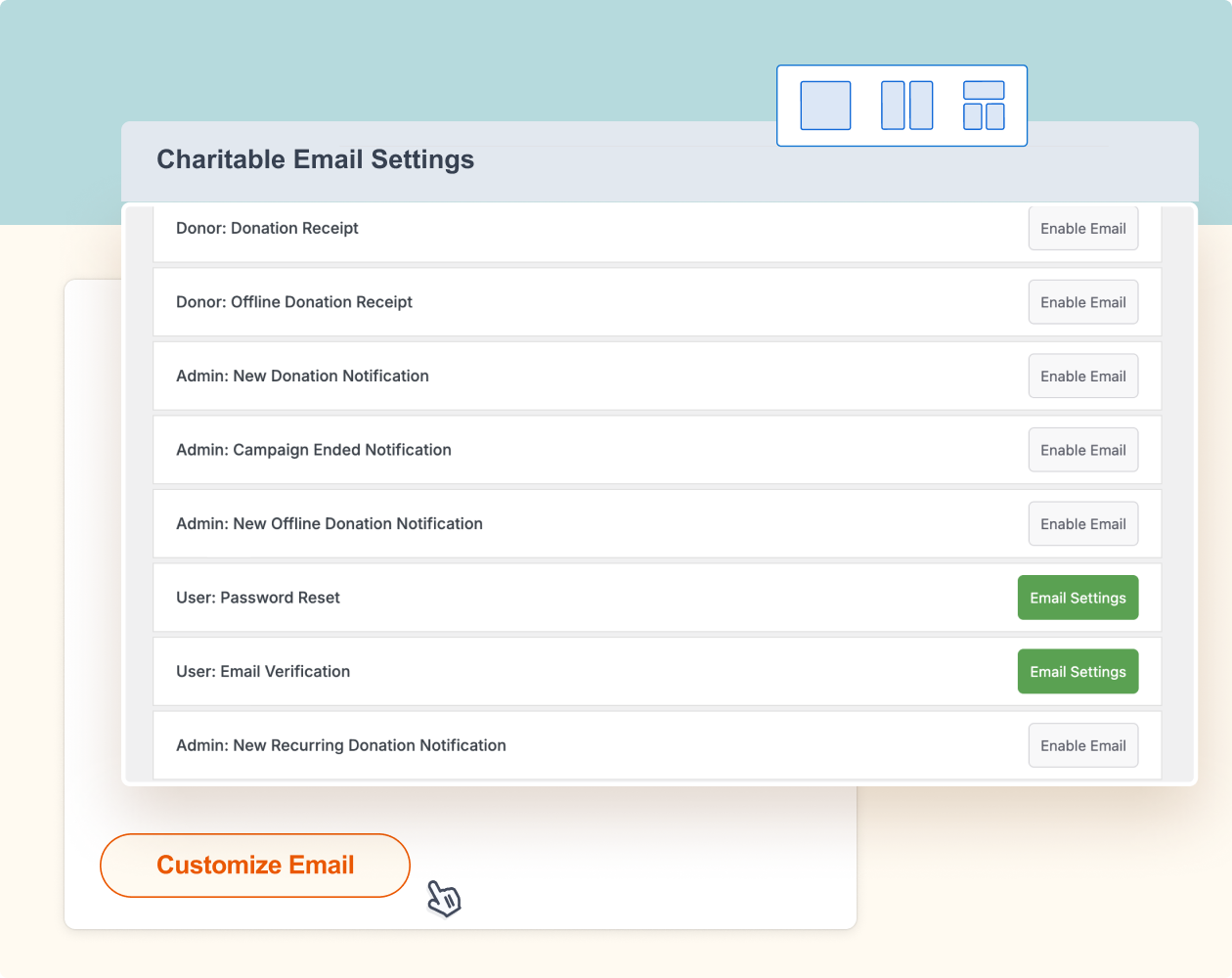
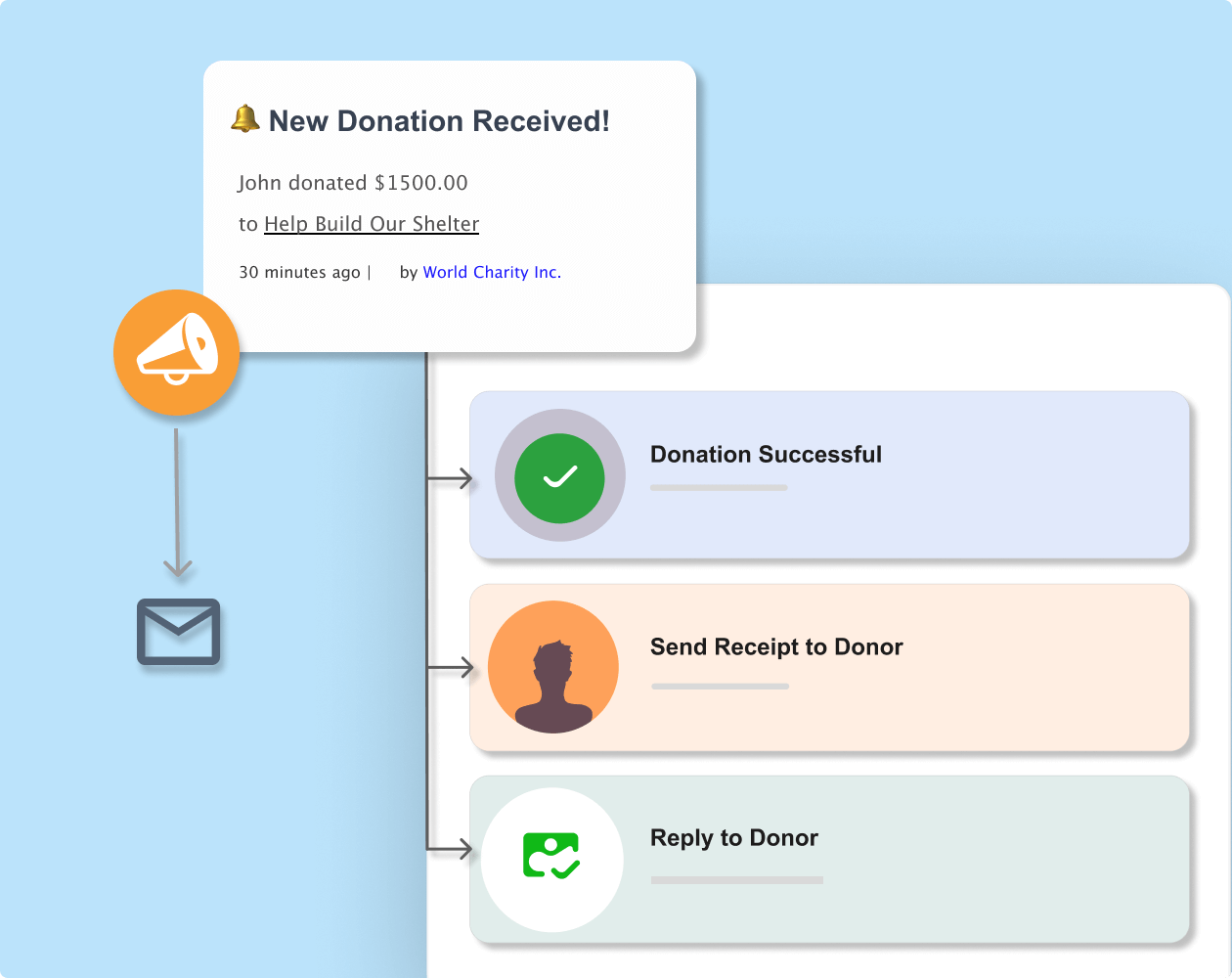
Antworten Sie mit einem Klick direkt auf Spendenbenachrichtigungen. Die Antwortfunktion von Charitable ermöglicht es Ihnen, persönliche Dankesnachrichten zu senden, ohne E-Mails kopieren oder neue Tabs öffnen zu müssen.






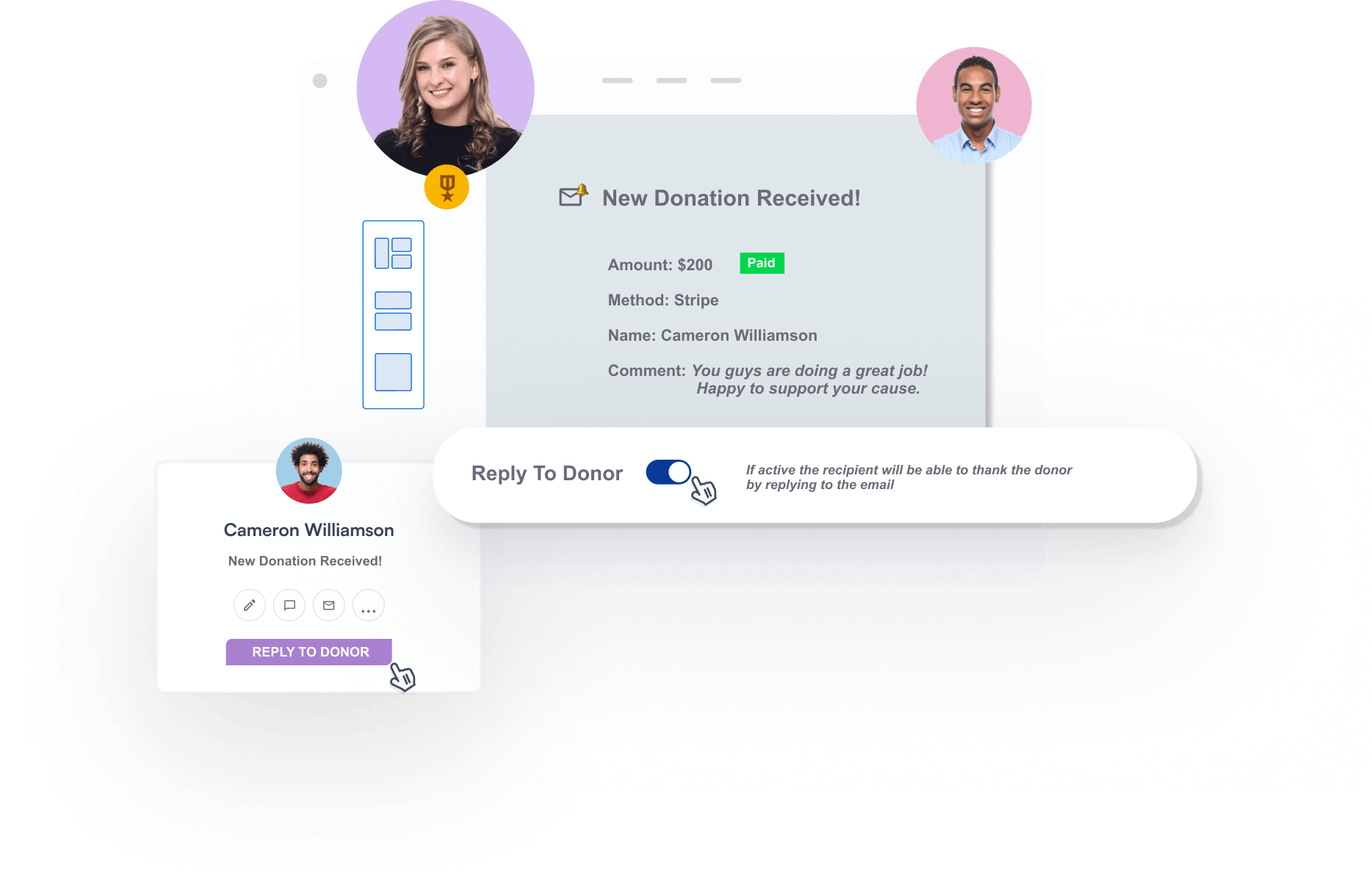
Machen Sie aus jeder Spendenbenachrichtigung eine Gelegenheit zum Beziehungsaufbau
Nutzen Sie intelligente E-Mail-Funktionen, die es Ihnen ermöglichen, sich direkt aus Ihrem Posteingang einfach mit Spendern zu verbinden.
Warum Sie die Antwortfunktion von Charitable lieben werden
Charitable bietet eine leistungsstarke und erschwingliche Möglichkeit, Spenderantworten zu verwalten, damit Sie sofort mit Spendern in Kontakt treten und stärkere Beziehungen aufbauen können.
Bereit für intelligentes Fundraising mit Charitable?
Starten Sie noch heute mit Charitable Pro. Wir sind so zuversichtlich, dass Sie es lieben werden, dass wir jeden Kauf mit unserer 14-tägigen Geld-zurück-Garantie absichern – so haben Sie die Freiheit, risikofrei zu erkunden.
Sehen Sie, wie einfach es ist, eine Spendenaktion mit Charitable einzurichten
Das sagen unsere Kunden

Belinda Martin
„…andere verlangten 5 % und mehr für jede Spende, aber mit Charitable gibt es keine Gebühren für Spenden, sodass wir eine Reihe von Spendenkampagnen durchführen konnten, bei denen das gesamte Geld an die Wohltätigkeitsorganisation ging.“

Stuart Robinson
„Wirklich nützliches Plugin. Ich wollte die Funktionalität ein wenig erweitern und der Code war sehr einfach zu bearbeiten und anzupassen. Wirklich großartige Reaktion vom Entwickler und es scheint, dass fantastische Updates ständig hinzugefügt werden.“

Paul Lawley-Jones
„Ich möchte Ihnen beiden dafür danken, dass Sie ein so großartiges Werkzeug zu einem so günstigen Preis anbieten. Es ist buchstäblich 24-mal günstiger als die Plattform, die wir vor meinem Einstieg genutzt haben.“

Stephen Weinberg
„Dieses Plugin ist genau das, was unsere kleine, von Eltern geführte Organisation brauchte… Einfach einzurichten. Einfach anzupassen (solange Sie ein kleines bisschen Code handhaben können). Und überragender Support! Vielen Dank für diese voll ausgestattete Software.“
Charitable hat über 1 Million Downloads!
Millionen vertrauen auf Charitable für erfolgreiche Spendenkampagnen. Probieren Sie Charitable noch heute risikofrei aus.
✅ 14-tägige Geld-zurück-Garantie
✅ Transparente Preisgestaltung
✅ Einrichtung ohne Code
Spender antworten –
Häufig gestellte Fragen
Haben Sie eine Frage zur Funktion von Charitable, um sofort auf Spender zu antworten? Sehen Sie sich die folgende Liste mit unseren häufig gestellten Fragen an. Wenn Ihre Frage hier nicht aufgeführt ist, kontaktieren Sie uns bitte hier.
Wie viel kostet Charitable?
Charitable Lite ist komplett kostenlos für den Einstieg. Charitable Pro-Pläne beginnen bei einem erschwinglichen Jahrespreis von 69 US-Dollar ohne jemals Transaktionsgebühren. Sie können den Plan wählen, der den Bedürfnissen und dem Budget Ihrer Organisation entspricht. Wir berechnen niemals Provisionen, sodass Sie 100 % der gesammelten Spenden behalten.
Was ist der Unterschied zwischen Charitable Lite und Pro?
Charitable Lite ist unsere kostenlose Version, die grundlegende Spendenformulare und Kampagnenerstellung beinhaltet. Charitable Pro fügt erweiterte Funktionen wie Peer-to-Peer-Fundraising, wiederkehrende Spenden, Spenderkommentare und detaillierte Analysen hinzu. Pro beinhaltet auch Premium-Support und regelmäßige Funktionsupdates. Sehen Sie den Unterschied zwischen Charitable Lite vs Pro »
Wie aktiviere ich die Funktion „Auf Spender antworten“?
Gehen Sie in Ihrem WordPress-Dashboard zu Spenden » Einstellungen » E-Mails. Aktivieren und öffnen Sie die Einstellungsseite für Benachrichtigungseinstellungen für neue Spenden oder Offline-Spenden. Sie sehen einen einfachen Schalter für „An Spender antworten“. Aktivieren Sie ihn und Sie sind fertig.
Was, wenn ich nicht jedem Spender persönlich antworten möchte?
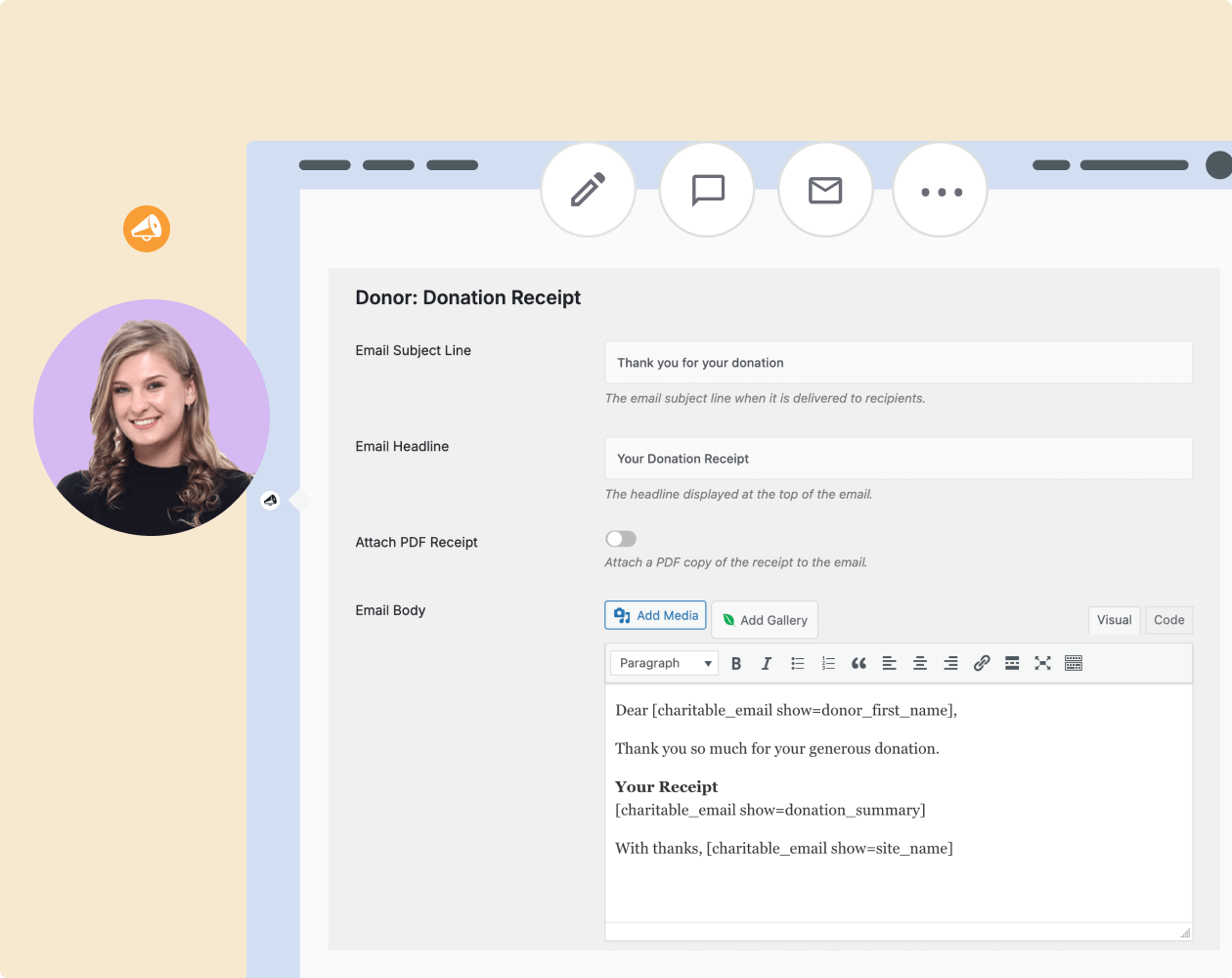
Das ist völlig in Ordnung. Die Funktion ist optional und Sie können sie deaktiviert lassen. Sie können auch die automatischen Dankes-E-Mails von Charitable verwenden, um markenbezogene Nachrichten ohne manuelle Arbeit zu versenden.
Nutzen Sie weiterhin alle Ihre Lieblings-Apps
Wählen Sie aus den besten und beliebtesten Apps zur Automatisierung wiederkehrender Aufgaben, zur Kontaktaufnahme mit Spendern, zur Organisation und vielem mehr.
Weitere Funktionen entdecken

Peer-to-Peer-Fundraising
Ermöglichen Sie Unterstützern, in Ihrem Namen Spenden zu sammeln.
Erweitern Sie Ihre Reichweite durch Unterstützernetzwerke
Behalten Sie 100 % der Spenden ohne Plattformgebühren
Verfolgen Sie den Kampagnenfortschritt mit detaillierten Berichten

Spendenverwaltung
Verwalten Sie Spendenaufzeichnungen und Spenderprofile mit Leichtigkeit.
Automatisch erstellte Datensätze
Individuelle Spenderprofile
Einfacher Import/Export

Wiederkehrende Spenden
Wandeln Sie einmalige Spender in loyale, langfristige Unterstützer um.
Ermöglichen Sie automatisierte wiederkehrende Zahlungen mit Leichtigkeit
Stellen Sie Spenderkonten für eine nahtlose Beitragsverwaltung bereit
Bieten Sie flexible Spendenintervalle, um individuellen Vorlieben gerecht zu werden
Holen Sie sich noch heute das beste WordPress-Fundraising-Plugin
Schließen Sie sich über 10.000+ klugen Website-Besitzern an, die Charitable für ihre Spenden-Websites vertrauen.