
We’re excited to announce that Square payments are now available to everyone using Charitable – both Lite and Pro users in the latest versions (1.8.7! 🎊
We’ve completely reimagined how Square works with Charitable. Instead of requiring a separate add-on, Square is now built directly into Charitable’s core system. This means smoother performance, better reliability, and one less plugin to manage on your WordPress site.
In our mission to make fundraising accessible to all nonprofits, we’ve made Square available to both Lite and Pro users. Whether you’re just starting out or running large-scale campaigns, you can now offer your donors the convenience of Square payments.
क्या नया है?
First, Charitable comes with Square built-in, no addons needed. This means you’ll experience smoother performance and better reliability, while having one less plugin to manage on your WordPress site. The integration process has been streamlined to get you up and running in minutes.
We’ve completely redesigned the admin interface to make Square management effortless. All your payment settings are easily accessible from one central location.
Activating Square is now a one-click process, with clear visual indicators showing your connection status.
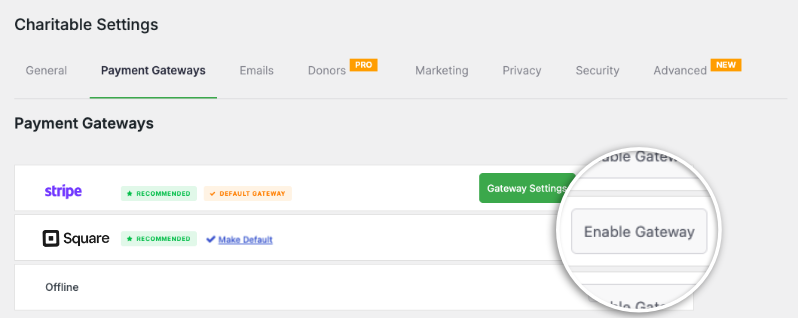
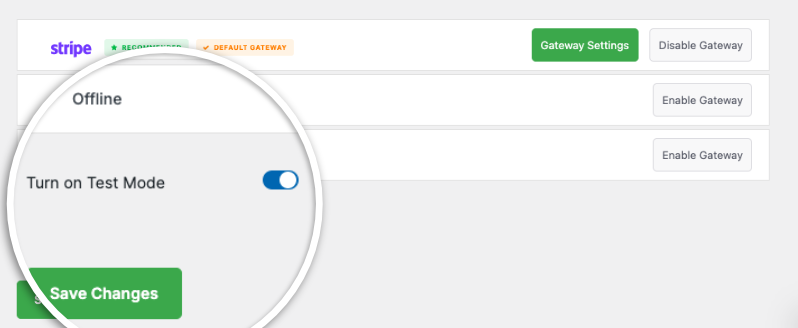
Testing your setup is simple with our test mode toggle. This lets you set up your Square account, configure settings, and make test payments safely. During this time, your users will be safe from accidentally making transactions before it’s properly set up.
The new integration brings a comprehensive suite of payment options to your donation forms. Your donors can contribute using credit cards, debit cards, Apple Pay, Google Pay, and digital wallets. By supporting these diverse payment methods, you’re ensuring that donors can contribute using whatever method is most convenient for them, potentially increasing your donation conversion rates.
- Built-in Integration: Square is now integrated directly into Charitable’s core – no add-ons needed!
- Available for Everyone: Both Lite and Pro users can now accept donations through Square
- Simple Setup: Connect your Square account in just a few clicks
- Modern Payment Options: Support for Apple Pay and Google Pay included
- Secure Transactions: Enterprise-level security for all donations
Learn how to connect Charitable to Square »
Simplified Pricing Structure
We’ve made Square available to both Lite and Pro users. Whether you’re just starting out or running large-scale campaigns, you can now offer your donors the convenience of Square payments.
We’ve introduced a transparent pricing structure where Charitable (Lite) / unlicensed users pay a 3% platform fee plus Square’s processing fees, while those with an active activated license from a Charitable plan (basic, plus, pro, elite) users only pay Square’s processing fees.
- Free / Lite (no activated license):
- Free to use
- 3% platform fee per Square transaction
- Standard Square processing fees
- With activated Charitable license:
- License required
- No platform fee
- Only Square processing fees apply
Advanced Campaign Integration
The new Square integration works seamlessly with all aspects of your fundraising campaigns. Whether you’re collecting one-time donations or ongoing contributions, the system handles everything automatically. For every campaign you create, you can customize your payment settings and choose which campaigns accept Square payments.
Powerful Webhook Integration
Our new webhook system ensures your donation system stays perfectly synchronized with Square’s platform. When a payment is completed, refunded, or updated, your Charitable installation receives instant notifications and automatically updates donation statuses. This means no more manual checking or delayed updates – everything happens automatically in real-time.
The best part? You can enable this in just a few clicks. There’s no coding involved. Simply copy the URL and add it to your Square dashboard. You’ll also need to subscribe to specific events by just checking a box.
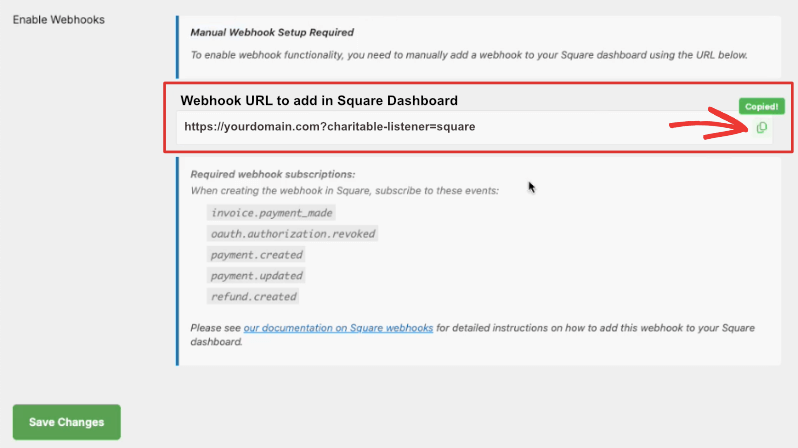
Once you’ve done that, you can your Square transactions will automatically be updated in your Charitable dashboard. You can even have refunds issued directly in Square.
Learn how to set up webhooks »
व्यापक रिपोर्टिंग
Understanding your fundraising performance is crucial. That’s why we’ve made sure our reporting capabilities give you deeper insights into your donations.
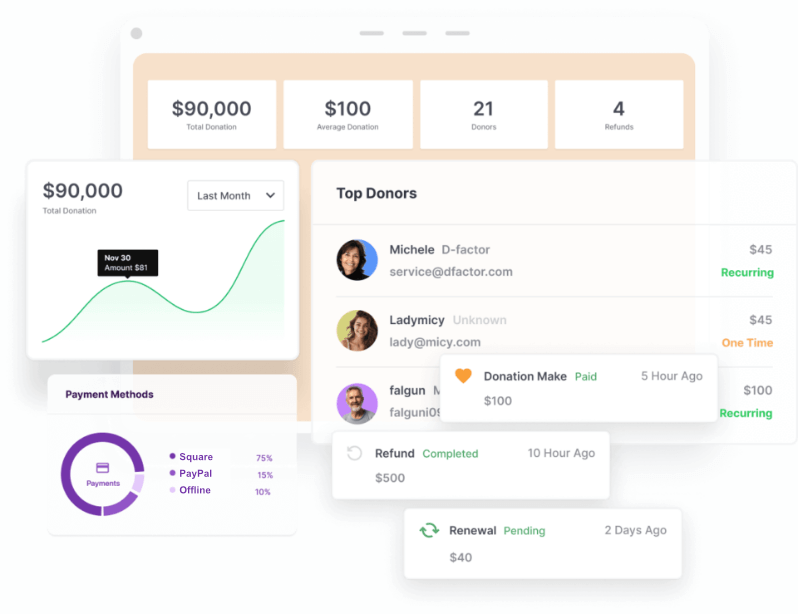
Track transaction details, analyze payment methods, and monitor donor contributions all from your dashboard. For accounting purposes, you’ll find customizable PDF receipts and annual statements.
Getting Started is Easy
First, you will need a Square account. Don’t have one? Then it’s easy! Sign up with us. When you create your Square account through Charitable, you’ll get:
- Processing fees are waived on up to $2,000 in sales for 180 days.
- $20 off Square Hardware!
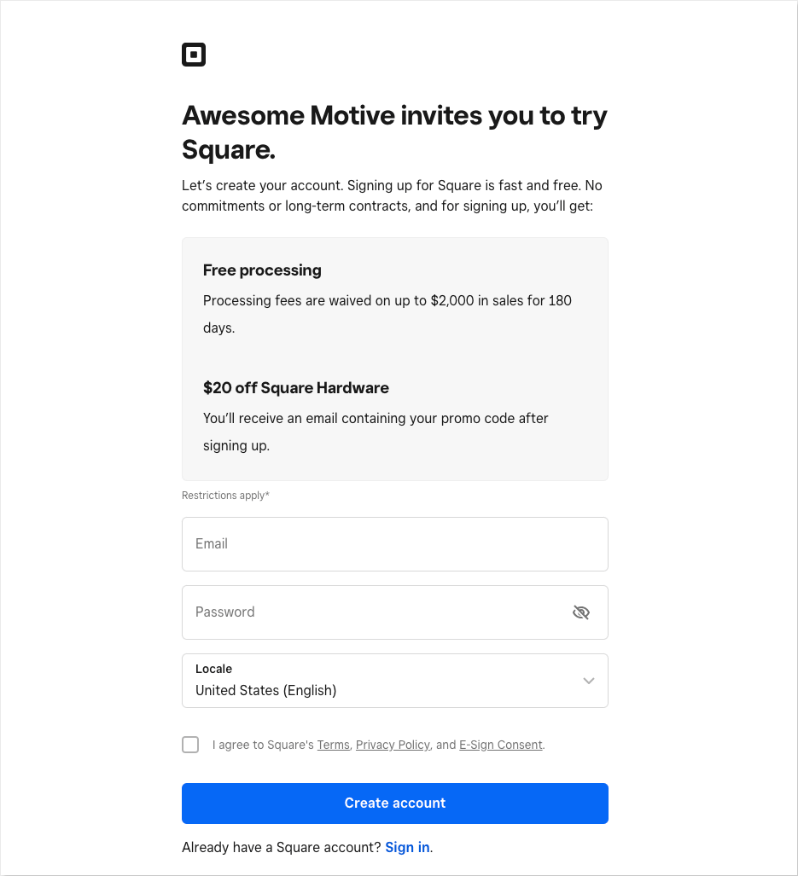
If you originate from one of the countries below, follow these links to get the special offers:
If you bring in more than $250K a year in donations, then you might qualify for special Square rates.
Once you have your Square account, head to the next step to connect Charitable and Square.
Enabling Square In Charitable
To enable Square, go to Charitable » Payment Settings in your WordPress dashboard. Click on the ‘Enable Gateway’ button and you’ll see a green ‘Gateway Settings’ button appear.
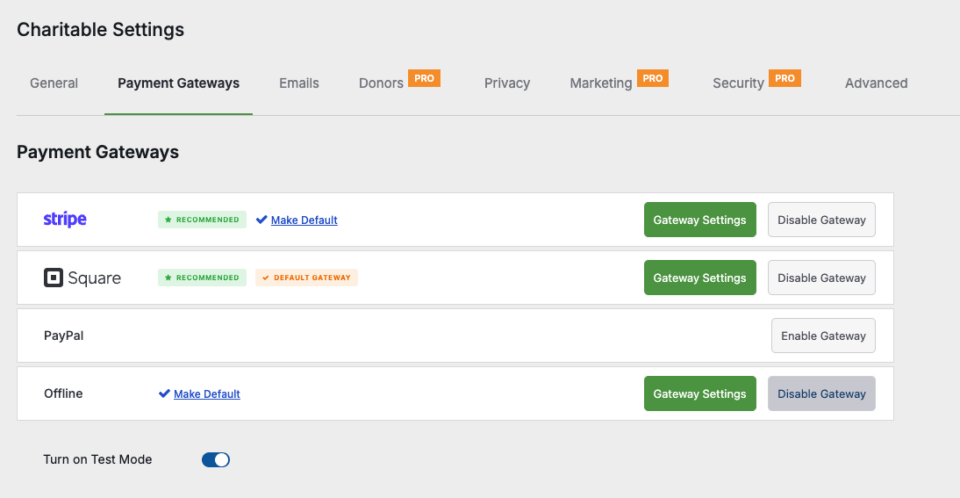
On the Gateway Settings page, scroll down the payment settings page to the Square section. You’ll see a field labeled Connection Status.
Click the Connect to Square Account button.
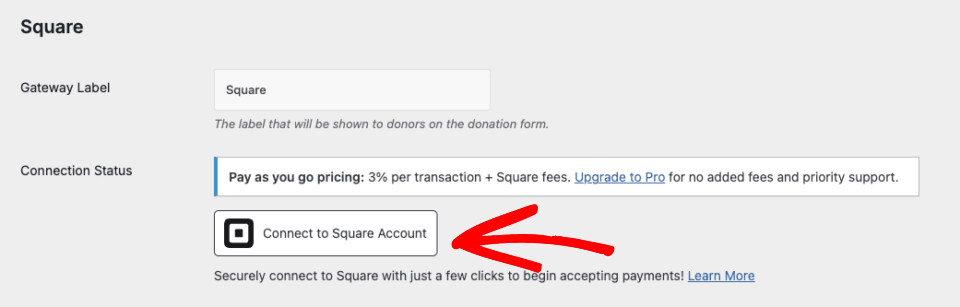
This will redirect you to the Square login page. Enter your email address and password, then click on Sign in.
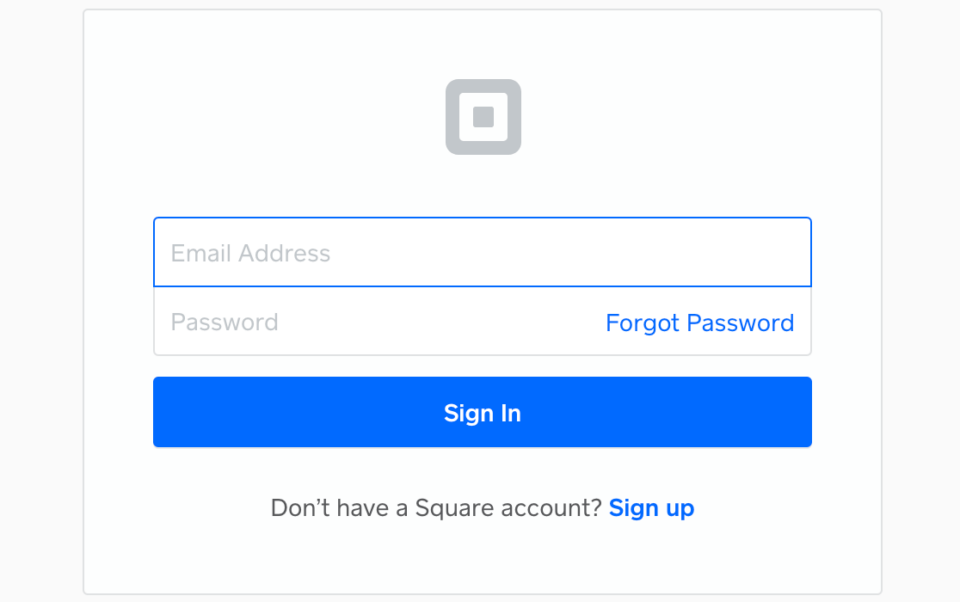
In order to connect Square to Charitable, you need to grant specific permissions to Charitable related to your account. Click on the Allow button to proceed.
You will now be taken back to the Charitable payments settings page. Once the connection settings are configured properly, you’ll see a green checkmark and a ‘Success’ message next to Connection Status.
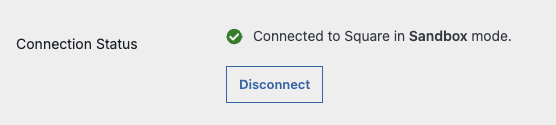
For detailed setup instructions, visit our complete Square setup guide.
अक्सर पूछे जाने वाले प्रश्न
Do I need any technical knowledge to set this up?
No. The integration is designed to be user-friendly and can be set up in minutes.
Is this secure?
Absolutely! We maintain the highest security standards to protect sensitive donor information.
Do I have to setup Square webhooks?
While not mandatory, we recommend setting this up so that you’ll be notified inside Charitable when Square payments are successful, failed, refunded, and more.
Ready to Get Started?
Whether you’re using Charitable Lite or Pro, you can start accepting Square payments today. Visit our Square documentation for step-by-step setup instructions.
Not yet a Charitable customer? Sign up for your account here »






एक उत्तर छोड़ें